Real estate agent tools: the apps you need, job by job
Real estate agent tools sorted by job: contacts, photos, 360 tours, e-signing, social posts, measuring and free calculators, and what each costs to start.
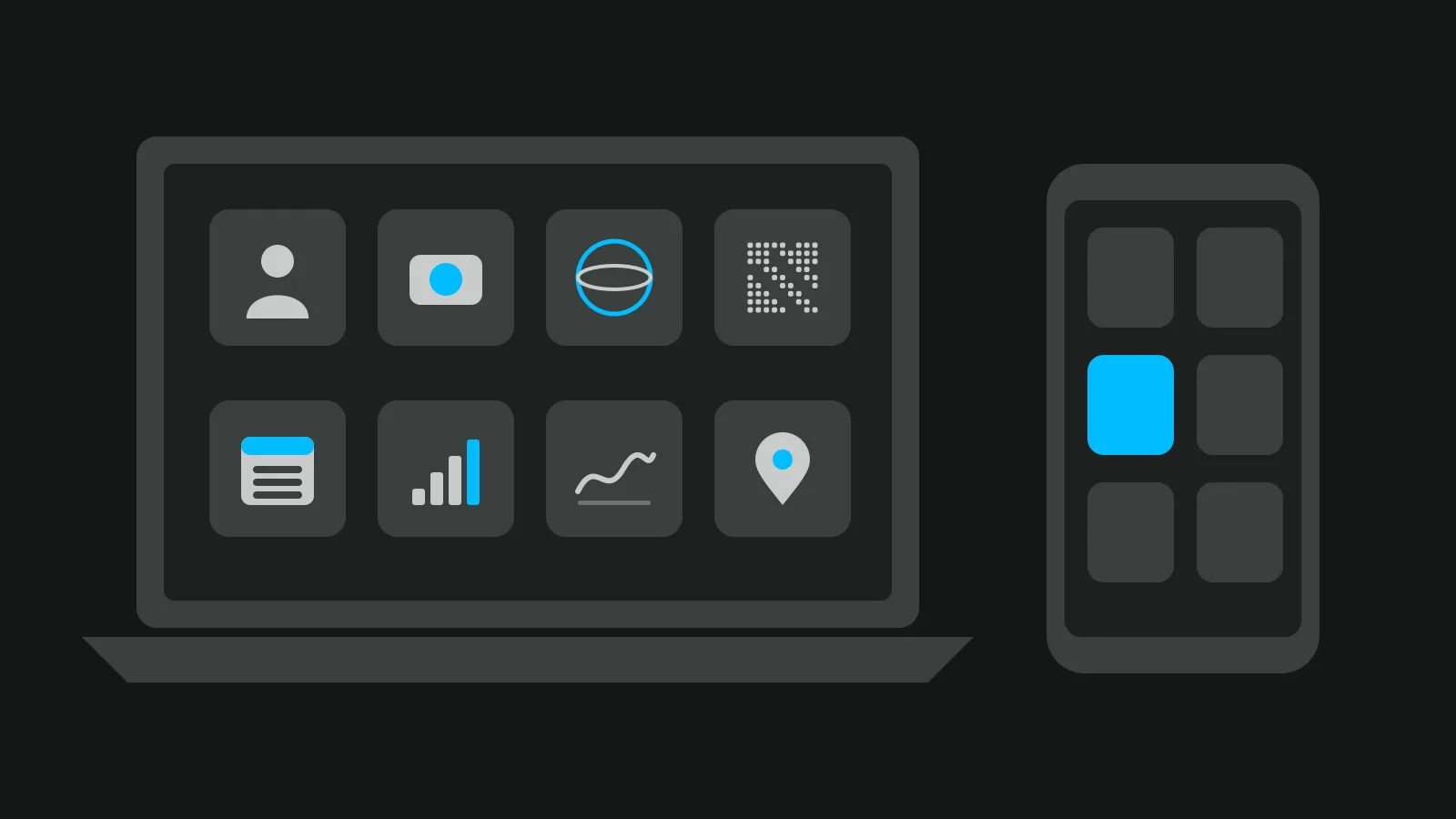
Real estate agent tools cover seven jobs: keeping your contacts, photos, 360 tours, signing, marketing, measuring and the quick sums, and you can start most of them for free. Pay for a tool when it saves you time every week, not because a list ranks it first.
This guide sorts the tools by job, gives a free way to start each one, and points to our deeper guide where a job needs more than a paragraph.
Real estate agent tools at a glance
Most lists of apps for real estate agents give you one app per heading. It is easier to think in jobs: you need something for each one, and one tool can cover two.
| Job | What the tool does | A free way to start | When to pay | Our guide |
|---|---|---|---|---|
| Contacts and follow-up | A CRM keeps every enquiry with its next step | A spreadsheet or a free CRM | When leads slip through | Real estate CRM |
| Photos and editing | Phone or camera, plus an editor | Free browser photo tools (see below) | When you shoot every week | Photo editing |
| 360 tours | A 360 camera or phone app, plus tour software | A free plan | When you list every month | Free tour software |
| E-signing | Sends documents and collects signatures | A free tier or your brokerage's system | When you send more than the free tier allows | Below |
| Marketing and social | A design app and a scheduler | Adobe Express Free | When you post daily | Post ideas |
| Measuring and floor plans | A laser meter and a floor plan app | magicplan's 2 free projects | When you draw plans for every listing | Measuring a home |
| Quick sums | Commission, area and yield calculators | Free browser calculators (see below) | Never | Free tools |
The rest of this article takes the jobs one at a time.
Contacts and follow-up: your CRM
The CRM is where every enquiry lands, with a date for the next step. Without it, a buyer who asked about a flat on Tuesday is forgotten by Friday. Start with a spreadsheet or a free CRM, and move to a paid one when leads start to go cold because nobody called back. Our guide to choosing a real estate CRM compares the kinds and what they cost.
If your brokerage gives you a CRM, use it, but ask one question first: who keeps the contacts if you leave? Some systems belong to the office, and your client list stays with them.
Enquiries from your tours can land in Vistura before they reach any CRM. Every plan collects leads with their contact details and shows visits and leads for each listing. On Pro, each lead opens with "Before getting in touch": the rooms they viewed, their time in the tour and where they came from, plus stages, notes and alerts. The Pro statistics also split visits by source: QR code, WhatsApp and messages, property portals, social networks and your website. On every plan, the download button moves your leads into any CRM or spreadsheet; its label carries your number of leads, such as "Export 12 leads (CSV)".
Photos and editing
Photos are what a buyer sees first on a portal. What you need is short:
- A phone or a camera, and a tripod so every room is shot from the same height.
- An editor that straightens vertical lines and fixes light, without changing what the room looks like.
- A habit of checking privacy: faces, family photos and car plates out of the frame or blurred.
Our real estate photography tips cover the shoot, and the guide to real estate photo editing covers the fixes one by one.
One step most agents skip: phones store the GPS location inside each photo. Photos you upload to a Vistura tour lose it automatically, on every plan; for photos you send anywhere else, remove it with a metadata remover (there is a free one in the list further down).
360 tours and video
A tour lets a buyer walk through the home before booking a viewing. It needs two things: a 360 camera or a phone app that takes 360 photos, and software that links the rooms and shows your contact details. Our guide to the 360 camera for real estate covers the hardware, and free virtual tour software compares the free plans.
Video does a different job: a short walk-through for social media and portals. The guide to real estate video marketing covers it.
Vistura makes the tour from 360 photos taken with any 360 camera, or with your phone using Vistura Capture, room by room, with nothing to install. Regular photos sit in the same tour as a "Regular photo (not 360°)" stop, shown flat. Every tour carries your agent card, WhatsApp and a contact form, and comes with a link, a QR code, an embed code and social images ready to post. Free keeps 3 tours online at a time; Pro gives you unlimited tours and your logo and colours, with no Vistura badge. Every new account starts with 14 days of Pro, no card: see the plans.
E-signing: what makes it valid
Every list of real estate agent tools names an e-signature service. Few say why the signature holds.
In the US, the ESIGN Act says a signature or contract "may not be denied legal effect, validity, or enforceability solely because it is in electronic form" (15 U.S.C. 7001(a)).
In the EU, article 25 of the eIDAS Regulation says an electronic signature "shall not be denied legal effect and admissibility as evidence in legal proceedings solely on the grounds that it is in an electronic form", and that "A qualified electronic signature shall have the equivalent legal effect of a handwritten signature."
So the form matters more than the brand. Ask your broker (or, in Europe, your notary or lawyer) which documents your state or country still needs on paper or with a qualified signature. This is not legal advice.
Two services, as read on their own pricing pages on 12 November 2026:
| Service | What the page showed |
|---|---|
| DocuSign eSignature | Served in euros: Personal €9 a month or €108 billed yearly, 5 envelopes a month; Standard €23 per user a month; Business Pro €38 per user a month. Real estate plans are named without a price. |
| Dropbox Sign | Essentials $15 a month or $180 billed yearly; Standard $25 per user a month; a free plan is linked from the page, with no limit stated. |
Prices differ by country and change often: open the page in your own country before you choose.
Marketing and social
Two tools cover most of the daily posting:
- Design. Adobe Express Free is, in Adobe's words, "Free to use. No credit card required", with templates and scheduling for 1 account per social network.
- Scheduling and messages. Meta Business Suite is Meta's own tool to create or schedule posts, stories and ads for Facebook and Instagram, and to answer messages in one place.
The tool is the easy part. What to post is harder: our list of real estate social media post ideas helps, and the real estate marketing plan shows how the posts fit into a listing's launch week.
Measuring, floor plans and free calculators
For measuring, a laser distance meter lets you take each wall without a second person holding the tape. For plans, a floor plan app draws as you go: magicplan, as read on its pricing page, makes floor plans on a phone or tablet, with "LiDAR scan available for iOS Pro devices", and lets you "Start with 2 free projects". What counts as living area depends on your country's rules; our guide on how to measure square footage explains them.
The quick sums and small photo jobs do not need a subscription. Vistura's free tools run in your browser with no account and no watermark, and your photos stay on your device. Inside a Vistura tour the same photo jobs are built in: automatic colour correction is one tap away on every plan ("Auto colour"), you hide the tripod in one step (a Vistura disc on Free; automatic removal, a colour or your logo on Pro), and the QR code and stamped photos come with each tour. The free tools agents use most:
- Square footage calculator
- Commission calculator
- Cap rate and rental yield calculator
- Real estate QR code
- Open house sign-in sheet
- Fix vertical lines
- Brighten real estate photos
- Remove photo metadata
How to choose: three questions before you pay
Before you pay for any app, ask three questions:
- Does it work on your phone? You spend the day between viewings, not at a desk. If the app is only good on a laptop, you will put off the work until evening.
- Can you export your data? Contacts as a CSV file, photos as files. If you leave the tool, or the brokerage, your work should leave with you.
- Do your leads land in one place? Enquiries from portals, tours, social media and your website should end up in one list, or some will be missed.
Start with the free way for each job, and pay for the one that costs you most time today. An agent who lists two homes a month needs different tools from one who lists ten, and the answer to these three questions shows which job to pay for first.
A short set beats a long list
A small set of real estate agent tools you open every day does more than twenty apps you forget. Once the tools are in place, the next question is where the leads come from: our guide to real estate lead generation covers the sources.
Frequently asked questions
What apps do real estate agents use every day?
Most use a handful that cover the same jobs. A CRM or a spreadsheet for contacts, the phone camera and an editor for photos, tour software for 360 listings, an e-signature service, a design app for social posts, and a few calculators. The exact brands matter less than using each one daily.
Is an electronic signature valid for real estate documents?
In the US, the ESIGN Act says a signature cannot be refused legal effect only because it is electronic, and in the EU eIDAS says the same, with a qualified signature equal to a handwritten one. Some documents may still need paper or a notary, so ask your broker, notary or lawyer which forms they accept e-signed. This is not legal advice.
Which real estate agent tools are free?
Many start free. Free CRMs and spreadsheets, Adobe Express Free for designs, 2 free projects in magicplan, and browser calculators and photo tools at Vistura's free tools page with no account.
Do I need a CRM if my brokerage gives me one?
Not a second one, as long as you use it every day. Before you rely on it, ask who keeps the contacts if you move to another brokerage, and whether you can export them as a file.