Real estate video marketing: 8 videos every agent needs
Real estate video marketing for agents: 8 video types, how long each should be, a phone shot list, formats per platform and when a 360 tour works better.
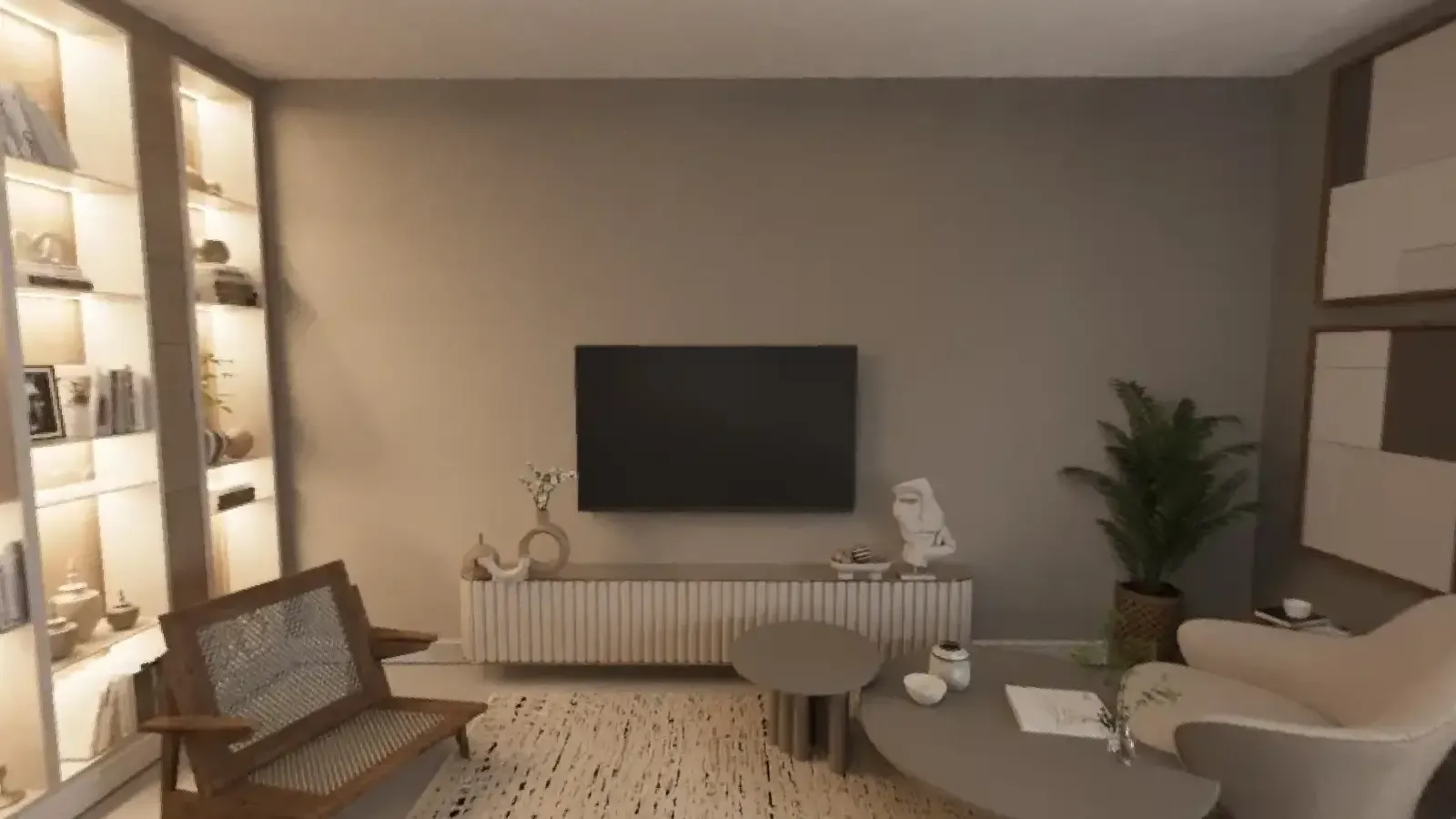
Real estate video marketing is the use of short and long videos to show properties, the local area and the agent behind them. A listing video tells a story in a fixed order: arrival, main rooms, the best detail, the call to action. This guide covers the 8 videos every agent needs, the right length for each, a shot list you can follow with a phone and the formats each platform expects.
Why use video for listings?
Video shows what photos cannot: how rooms connect, how light moves and how the street feels. It is also the format social platforms push hardest. A 20 second clip of a kitchen opening onto a garden does more on Instagram than the same scene as a still photo.
The 8 videos every agent needs
1. The listing walkthrough
The full home in 1 to 3 minutes, filmed in the order of a visit. It goes on the portal, YouTube and your website.
2. The 15 second teaser
The best room, the price and "tour in bio". Vertical, no voice needed, with captions.
3. The 360 tour as a video
If you already captured the home in 360, you have a video. The 360 photo to video tool makes a slow pan as an MP4 in vertical 1080 x 1920, square 1080 x 1080 or wide 1920 x 1080.
4. The neighbourhood walk
Walk from the front door to the nearest café, school or station. Say the time it took.
5. The agent introduction
60 seconds on who you are, which area you cover and how you sell. Pin it to your profiles.
6. The market update
Once a month, one number and what it means. Facing the camera, no slides.
7. The client story
A seller or buyer explaining in their own words what went well. Ask for consent in writing.
8. The how-to
"How we prepare a home for photos", "what happens at a valuation". These answer the questions sellers ask before they call.
How long should each video be?
| Video | Length | Format |
|---|---|---|
| Teaser, 360 pan | 15 to 30 s | Vertical 9:16 |
| Neighbourhood, market update | 30 to 60 s | Vertical 9:16 |
| Agent introduction, client story | 60 to 90 s | Vertical or square |
| Listing walkthrough | 1 to 3 min | Horizontal 16:9 |
A shot list for a phone walkthrough
- Exterior from across the street, slow push towards the door.
- Entrance, door opening.
- Living room from the doorway, then a slow turn to the window.
- Kitchen: one wide shot, one detail (worktop, view).
- Main bedroom from the door.
- Bathroom, one wide shot.
- Outdoor space, ending on the view.
- Exterior again, with your logo and contact at the end.
Film each shot for 5 to 8 seconds so you have room to cut.
How to film better with a phone
- Light: all lights on, curtains open, same colour temperature. Film when the main rooms have daylight; the home sun path calculator shows when.
- Movement: slow. A gimbal helps, but walking slowly with the phone at chest height works.
- Lens: use the 0.5x wide lens for small rooms, but keep vertical lines straight.
- Sound: many people watch without sound, so add captions. If you speak, use a small clip microphone.
- Preparation: the home should look as it will in the photos. Our home staging tips cover it room by room.
What about drones?
A short aerial shot shows the plot, the garden and what is nearby. In the US, flying a drone for business needs an FAA Part 107 remote pilot certificate. Avoid filming neighbours' gardens and windows.
Video or 360 tour?
A video is linear: you choose what the viewer sees. A 360 tour is free: the buyer chooses where to look and can go back to the kitchen three times. Use the video to bring people in and the tour to let them check what they saw. In Vistura, Pro plans can add a video and voice narration to a tour, so the buyer finds both in one link. Start with a free Vistura account for the tour, its link and QR code.
Where to publish
- Portals: most accept a video or a tour link next to the photos.
- Instagram, TikTok, YouTube Shorts: the teaser and the 360 pan.
- YouTube: the full walkthrough, with the address and price in the title.
- Email and messages: the walkthrough link for buyers who asked for details, as in our guide to real estate lead follow up.
Frequently asked questions
How long should a real estate video be?
15 to 60 seconds for social media, 1 to 3 minutes for a full property walkthrough on a portal or YouTube. Show the best room in the first three seconds, because that is when most viewers decide whether to keep watching.
Can I film a listing video with a phone?
Yes. A recent phone, a gimbal or a steady hand, all lights on and slow movement are enough for social media. Shoot vertical for Reels, Shorts and TikTok and horizontal for YouTube and portals.
Do I need a licence to fly a drone for a listing?
In the US, flying a drone for business needs an FAA Part 107 remote pilot certificate. Check local rules and the privacy of the neighbours before every flight.
Is a video or a 360 tour better?
They do different jobs. A video tells a story in a fixed order and works on social media. A 360 tour lets the buyer choose where to look and how long to stay. Most listings benefit from both: the video brings people in, the tour answers their questions.