Fix vertical lines
Straighten leaning walls and door frames in a room photo, automatically or with a slider. Free, no account, and the photo stays on your device.
Your photo stays on your deviceFree, no accountUpdated
Drop your photo here
An ordinary room photo as JPEG, PNG or WebP. It is read on this device and never uploaded.
To fix vertical lines in a photo, open it here: the tool finds the room's vertical lines by itself, such as door frames, wall corners and cupboards, and stands them up straight. If you want it different, move the sliders. It then crops the empty corners while keeping the photo's proportions, and you download the result with no watermark. It works in any browser, on a phone or a computer, with JPEG, PNG and WebP photos. The photo never leaves your device, and you do not need an account.
Made by Vistura, the virtual tour platform for estate agents
| Files | Ordinary photos (not 360) as JPEG, PNG or WebP, from a phone or a camera, up to 100 megapixels. |
|---|---|
| Corrections | Automatic, from the room's vertical lines, or by hand: Vertical (the walls leaning in or out), Horizontal (the camera turned towards a wall) and Rotate (a crooked horizon), each with a slider. |
| Crop | The largest picture with the photo's own proportions, with no empty corners. You see it live, exactly as it will download. |
| Output | The same format as the photo (a WebP the browser cannot write, or a PNG over 16 megapixels, becomes a JPEG), at the photo's own detail, never enlarged. The new file carries no location, date or camera data. |
| Privacy | Runs on your device: no photo is sent anywhere (Privacy policy). |
| Price | Free: no account, no watermark, no limit on how many photos. |
What Vistura does with a photo like this
Vistura is virtual tour software for real estate. The tools are free; the tours are what we sell.
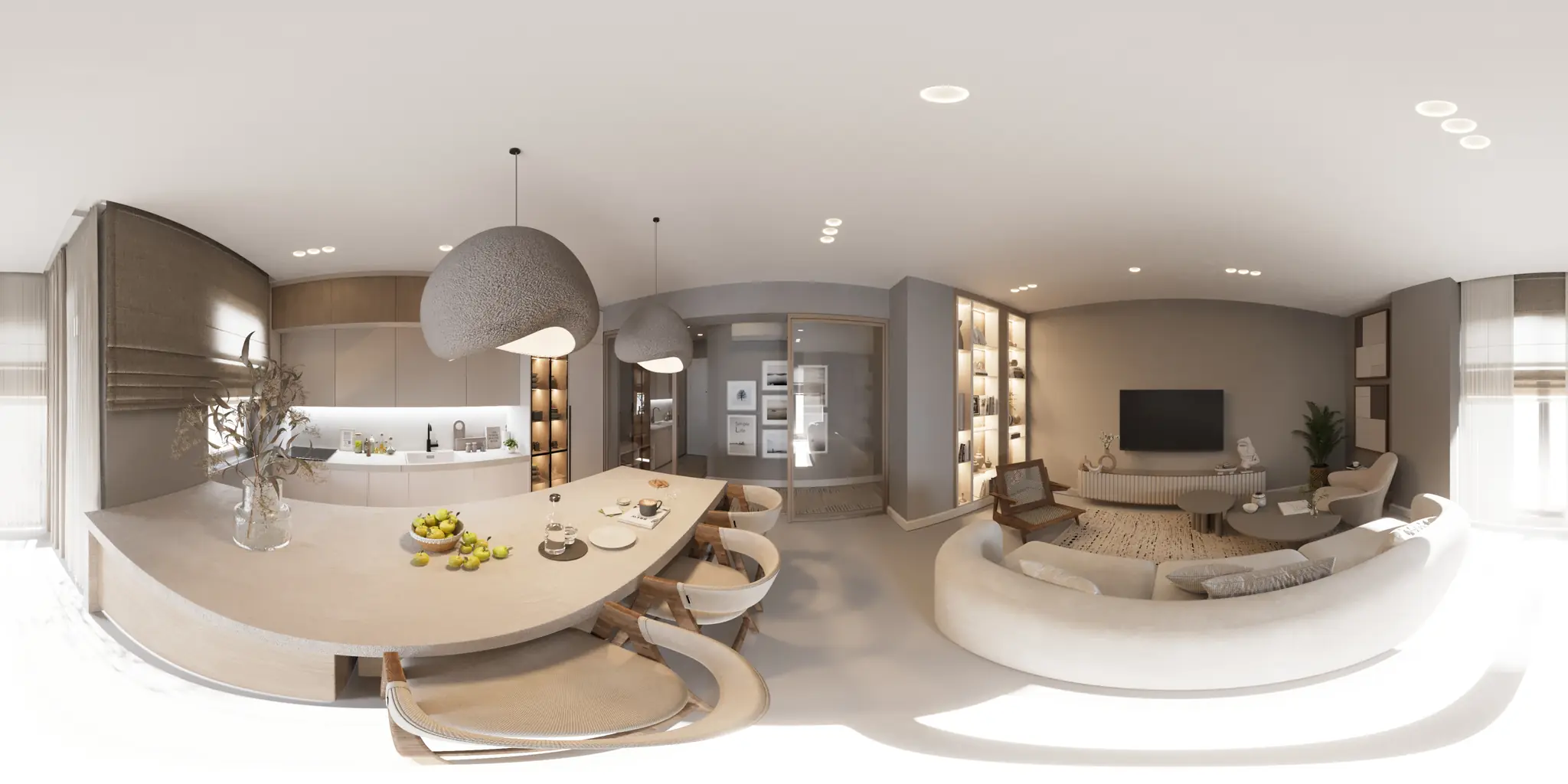
One 360 photo per room. 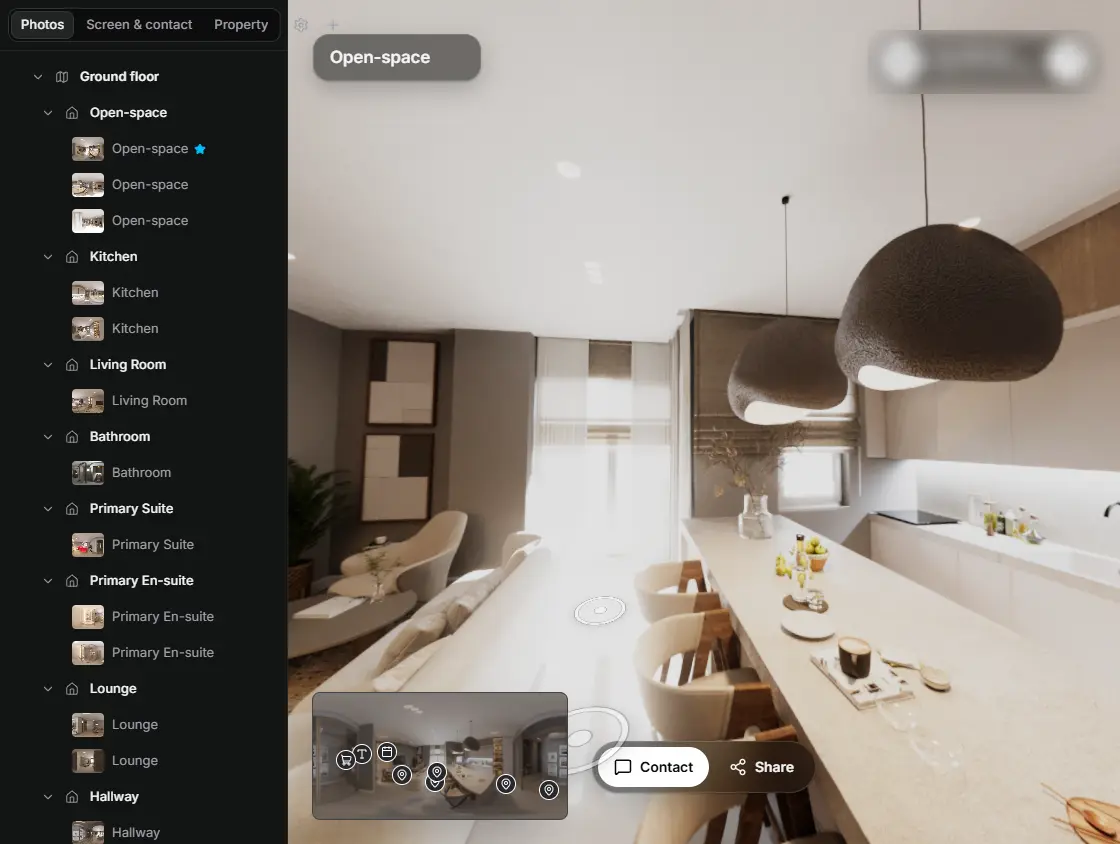
In the editor, drag a room onto its doorway and the two rooms are linked. 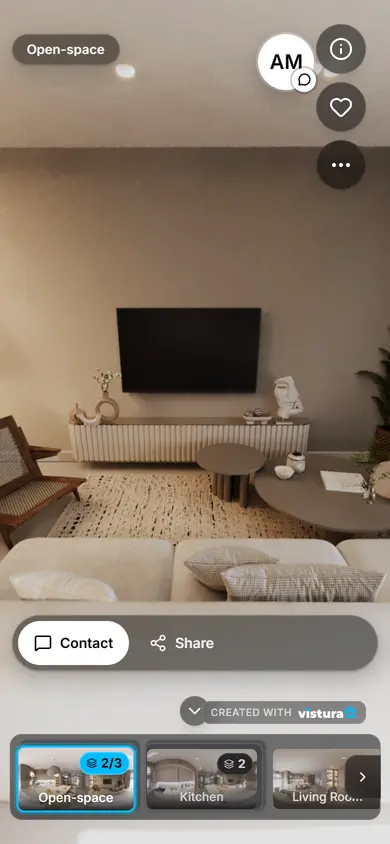
Buyers open the link on any phone, walk from room to room and can send you a question from inside the tour.
Free plan: 3 tours online at a time, with Vistura branding. Pro: unlimited tours online, with your own logo and colours.
How do I fix leaning walls in a photo?
- Open the photo: drop it on the tool or choose it, on a phone or a computer.
- Wait a moment: the tool looks for the vertical lines and straightens the photo by itself. The grid shows whether door frames and wall corners now stand straight.
- Adjust if you like: Vertical stands the walls up, Horizontal evens out a wall seen at an angle, Rotate levels the horizon. Hold Compare to see the photo as it was.
- Download: the photo is cropped to its own proportions, with no empty corners and no watermark.
Why do walls lean in my photos?
When the camera points up or down, lines that are vertical in the room stop being parallel in the photo: they lean in towards the top when you tilt the phone up, and towards the bottom when you tilt it down. Photographers call it converging verticals or keystone distortion. A wide lens, such as a phone's 0.5x, makes it stronger, because the walls near the edges are seen at a steeper angle.
Rotating the photo does not fix it: rotation turns the whole picture to one side, while the lean comes from the camera's tilt forward or back. This tool undoes that tilt, as if the photo had been taken with the phone held level, and then crops away the empty corners the correction leaves.
How do I avoid leaning walls when I take the photo?
- Hold the phone level, at about chest height, so it points neither up nor down.
- Turn on the camera's grid and line a door frame or a wall corner up with a vertical line. On an iPhone: Settings > Camera > Grid.
- Step back or use the wide lens instead of tilting the phone to fit the ceiling in.
- If a photo still leans a little, fix it here before you publish it.
What does the tool do to my photo?
- The perspective: it turns the camera back to level in the maths (a homography), so straight lines stay straight and only the tilt goes.
- The crop: the largest picture with your photo's proportions that has no empty corners, so a 4:3 photo stays 4:3 and fits your listing's layout.
- The detail: the straightened photo is made from your original at full resolution; it is never enlarged, and a JPEG is written at high quality.
- The metadata: the download is a new file, so the location, the date and the camera data of the original are not in it.
Questions
Is my photo uploaded?
No. The photo is opened in this page, on your device, and the straightened file is made here too. Nothing is sent to Vistura or anywhere else, and nothing is kept after you close the page.
Is it free? Is there a watermark?
Free, with no account and no watermark. Fix as many photos as you like.
Does it work on a phone?
Yes, in a recent Chrome, Safari, Firefox or Edge, on a phone or a computer.
What if it finds no vertical lines?
Some photos have none to go by, such as a close-up or a view out of a window. The tool then says so, and you straighten the photo with the Vertical slider while the grid shows when the walls stand straight.
Why is the result a little smaller than my photo?
Straightening leaves empty corners, and the tool crops them so the picture has no gaps. The more a photo leans, the more it crops. The proportions stay the same, so the photo still fits your listing.
Can I straighten a 360 photo here?
This tool is made for ordinary photos. For a 360 photo, use Straighten a 360 photo, which keeps its 360 metadata.
My iPhone saves HEIC photos. Do they work?
Use JPEG, PNG or WebP. When you choose a photo from an iPhone's library in Safari, it usually arrives as a JPEG. To take JPEGs from the start: Settings > Camera > Formats > Most Compatible.
Your next listing, as a tour
One 360 photo per room, linked together, shared in one link.
Free plan: 3 tours online at a time, with Vistura branding. Pro: unlimited tours online, with your own logo and colours.