Tiny planet maker
Turn your 360 photo into a tiny planet or a rabbit hole and save it as a square photo: free, no sign-up, and the photo stays on your device.
Your photo stays on your deviceFree, no accountUpdated
Drop your 360 photo here
The 2:1 photo your 360 camera exports, as JPEG, PNG or WebP.
No 360 photo yet? Make one with your phone
To make a tiny planet from a 360 photo, open it here: the preview shows the room wrapped into a small round world, with the floor in the middle and the ceiling or sky all round. Drag the preview to turn it, zoom until the room fits, switch to a rabbit hole to turn it inside out, and tap Save the planet. Vistura's free tool writes a square JPEG on your device, as large as the 360 photo's detail allows, up to 3,456 × 3,456 pixels.
Made by Vistura, the virtual tour platform for estate agents
| Files | 360 photos (equirectangular, 2:1) as JPEG, PNG or WebP, up to 16,384 x 8,192 pixels. |
|---|---|
| Styles | Tiny planet (the floor in the middle) and rabbit hole (the ceiling or sky in the middle). |
| Controls | Zoom; turn by dragging the preview or with the slider. |
| Output | A square JPEG, as large as the 360 photo's detail round the horizon allows, up to 3,456 × 3,456 pixels. |
| Privacy and price | On your device: nothing is uploaded unless you start a tour with it, and nothing is kept after you close the page. Free, no account, no watermark. |
What Vistura does with a photo like this
Vistura is virtual tour software for real estate. The tools are free; the tours are what we sell.
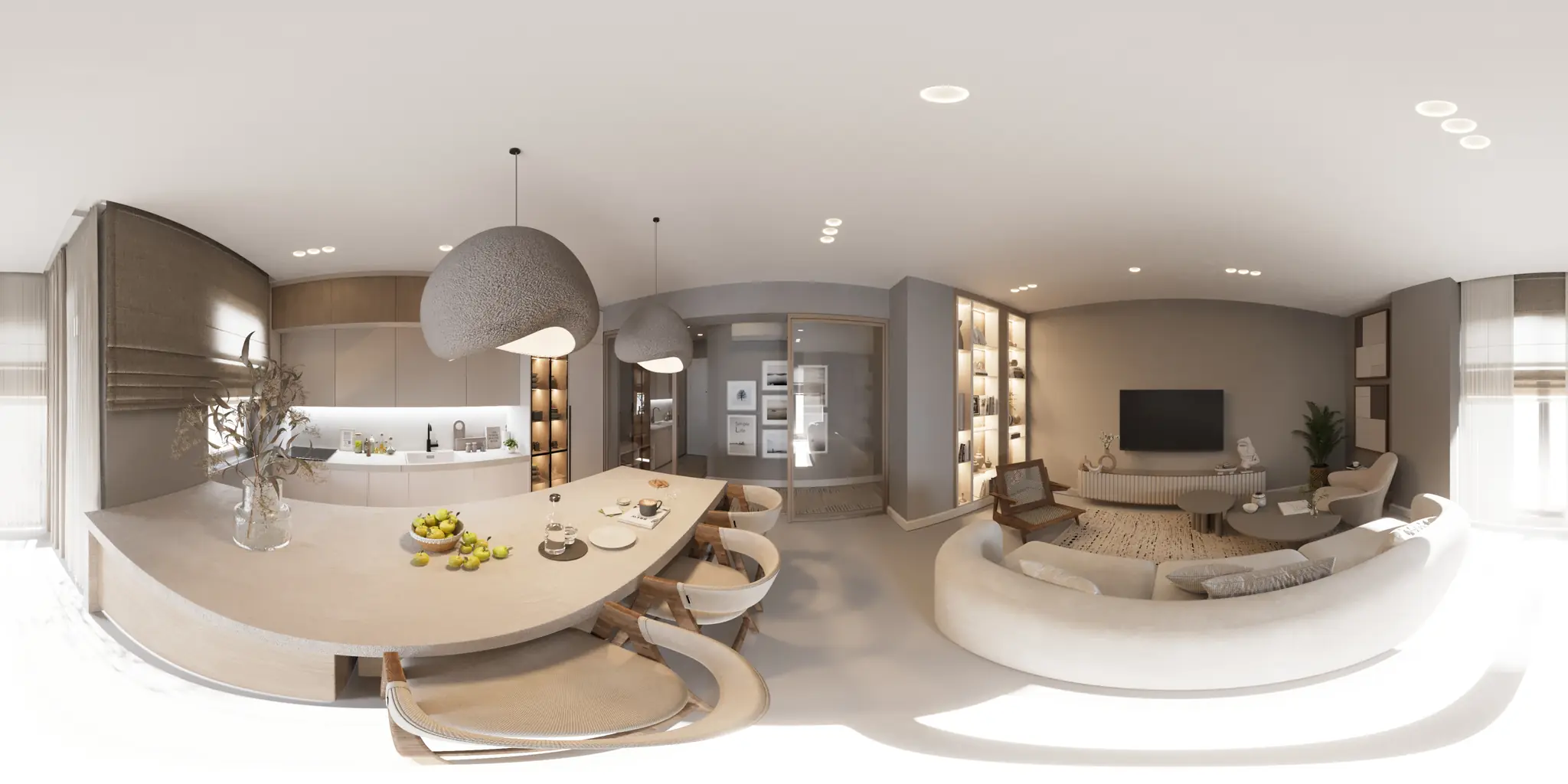
One 360 photo per room. 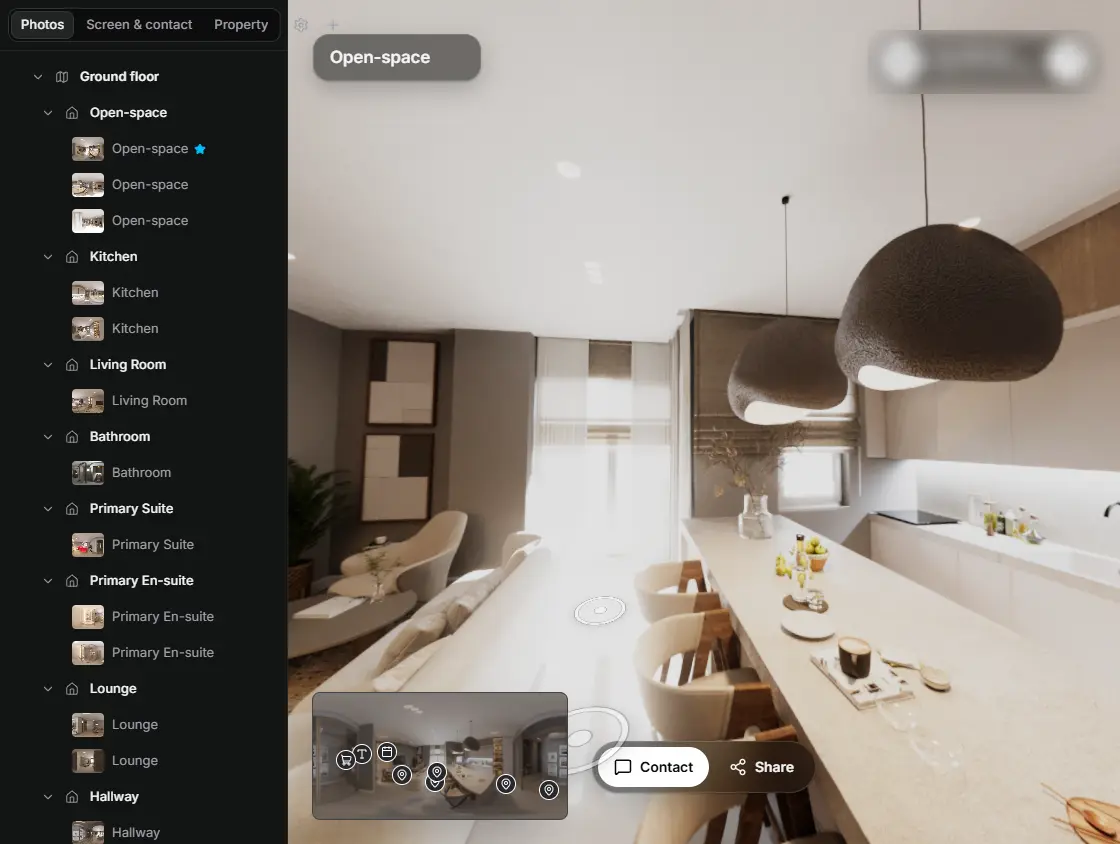
In the editor, drag a room onto its doorway and the two rooms are linked. 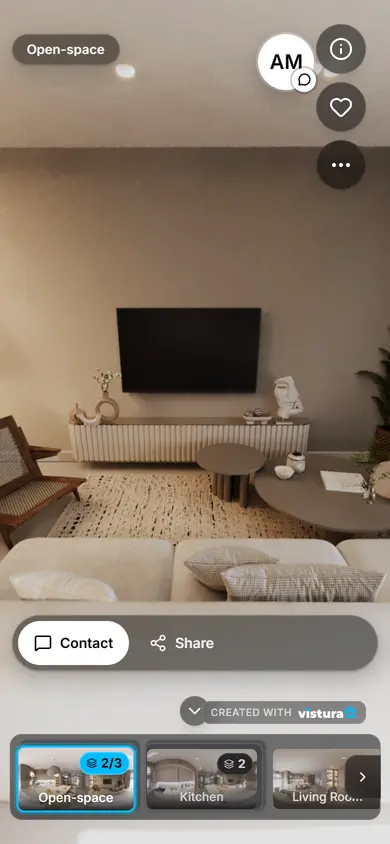
Buyers open the link on any phone, walk from room to room and can send you a question from inside the tour.
Free plan: 3 tours online at a time, with Vistura branding. Pro: unlimited tours online, with your own logo and colours.
How do I make a tiny planet from a 360 photo?
- Open the 360 photo: drop it on the tool or choose it. The preview shows it as a tiny planet at once.
- Zoom: slide left for a small planet with more sky or ceiling, right for the floor to fill the frame.
- Turn: drag the preview sideways, or use the slider, until the best part of the room is at the top.
- Pick the style: tiny planet, or rabbit hole for the room seen as a tunnel looking up.
- Tap Save the planet. The square JPEG downloads at once; change anything and save again.
What is a tiny planet?
A tiny planet, or little planet, is a 360 photo shown through a stereographic projection centred on the point straight below the camera. The floor becomes a small round world in the middle, the walls stand up round it and the ceiling or sky wraps the edge. Turned the other way up, centred on the point straight above, it becomes a rabbit hole: the room as a tunnel with the ceiling at its far end.
Because every direction of the 360 photo is in the picture, nothing of the room is left out, which makes it an eye-catching square post that still shows the whole space.
Which 360 photos make the best planets?
- Outdoors and big rooms: a garden, a terrace, a living room with high ceilings. Small rooms bend more and look crowded.
- A clean floor: the floor is the middle of the planet. Hide the tripod first, or it sits right in the centre.
- A level photo: a tilted horizon makes a lopsided planet. Straighten the 360 photo first.
- Light and space round the camera: anything close to the lens becomes large in the planet.
How do I use it for a property?
- Instagram and Facebook: a tiny planet stops the scroll; post it as a square, with the tour link in the caption or your bio.
- A carousel: the tiny planet first, then normal photos of the same room.
- A video: turn the same 360 photo into a video for Reels and TikTok.
Questions
Is my photo uploaded?
No. The 360 photo is opened in this page, on your device, and the planet is made here too. Nothing goes to Vistura or anywhere else, and nothing is kept after you close the page; it is uploaded only if you choose “Start a tour with this photo”.
Is it free? Is there a watermark?
Free, with no account and no watermark. Save as many planets as you like.
What is the difference between a tiny planet and a rabbit hole?
A tiny planet puts the floor in the middle and the sky or ceiling round the edge. A rabbit hole is the same view turned inside out: the ceiling or sky in the middle and the floor round the edge, like looking up a tunnel.
How large is the picture?
Square, as large as the 360 photo's detail round the horizon allows, up to 3,456 × 3,456 pixels. The size is shown under the button before you save.
Does it work on a phone?
Yes, in a recent Chrome, Safari, Firefox or Edge. Drag the preview with one finger to turn the planet.
Which 360 cameras does it work with?
Any camera or app that exports a 360 photo in the 2:1 equirectangular shape: Insta360, Ricoh Theta, Kandao, Trisio, phone apps such as Vistura Capture, and stitching software.
Your next listing, as a tour
One 360 photo per room, linked together, shared in one link.
Free plan: 3 tours online at a time, with Vistura branding. Pro: unlimited tours online, with your own logo and colours.