Compress a 360 photo
Make your 360 photo smaller for an upload limit, and keep it working as a 360 photo: free, no sign-up, and the photo stays on your device.
Your photo stays on your deviceFree, no accountUpdated
Drop your 360 photo here
The 2:1 photo your 360 camera exports, as JPEG, PNG or WebP.
No 360 photo yet? Make one with your phone
To compress a 360 photo without breaking it, open it here: choose a smaller width, such as 6K or 4K, or type the file size you need in MB, and tap Compress and save. Vistura's free tool writes a JPEG in the same 2:1 shape with the 360 metadata (GPano) that 360 viewers and Facebook read, so the photo still opens as a 360 photo. A before and after shows the same part of the room at full detail, so you can see what the smaller file keeps.
Made by Vistura, the virtual tour platform for estate agents
| Files | 360 photos (equirectangular, 2:1) as JPEG, PNG or WebP, up to 16,384 × 8,192 pixels. |
|---|---|
| Sizes | The photo's own width, or 8K (8,192 × 4,096), 7.7K, 6K, 5.7K or 4K (4,096 × 2,048), whichever are smaller than the photo. |
| File size | A target in MB (the tool searches the JPEG quality that fits it) or a high quality without a target. |
| Metadata | The 360 metadata (GPano) is always written. The camera's date, model and location are left out, or kept if you tick the box. |
| Privacy and price | On your device: nothing is uploaded unless you start a tour with it, and nothing is kept after you close the page. Free, no account, no watermark. |
What Vistura does with a photo like this
Vistura is virtual tour software for real estate. The tools are free; the tours are what we sell.
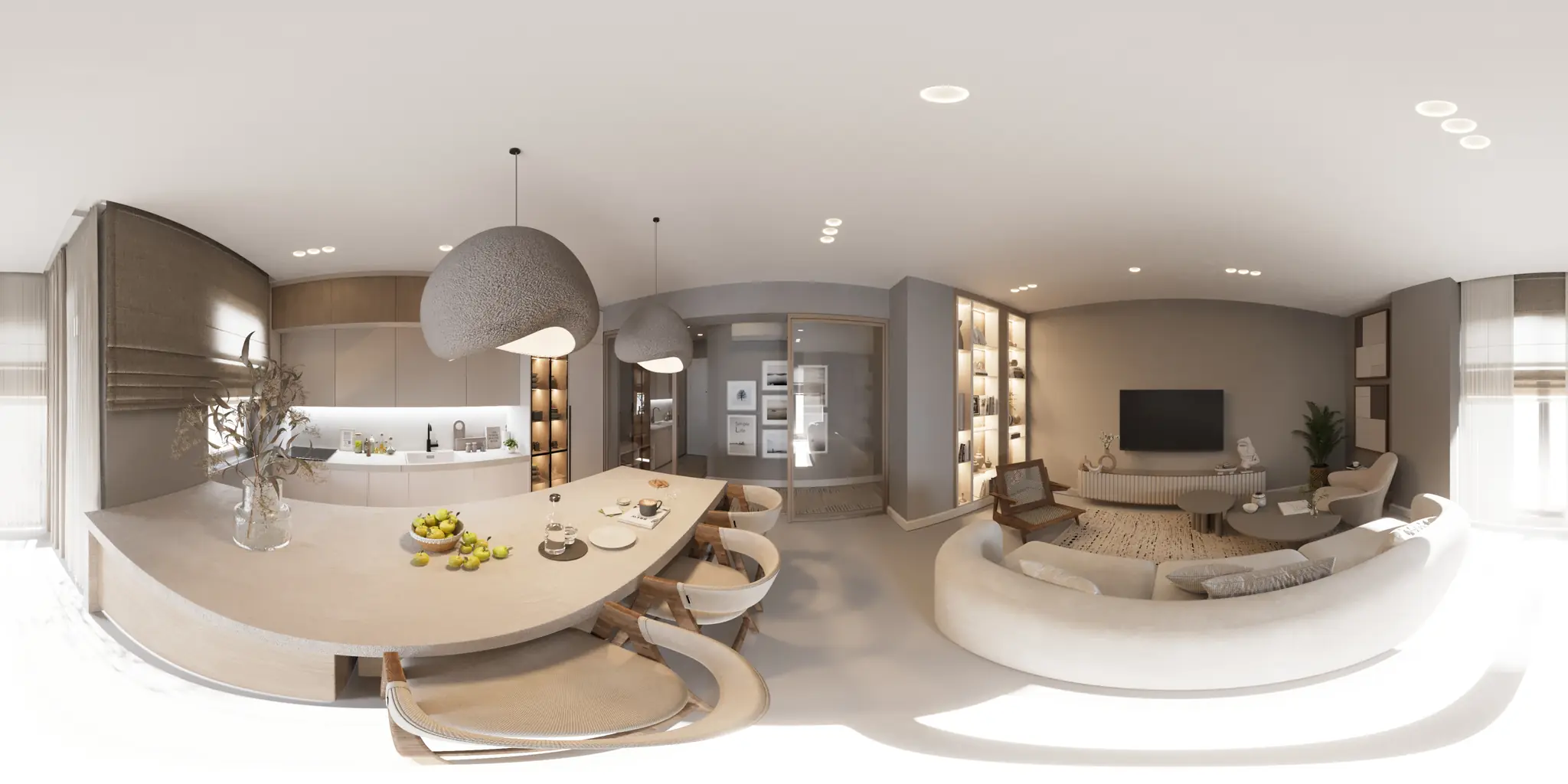
One 360 photo per room. 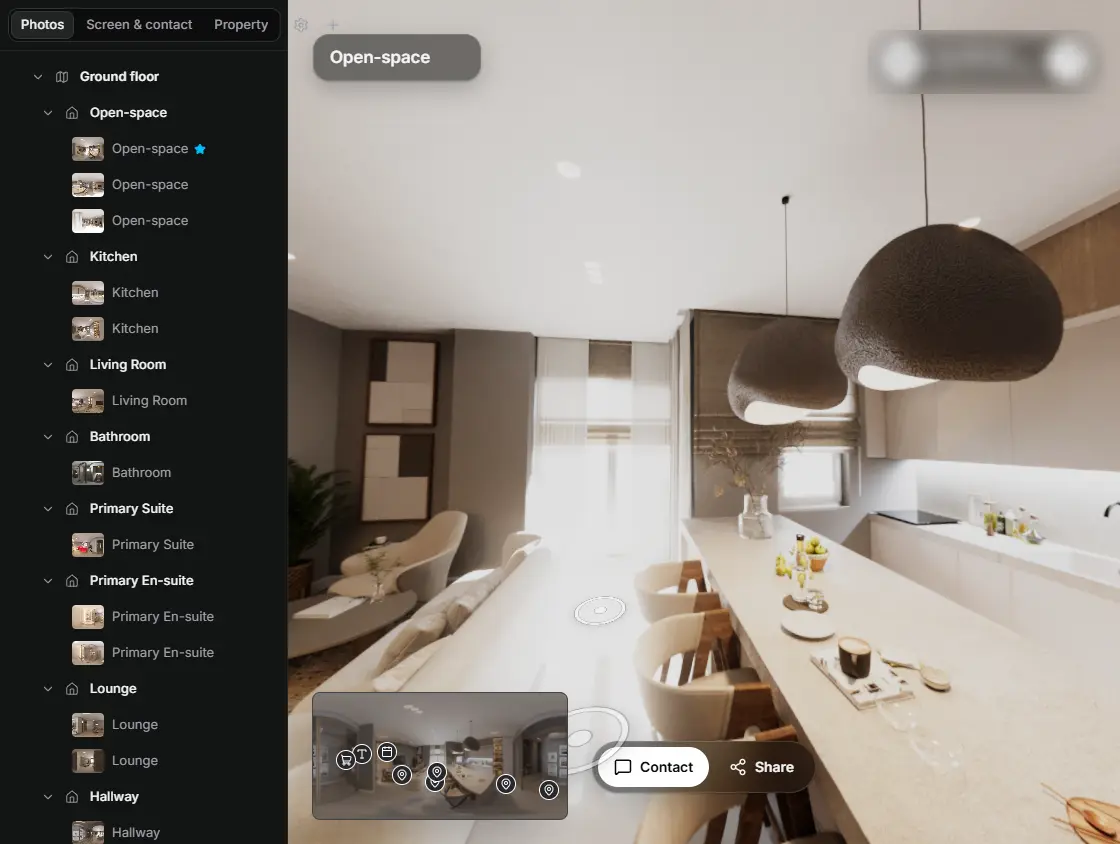
In the editor, drag a room onto its doorway and the two rooms are linked. 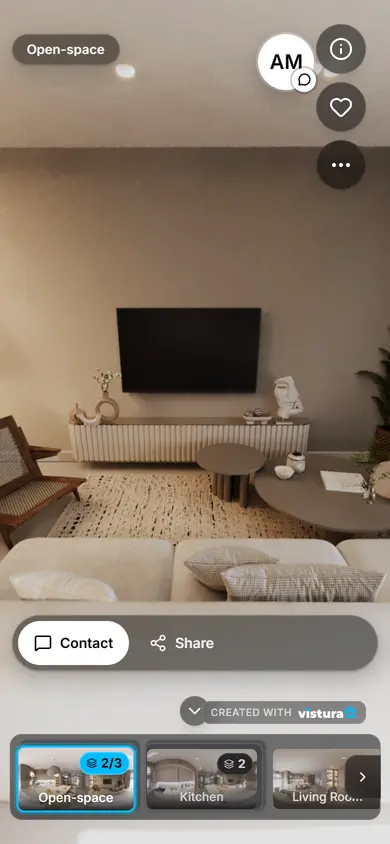
Buyers open the link on any phone, walk from room to room and can send you a question from inside the tour.
Free plan: 3 tours online at a time, with Vistura branding. Pro: unlimited tours online, with your own logo and colours.
How do I compress a 360 photo and keep it 360?
- Open the 360 photo: drop it on the tool or choose it.
- Pick a width. 8K and 6K keep plenty of detail for zooming in; 4K is enough for most phones and small files.
- Pick the file size: type the most a platform takes, in MB, or keep a high quality.
- Tap Compress and save. The new JPEG downloads, and the before and after shows what it keeps.
- Change the width or the size and save again until the file fits and still looks right.
Why not use any image compressor?
Many image compressors and editors write a new file without the photo's 360 metadata, a few lines of XMP (GPano) that tell Facebook and 360 viewers to open the picture as a sphere. Without them the photo shows as a long flat picture. Some also crop or resize the photo out of its 2:1 shape, which no viewer can wrap round.
This tool always writes the 2:1 shape and the 360 metadata for the new size, so the smaller photo opens as a 360 photo wherever the original did. To check a photo you have already compressed elsewhere, check and fix its 360 metadata.
How small can a 360 photo get?
- Width matters most: a 4K photo has a quarter of the pixels of an 8K one, so the file is much smaller at the same quality.
- The JPEG quality does the rest: the tool goes as high as the size you type allows. At low qualities, plain walls and sky start to show blocks: the before and after shows it.
- Busy rooms take more bytes than plain ones: the same target gives a lower quality in a room full of plants and books than in an empty one.
- If the file cannot reach your target at the chosen width, the tool says so: choose a smaller width.
When do I need a smaller 360 photo?
- An upload limit: a platform, a website builder or an email that refuses large files. Type its limit in MB.
- A faster tour: a smaller photo opens quicker on a phone with a weak connection.
- A PNG or a very large export: the tool writes a JPEG, which is usually much smaller.
- Vistura takes photos up to 25 MB: type 25 MB or less here, and a larger photo can become a tour.
Questions
Is my photo uploaded?
No. The 360 photo is opened in this page, on your device, and the smaller file is made here too. Nothing goes to Vistura or anywhere else, and nothing is kept after you close the page; it is uploaded only if you choose “Start a tour with this photo”.
Is it free? Is there a watermark?
Free, with no account and no watermark. Compress as many photos as you like.
Does the compressed photo still work as a 360 photo?
Yes. The tool writes the 360 metadata (GPano) for its new size, which 360 viewers and Facebook read, and at the sizes offered it is exactly twice as wide as tall.
What happens to the date, camera and location?
They are left out by default. When the original carries them in a block the tool can copy as it is, a box lets you keep them, and it says when they include a GPS position.
Which size should I choose?
Type the limit of the place you upload to, in MB. Without a limit, 6K or 8K keeps the detail for zooming in, and 4K is enough for a quick-loading photo on a phone.
Does it work on a phone?
Yes, in a recent Chrome, Safari, Firefox or Edge.
Which 360 cameras does it work with?
Any camera or app that exports a 360 photo in the 2:1 equirectangular shape: Insta360, Ricoh Theta, Kandao, Trisio, phone apps such as Vistura Capture, and stitching software.
Your next listing, as a tour
One 360 photo per room, linked together, shared in one link.
Free plan: 3 tours online at a time, with Vistura branding. Pro: unlimited tours online, with your own logo and colours.