360 photo to normal photos
Frame a view of your 360 photo and save it as a normal photo for the listing: free, no sign-up, and the photo stays on your device.
Your photo stays on your deviceFree, no accountUpdated
Drop your 360 photo here
The 2:1 photo your 360 camera exports, as JPEG, PNG or WebP.
No 360 photo yet? Make one with your phone
To turn a 360 photo into a normal photo, open it here, drag the view to the part of the room you want, choose a shape (3:2, 4:3, 16:9, 1:1 or 4:5) and tap Save this view. Vistura's free tool cuts that view out of the full-resolution 360 photo as an ordinary JPEG, with the walls straight as a normal camera shows them, not curved. Save as many views as you like from one shot: the living room from the door, the kitchen, the view from the window.
Made by Vistura, the virtual tour platform for estate agents
| Files | 360 photos (equirectangular, 2:1) as JPEG, PNG or WebP, up to 16,384 x 8,192 pixels. |
|---|---|
| Shapes | 3:2, 4:3, 16:9, 1:1 and 4:5, as wide or as close as you zoom. |
| Size | As many pixels as the 360 photo holds for that view, up to 4,096 pixels wide; the tool shows the size before you save. |
| Output | A JPEG per view, named after the photo, the shape and a number. No location or camera data is written into it. |
| Privacy and price | On your device: nothing is uploaded unless you start a tour with it, and nothing is kept after you close the page. Free, no account, no watermark. |
What Vistura does with a photo like this
Vistura is virtual tour software for real estate. The tools are free; the tours are what we sell.
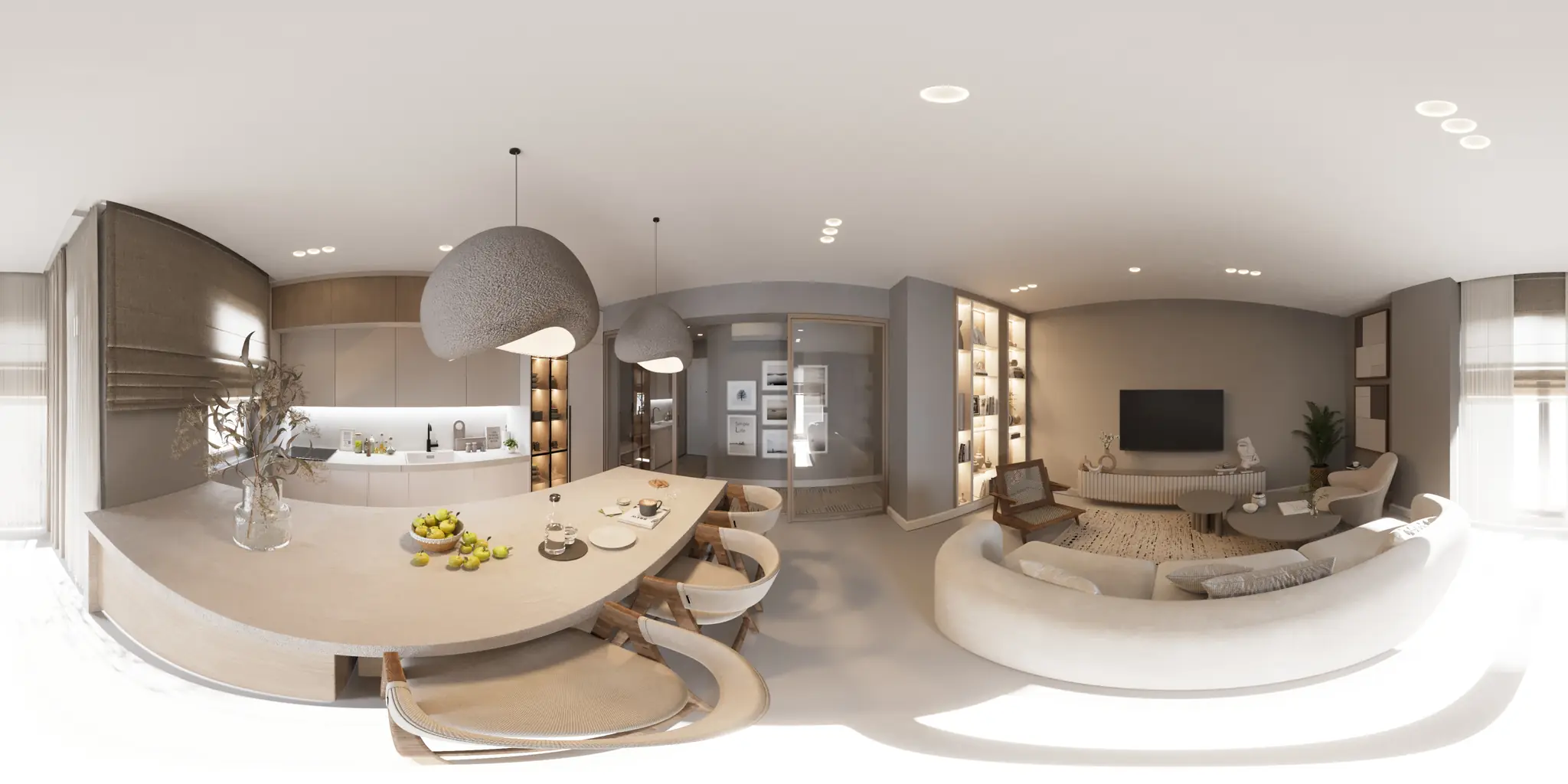
One 360 photo per room. 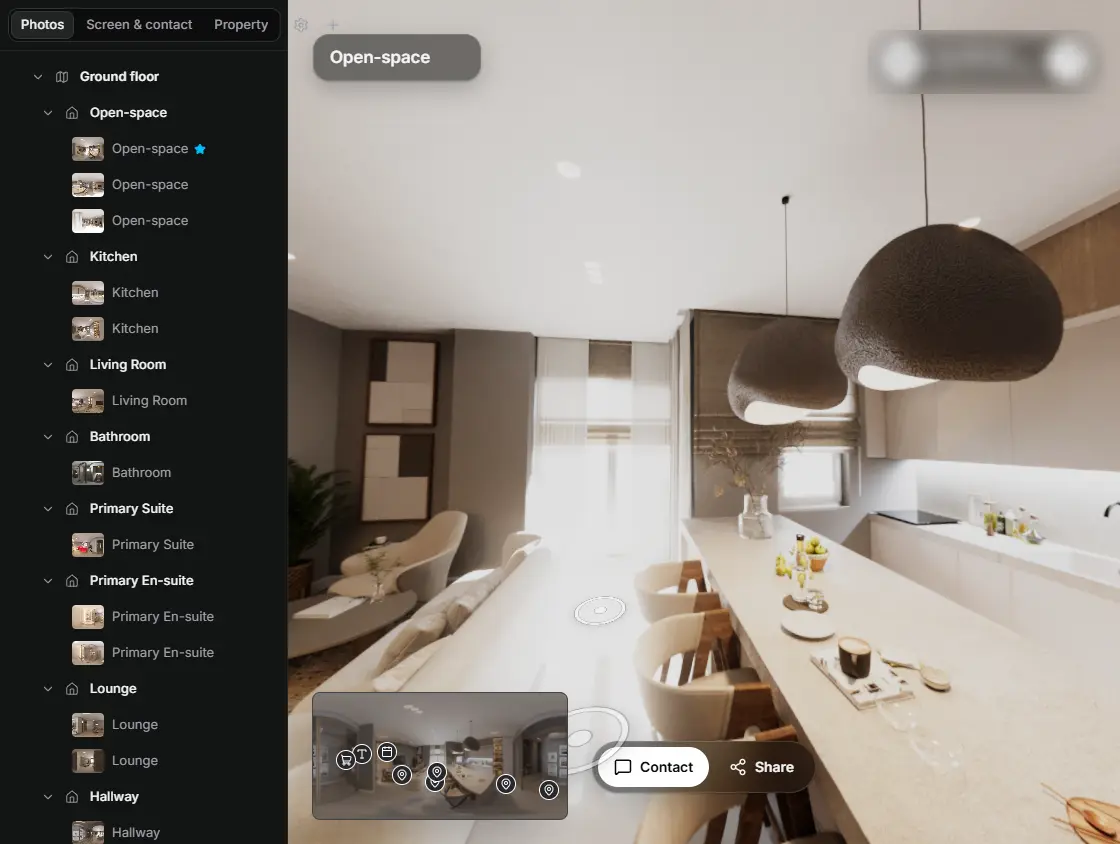
In the editor, drag a room onto its doorway and the two rooms are linked. 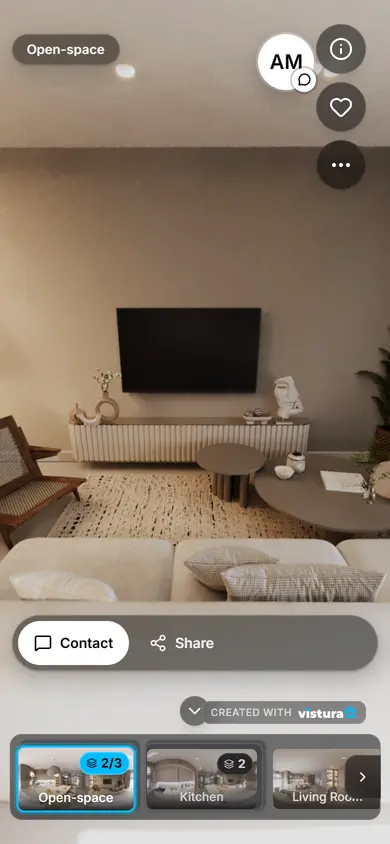
Buyers open the link on any phone, walk from room to room and can send you a question from inside the tour.
Free plan: 3 tours online at a time, with Vistura branding. Pro: unlimited tours online, with your own logo and colours.
How do I turn a 360 photo into normal photos?
- Open the 360 photo: drop it on the tool or choose it. It opens in a 360 view.
- Pick a shape: 3:2 like most cameras, 4:3 like most phones, 16:9 for wide screens, 1:1 or 4:5 for Instagram.
- Frame the view: drag to turn, scroll or pinch to zoom. What is inside the blue frame is what you get.
- Tap Save this view. The photo downloads at once, and its thumbnail stays under the shapes so you can save it again.
- Turn to the next part of the room and save again. Every view comes from the same shot.
Why does a 360 photo look curved when you crop it?
A 360 photo file is a map of every direction around the camera, laid flat in a rectangle twice as wide as it is tall (the equirectangular projection). Straight walls and ceilings bend in that map, so cropping a piece of the file in a photo editor gives a curved, stretched picture.
This tool does what a 360 viewer does: it works out, for every pixel of the new photo, which direction it looks in, and reads the 360 photo there. The result is a rectilinear picture, the projection of an ordinary camera lens, where straight lines stay straight.
Which shape for which use?
| Shape | Use it for |
|---|---|
| 3:2 | Listing photos next to ones from a camera: the shape most cameras take. |
| 4:3 | Listing photos next to ones from a phone: the shape most phones take. |
| 16:9 | Website headers, video covers and wide screens. |
| 1:1 | Square posts and ads. |
| 4:5 | Portrait posts in the Instagram feed. |
How sharp will the photos be?
As sharp as the 360 photo allows for the part you frame. A 360 photo spreads its width over a full turn, so a view as wide as a usual room photo (about 90 degrees) holds about a third of it: a 360 photo 7,680 pixels wide gives a photo about 2,400 pixels wide, and one 11,904 pixels wide about 3,800. The tool shows the size under the shapes before you save.
Zooming in narrows the view and lowers the size; zooming out widens it. The size follows the detail the 360 photo holds in the middle of the frame, so the tool never blows the photo up to a size its detail cannot fill.
How do I get better photos from the next 360 shot?
- Keep the view level: tilting it up or down makes walls lean, as with a tilted camera. Look straight ahead and frame higher or lower by zooming out.
- Straighten first: if the walls lean in every direction, the camera was not level. Straighten the 360 photo and then save the views.
- Shoot from where a buyer stands: the camera at about eye height, in the spot that shows the most of the room.
- Turn the lights on and shoot the brightest moment of the day: a 360 camera sees the windows and the dark corners at once.
Questions
Is my photo uploaded?
No. The 360 photo is opened in this page, on your device, and the new photos are made here too. Nothing goes to Vistura or anywhere else, and nothing is kept after you close the page; it is uploaded only if you choose “Start a tour with this photo”.
Is it free? Is there a watermark?
Free, with no account and no watermark. Save as many views as you like.
Which 360 cameras does it work with?
Any camera or app that exports a 360 photo in the 2:1 equirectangular shape: Insta360, Ricoh Theta, Kandao, Trisio, phone apps such as Vistura Capture, and stitching software. Export the 360 photo itself, not a reframed flat picture.
Can I use the photos on property portals?
Yes: they are ordinary JPEG photos. Check the portal's minimum size; the tool shows each photo's size before you save it.
Does the new photo keep the GPS location?
No. The new photo is written by your browser, which saves no location or camera data in it.
Does it work on a phone?
Yes, in a recent Chrome, Safari, Firefox or Edge. Drag with one finger to turn and pinch to zoom.
Your next listing, as a tour
One 360 photo per room, linked together, shared in one link.
Free plan: 3 tours online at a time, with Vistura branding. Pro: unlimited tours online, with your own logo and colours.