Open house sign-in sheet with a QR code to the tour
Type the address, the date and your name, pick what visitors fill in, and print the sheet or save it as a PDF. Free, no account, and a QR code on top so visitors can see the home again.
What you type stays on your deviceFree, no accountUpdated
The open house
QR code to the tour
Paste the link to the home's 360 tour or listing page. Without a link the sheet has no QR code.
What visitors fill in
The page
Your sign-in sheet
20 rows on this sheet
Type the property address to print the sheet.
To make an open house sign-in sheet, type the property address, the date and your name, choose what visitors fill in (name, phone, email, whether they work with an agent, how they heard about the home, a box to agree to be contacted) and print it or download it as a PDF. Add the link to the home's 360 tour or listing and the sheet carries a QR code on top: visitors scan it at the door and can walk through the home again that evening, from their sofa. The sheet fits as many rows as the page holds, on A4 or US Letter, and everything you type stays in your browser.
Made by Vistura, the virtual tour platform for estate agents
| Columns | Name, phone, email, working with an agent (yes and no boxes), how they heard about the home, and a consent box. The name is always there; the rest is your choice. |
|---|---|
| On top | The address, the day and hours, your name, agency and phone, and a QR code to the tour or listing (optional). |
| Consent | A plain line under the table that names who is responsible for the details and what they are for. You can change the words. |
| Paper | A4 or US Letter, portrait (16 to 20 rows) or landscape (12 to 15 rows, for wider columns). |
| Files | Print from the page, or download a one-page PDF at 300 dpi. |
| Privacy | Made in your browser. The address, the link and your details are not sent anywhere (Privacy policy). |
| Price | Free, no account, no watermark. |
Put a 360 tour behind the QR code
Vistura is virtual tour software for real estate. Each room is a 360 photo, the tour opens from one link on any phone, and every tour comes with its own QR code to print.
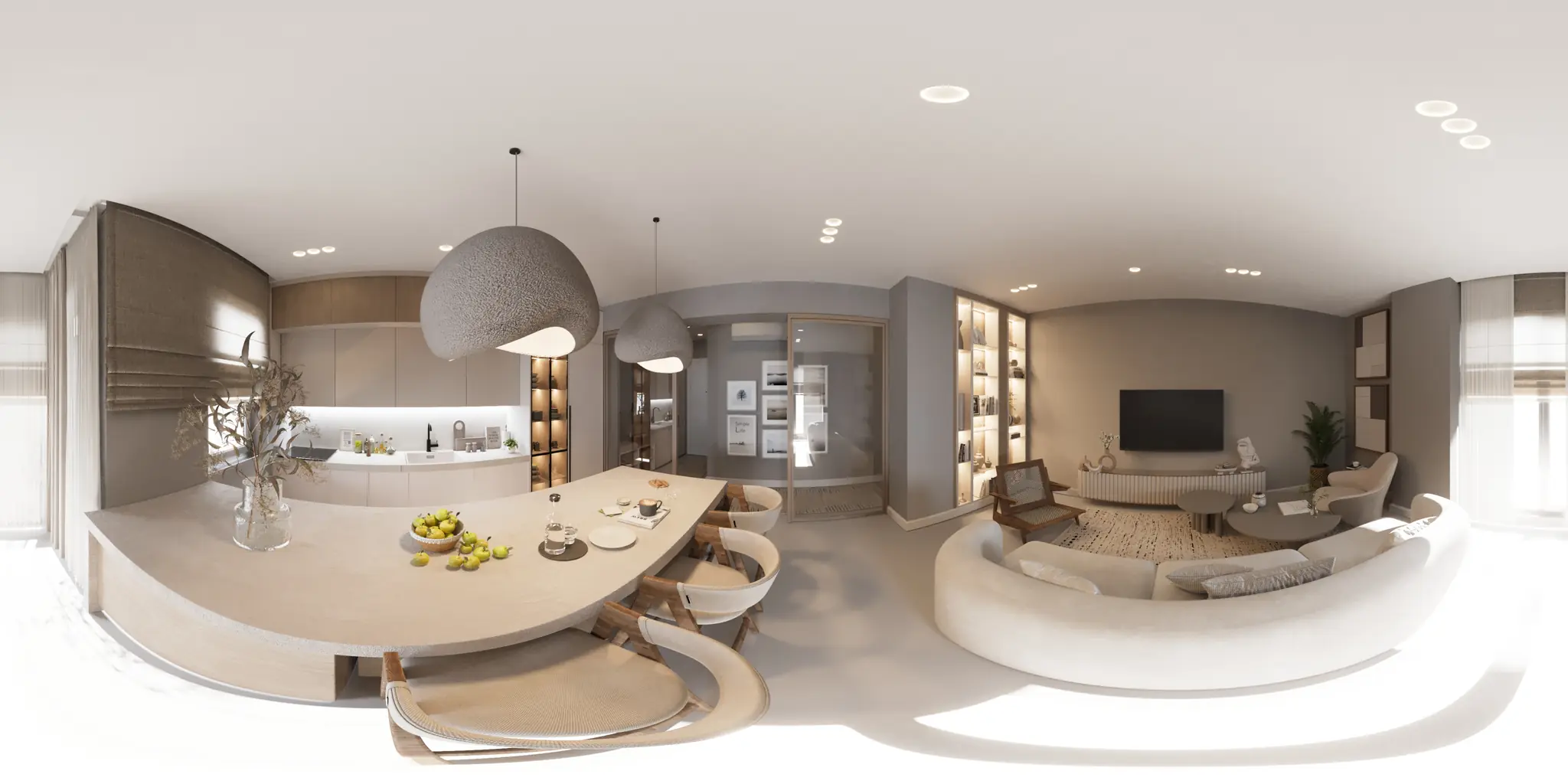
One 360 photo per room. 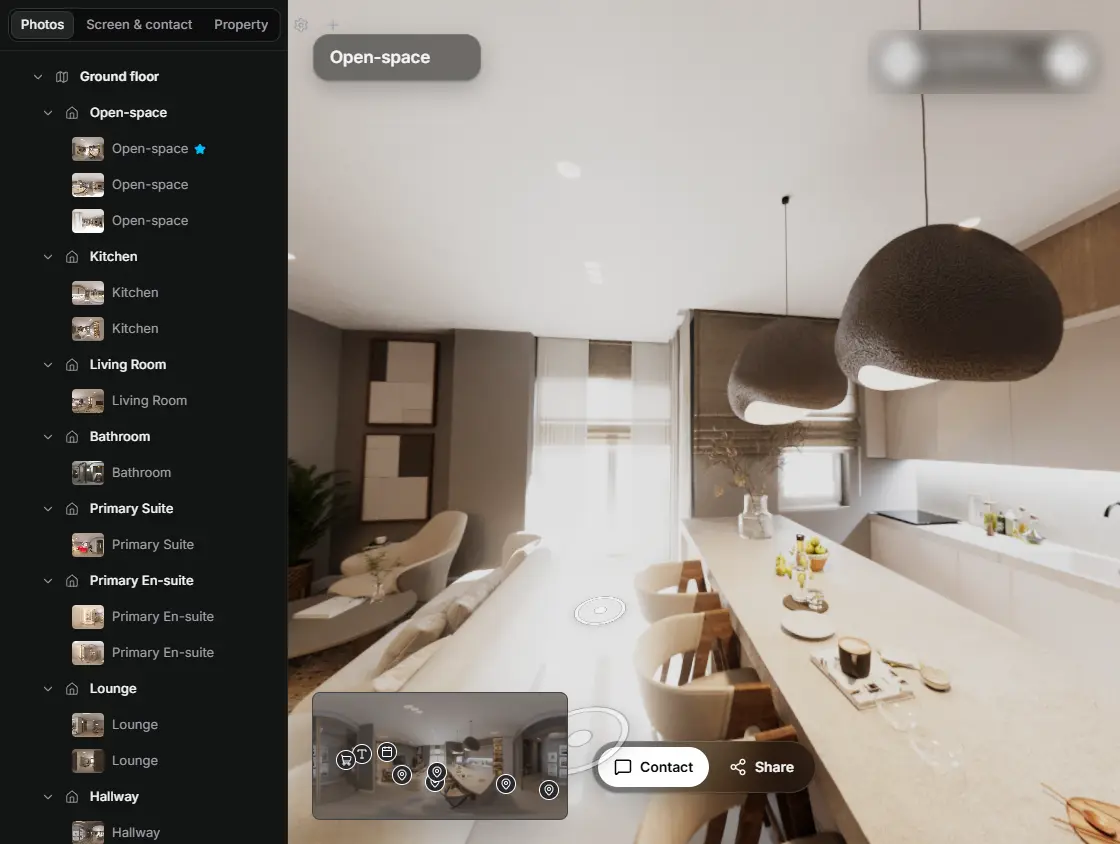
In the editor, drag a room onto its doorway and the two rooms are linked. 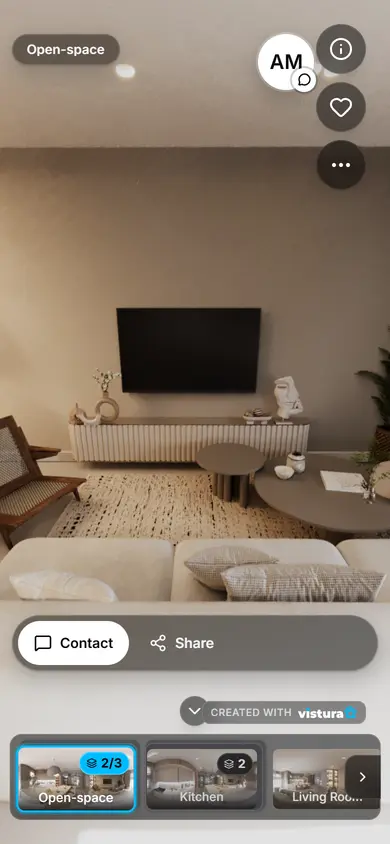
Buyers open the link on any phone, walk from room to room and can send you a question from inside the tour.
Free plan: 3 tours online at a time, with Vistura branding. Pro: unlimited tours online, with your own logo and colours.
How to make an open house sign-in sheet
- Type the property address, the date and the hours, and your name, agency and phone. They print at the top of the sheet.
- Paste the link to the home's 360 tour or its listing page. The sheet gets a QR code that opens it; tick the tag if you want to count those visits in your website statistics.
- Choose the columns. Name, phone, email and working with an agent cover most open houses; add how they heard about the home if you want to know which advert works, and the consent box if you will contact visitors afterwards.
- Pick the paper (A4 or US Letter) and portrait or landscape. The preview shows how many rows fit.
- Print it, or download the PDF for the office printer. Print two or three copies: a busy Sunday fills one sheet quickly.
How to run the sign-in at the door
- Greet first, sheet second: say hello, hand over the feature sheet, then ask them to sign in. People who feel welcome write their real number.
- One clipboard by the door, with a pen that works: tie it on. A second sheet ready under the first.
- Cover the names already on the sheet: a blank page clipped over the filled lines, or a fresh sheet every few visitors. The next visitor should not read the last one's phone number.
- Point at the QR code: "Scan this and you can walk through the home again tonight." It also helps the people who leave without signing in.
- When it is quiet, ask the two questions out loud: do they work with an agent, and how did they hear about the home. Tick the answers for them if they prefer.
- Take the sheet with you when you leave. It holds people's details and should not stay on the kitchen counter.
What to ask on an open house sign-in sheet
| Column | Why ask | Tip |
|---|---|---|
| Name | To greet them by name when you call. | First name is enough for some people; take it. |
| Phone | The fastest follow-up, by call or text. | Ask for phone or email, not both, if people hesitate. |
| To send the tour link, the floor plan and the price. | Read it back if the writing is hard to read. | |
| Working with an agent? | Someone with an agent is contacted through their agent; someone without one is your lead. | Ask it out loud too: people skip it on paper. |
| How did you hear about this home? | Tells you which portal, sign or post brought them. | Count the answers after the open house. |
| Consent box | A clear record of who agreed to be contacted about this property. | Never tick it for them, and leave it unticked if they say no. |
Consent and privacy: the plain version
In the EU and the UK, the GDPR applies to the names and numbers on a sign-in sheet. Whoever collects them needs a reason to keep and use them, and must say who they are and what the details are for. A consent box with a short line under the table is the clearest way to do that at an open house: the visitor ticks it, and you know who agreed to hear from you about this property.
The line on this sheet names you or your agency as responsible for the details, says they are used to contact the visitor about this property only, and that they are deleted when the visitor asks. You can change the words. To send other homes or a newsletter later, ask for that separately: it is a different use.
Look after the paper: type the details into your CRM the same day, keep the sheet locked away or shred it, and delete a visitor's details when they ask. In the US, the calling rules (the National Do Not Call Registry and your state's own) still apply to the numbers you collect.
This is a plain summary, not legal advice. Your national association or a lawyer can tell you what your country asks for.
How to follow up after the open house
- The same day: a short text or email to everyone who left a number or address, with the link to the 360 tour and one question, such as "Would you like to see it again this week?"
- Sort by the agent column: people who work with an agent get their agent's details passed on, or nothing at all; people without one are your leads.
- The next day: call the ones who asked questions at the door. Write down what they liked and what did not fit.
- Send the tour link to the ones who could not stay long: the 360 tour lets them walk through again and show the home to whoever else decides.
- Then keep a fixed rhythm for two weeks. The full plan, with scripts and a day-by-day schedule, is in our guide to real estate lead follow up.
Paper sheet or tablet?
A tablet sign-in saves typing later, but it needs a charged battery, a signal and a visitor willing to type on someone else's screen. A paper sheet works in every home, takes ten seconds, and can be signed by two people at once.
This sheet keeps the best of both: the paper at the door, and a QR code that sends visitors to the tour on their own phone, where they look again later and come back to you with questions.
Questions
Is this open house sign-in sheet free?
Yes. No account, no watermark, and as many sheets as you like, for every open house.
What should the QR code on the sheet link to?
The home's 360 tour, if it has one: visitors walk through the rooms again from their phone and show them to whoever decides with them. Otherwise the listing page with the photos and the price.
Do I have to add the consent box?
If you work in the EU or the UK and you will contact visitors afterwards, a consent box with a short line is the clearest way to show they agreed. Elsewhere it is a good habit. It is your choice on this sheet, and it is never ticked for the visitor. This is not legal advice.
How many visitors fit on one sheet?
16 to 20 on A4 or Letter standing up, and 12 to 15 lying down, depending on the columns and what is printed on top. The preview shows the number of rows; print a few copies for a busy day.
Can visitors sign in by scanning the QR code?
The QR code opens the tour or the listing, so visitors can see the home again. The sign-in itself is on paper, which works without a signal and takes ten seconds.
Is what I type sent anywhere?
No. The sheet is made in your browser, which also remembers your name and agency for the next open house. Nothing is uploaded.
Your next listing, as a tour
One 360 photo per room, linked together, shared in one link.
Free plan: 3 tours online at a time, with Vistura branding. Pro: unlimited tours online, with your own logo and colours.