Panorama viewer for property photos
Open a panorama from your phone, a 180° photo or a 360 photo and turn through the room. Free, no sign-up, and the photo never leaves your device.
Your photo stays on your deviceFree, no accountUpdated
Drop a panorama here
A panorama from your phone, a 180° photo or a 360 photo: JPEG, PNG or WebP.
No 360 photo yet? Make one with your phone
The viewer finds how much of the room the photo covers and wraps it around you at that angle.
Vistura's free panorama viewer opens a panorama in your browser without uploading it. A panorama from an iPhone or an Android phone is wrapped around you at the angle it covers, so you turn through the room instead of scrolling along a flat strip. A 360 photo opens in every direction. Drag to turn, pinch or scroll to zoom, and go full screen. There is no sign-up and no watermark.
Made by Vistura, the virtual tour platform for estate agents
| Opens | JPEG, PNG or WebP: a panorama from a phone's panorama mode (about 3 to 8 times as wide as it is tall), a 180° photo or a full 360 photo (2:1) |
|---|---|
| Angle | Read from the photo's panorama data (GPano) when the file has it; otherwise worked out from the photo's shape. You can set it by hand, from 20° to 360° |
| Controls | Drag or arrow keys to turn; scroll, pinch or + and - to zoom; full screen |
| In a Vistura tour | A 360 photo lets buyers look in every direction; a panorama that is not a full turn opens as a normal photo |
| Privacy | Opened and shown on your device; nothing is uploaded unless you start a tour with the photo (Privacy policy) |
| Works on | Any recent browser, on a computer or a phone; nothing to install |
| Price | Free: no account, no watermark, no limit |
| Languages | English, Portuguese, Spanish, German, French, Italian, Dutch |
What Vistura does with a photo like this
Vistura is virtual tour software for real estate. The tools are free; the tours are what we sell.
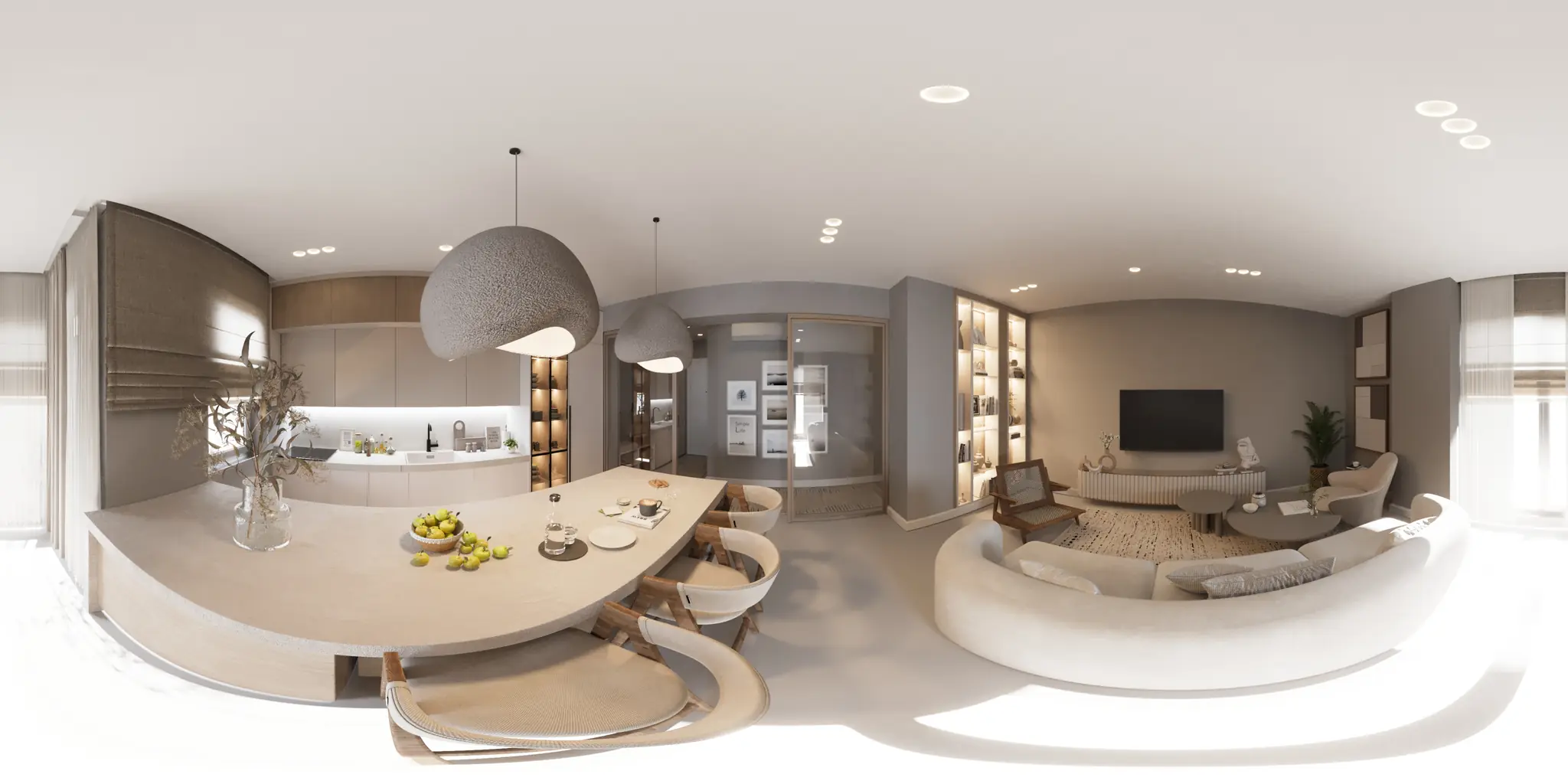
One 360 photo per room. 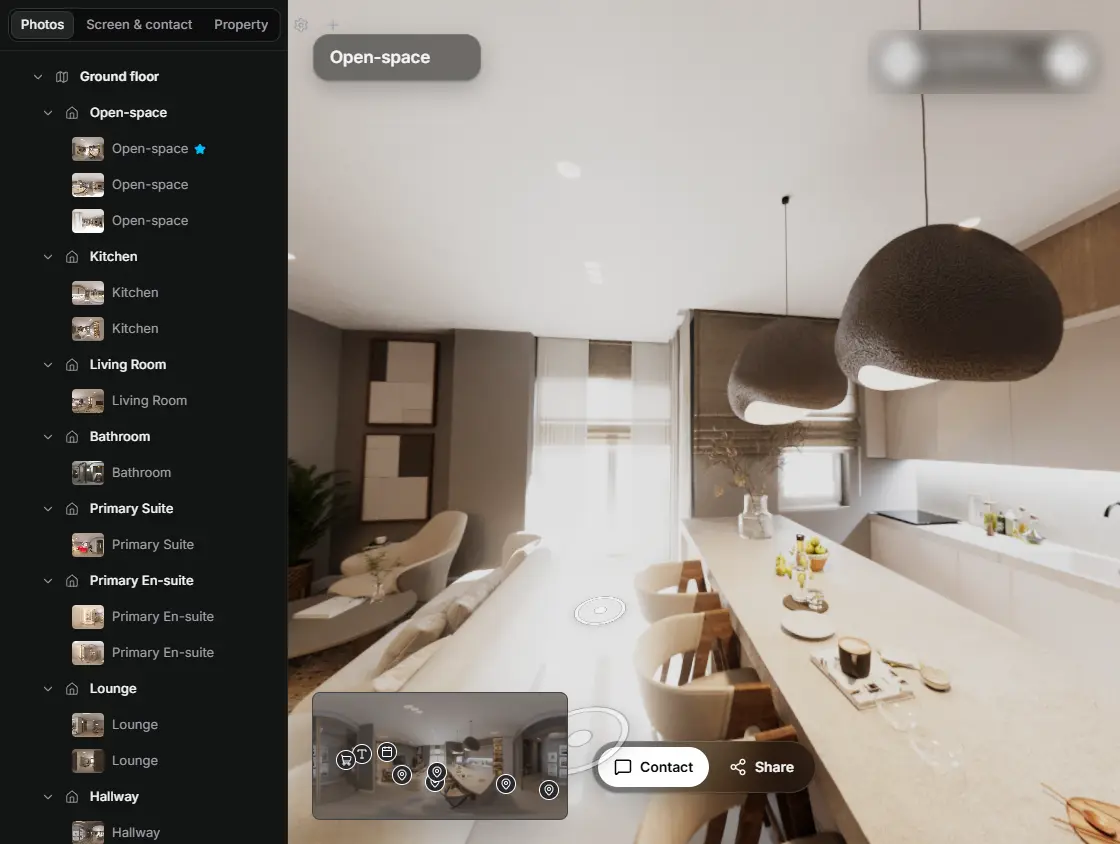
In the editor, drag a room onto its doorway and the two rooms are linked. 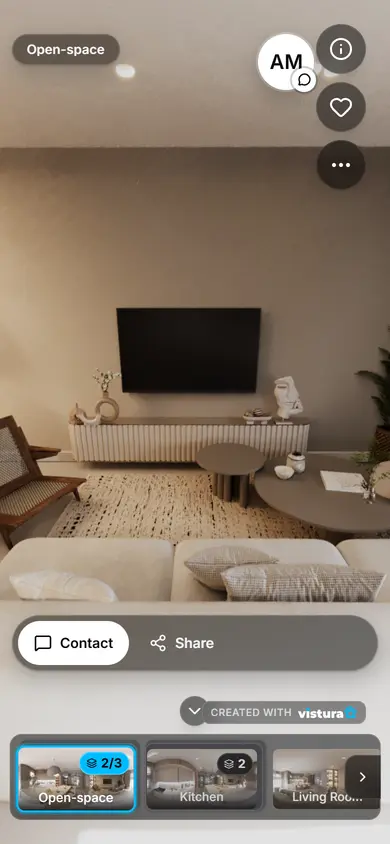
Buyers open the link on any phone, walk from room to room and can send you a question from inside the tour.
Free plan: 3 tours online at a time, with Vistura branding. Pro: unlimited tours online, with your own logo and colours.
What is a panorama viewer?
A panorama viewer shows a wide photo the way it was taken: around you. A phone's panorama mode turns across part of the room and saves one long, flat picture, in which straight ceilings and worktops come out bent. The viewer wraps that picture back around you at the angle it covers, so the lines are straight again and you turn through the room. A 360 photo covers every direction, and the viewer opens it as a full sphere.
How do I view a panorama from my phone?
- Open the photo: press “Choose a panorama” or drop the file on the box above. No panorama to hand? Try the sample.
- Turn: drag the view sideways, or click it and use the arrow keys. The ring in the corner shows how much of the room the photo covers and which part you are looking at.
- Zoom: scroll, pinch or press + and - to see a detail, then drag in any direction. The button in the top corner opens the view full screen.
- Check the angle: if the ceiling lines bend or the room looks stretched, open “Change the angle” and move the slider until they look straight.
Which panoramas and photos open?
- Phone panoramas: the long picture an iPhone or an Android phone saves in panorama mode, usually 3 to 8 times as wide as it is tall.
- Panoramas with panorama data: some phones and stitching programs write into the file how much of the full turn the picture covers (GPano). The viewer reads it and shows the picture at exactly that angle.
- 180° photos: from a 180° camera, or half a turn with a phone. If the file has no panorama data, set the angle to 180° under “Change the angle”.
- 360 photos: the 2:1 picture from a 360 camera or from Vistura Capture opens in every direction. To straighten its horizon, open it in the 360 photo viewer.
Panorama, 180° photo or 360 photo: which one for a listing?
What changes is how much of the room a buyer sees, and what they can do with the photo in a tour.
| Phone panorama | 180° photo | 360 photo | |
|---|---|---|---|
| Covers | Part of a turn, in one strip | Half the room | Every direction |
| Made with | A phone's panorama mode | A 180° camera | A 360 camera, or a phone with Vistura Capture |
| In this viewer | Turns left and right | Turns across the half it covers | Turns in every direction |
| In a Vistura tour | Opens as a normal photo: buyers see it whole and zoom in | Opens as a normal photo: buyers see it whole and zoom in | Buyers look around the room and walk on to the next one |
How do I turn a panorama into a virtual tour?
A panorama shows one side of a room. In a virtual tour, a buyer stands in the middle of each room, looks in every direction and walks on to the next one.
To get there with the phone you already have, use Vistura Capture: it guides you through the full turn and joins the photos into one 360 photo, in the phone's browser, with nothing to install. With a free account, you download the photo or add it straight to a tour.
To start with the photos you have now, press “Start a tour with this photo”. A panorama that is not a full turn goes into the tour as a normal photo, which buyers see whole and zoom into; you can add 360 photos of the same rooms later.
The free plan keeps 3 tours online at a time, with Vistura branding.
Questions
Does the photo leave my device when I open it?
No. Opening it only reads the file inside this page: the photo is shown on your device, not sent to Vistura or anywhere else, and nothing is kept after you close the page, so photos of a private home stay private. It is uploaded only if you choose “Start a tour with this photo”.
Can it open an iPhone or Android panorama?
Yes. Open the JPEG the phone saved in panorama mode. The viewer works out the angle from the picture's shape, or reads it from the file when the phone wrote it there, and wraps the panorama around you.
How does the viewer know the angle?
In two ways. If the file has panorama data (GPano), the viewer reads how much of the full turn the picture covers. Otherwise it works out the angle from the picture's shape: the longer the strip, the more of the room it covers. If the room looks stretched or the ceiling lines bend, set the angle yourself under “Change the angle”.
Can I open a 180° photo?
Yes. With panorama data in the file, it opens at 180° by itself; without it, open the photo and set the angle to 180° under “Change the angle”.
Can I use a phone panorama in a virtual tour?
Yes. Press “Start a tour with this photo”: in a Vistura tour, a panorama that is not a full turn opens as a normal photo, which buyers see whole and zoom into. For a room buyers can look around in every direction, make a 360 photo with Vistura Capture, with the same phone. The free plan keeps 3 tours online at a time, with Vistura branding.
Why is it free?
The viewer runs on your own device, so opening a photo costs us almost nothing. Vistura earns its money from its paid virtual tour plans. The viewer needs no account, adds no watermark and has no limit.
Your next listing, as a tour
One 360 photo per room, linked together, shared in one link.
Free plan: 3 tours online at a time, with Vistura branding. Pro: unlimited tours online, with your own logo and colours.