Home square footage calculator for listings
Add up a home room by room, in square feet or square metres, and get the living area, the other areas and the price per square foot. Free, no account.
Your measurements stay on your deviceFree, no accountUpdated
Rooms
Enter the measurements
Enter the measurements
Enter the measurements
Enter the measurements
Totals
Living area
0 sq ft
= 0.0 m²
- Other areas
- 0 sq ft
- All rooms together
- 0 sq ft
Measured inside the rooms. A figure measured from the outside of the walls also includes the walls, so it is larger.
Enter the asking price to see the price per square foot.
Add one room's measurements to copy the list.
To calculate the square footage of a home, measure each room's length and width, multiply them, and add the rooms together. This calculator does it room by room: type the lengths in feet and inches (12'6") or in decimal feet, choose the shape (a rectangle, an L shape, several rectangles or a triangle), and mark the spaces that are not living area, such as a garage or a balcony. You get the living area, the other areas and the total of all rooms, the same figures in square metres, and the price per square foot if you enter the asking price. Copy the list for your listing description; it stays in this browser for the next time.
Made by Vistura, the virtual tour platform for estate agents
| Rooms | As many as the home has: rectangle, L shape, several rectangles, triangle, or an area you already know. |
|---|---|
| Units | Square feet or square metres, switched at any time. Lengths in feet and inches (12'6"), decimal feet, metres or centimetres. |
| Totals | Living area, other areas, all rooms together, and the price per square foot or square metre. |
| Counting | Each room counts toward the living area or not, and can count at a share (a balcony at 25%, for example) when the rule you follow says so. |
| Output | The list as text for a listing description, in whole numbers or with 1 or 2 decimals. |
| Privacy | Runs in your browser. The list is kept in this browser only (Privacy policy). |
| Price | Free, no account. |
Show the rooms you measured in a 360 tour
Vistura is virtual tour software for real estate. Each room of the home is a 360 photo with its name, and buyers walk from one room to the next from a single link.
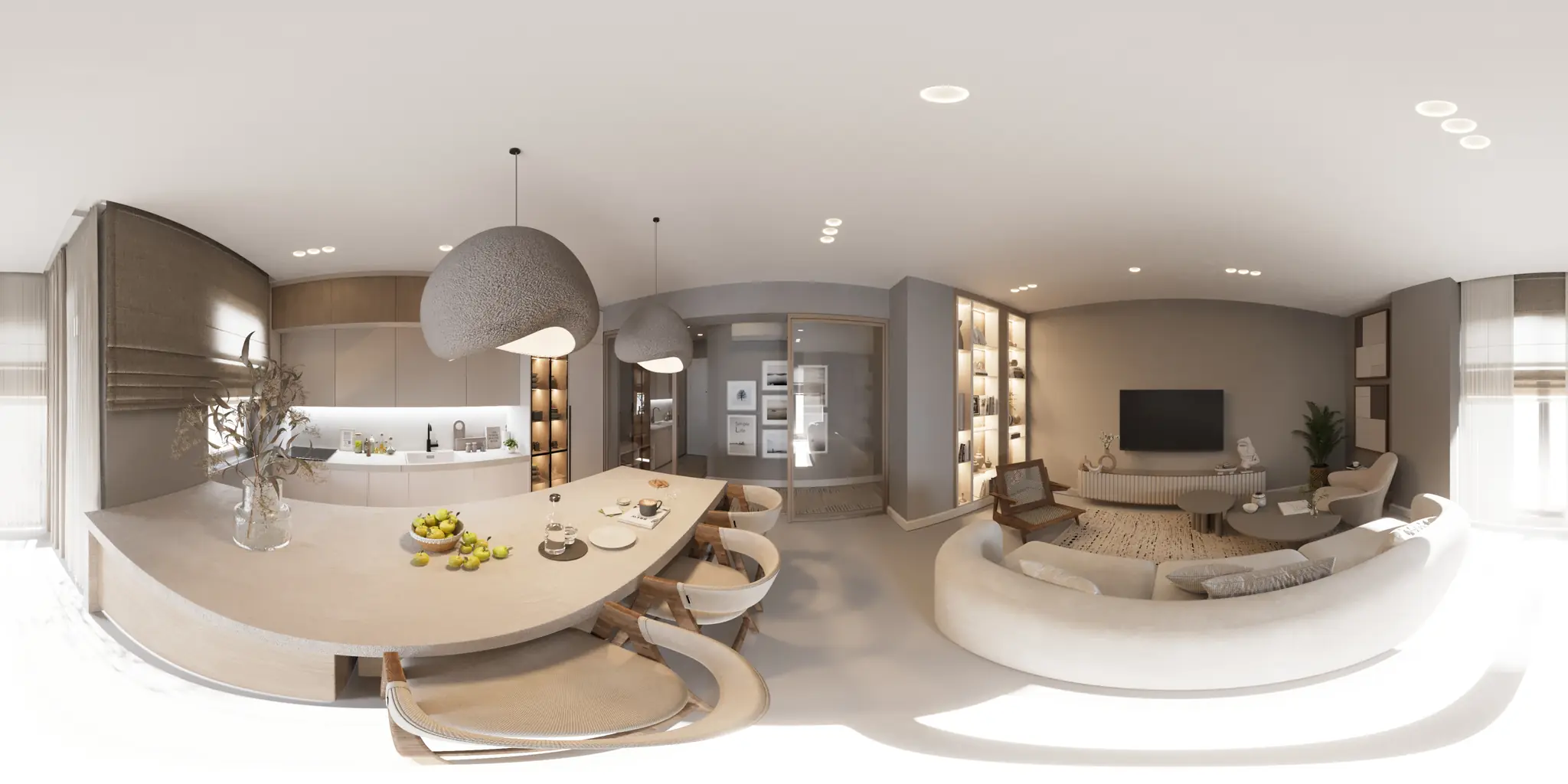
One 360 photo per room. 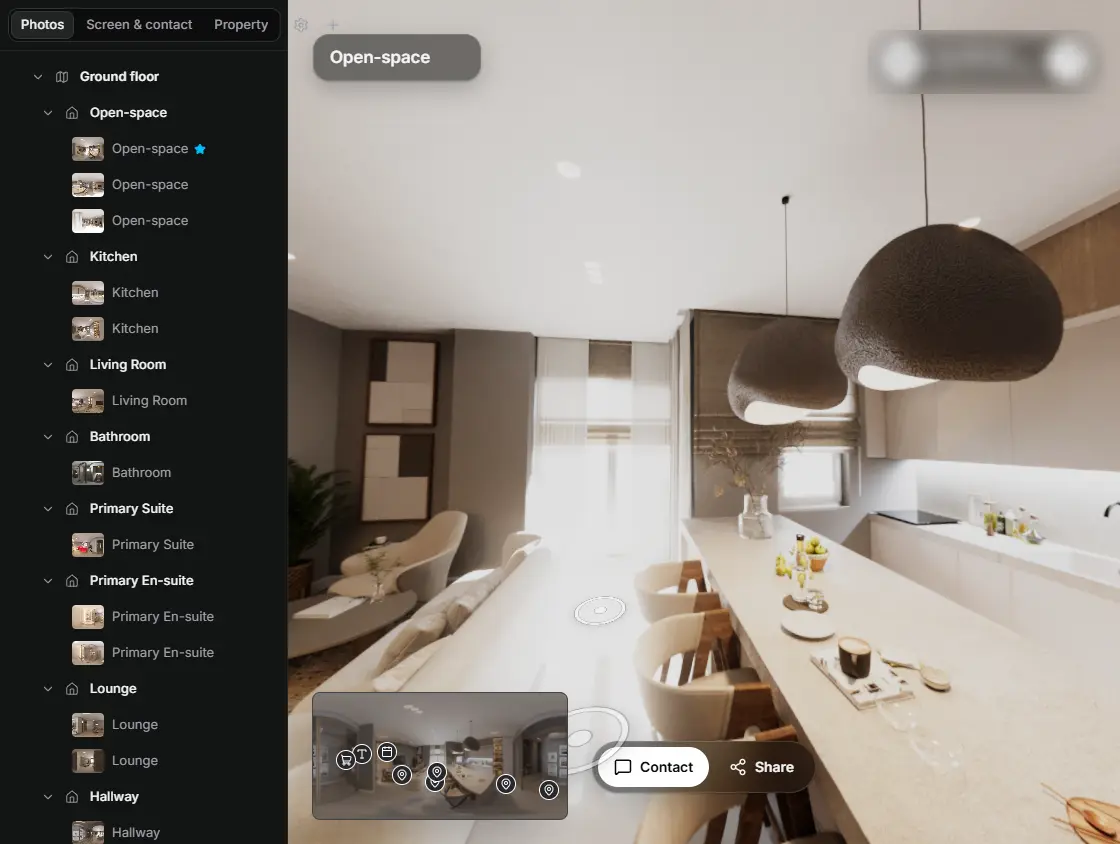
In the editor, drag a room onto its doorway and the two rooms are linked. 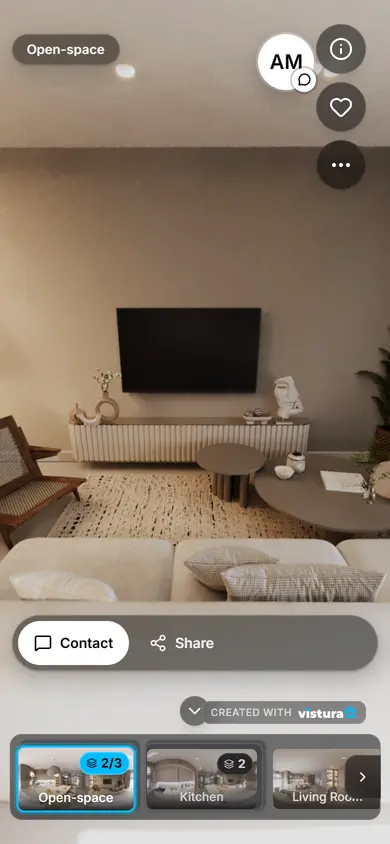
Buyers open the link on any phone, walk from room to room and can send you a question from inside the tour.
Free plan: 3 tours online at a time, with Vistura branding. Pro: unlimited tours online, with your own logo and colours.
How do you calculate the square footage of a home?
- Measure each room: the length and the width, wall to wall, at floor level. A laser measure is quickest; a tape works.
- Type them here, one room per row: 14 and 12 for a 14 by 12 foot bedroom, or 12'6" for twelve feet six inches.
- Choose the shape when the room is not a rectangle: an L shape, several rectangles added together, or a triangle.
- Untick "Counts toward the living area" for the garage, a porch or a balcony. They are listed apart as other areas.
- Read the totals: the living area, the other areas and all rooms together, in square feet and square metres. Add the asking price for the price per square foot, then copy the list.
Rooms that are not rectangles
- L shape: type the full outside length and width, then the size of the corner that is missing. The calculator takes the corner away from the rectangle.
- Several rectangles: split an odd room or an open plan into rectangles and type each one. Kitchen and dining area together, for example.
- Triangle: base times height, divided by two. Useful for a corner cut at an angle; add it to the room as its own row.
- Area known: when the plan already gives a room's area, type it directly.
Living area, other areas and the total
Listings separate the space people live in from the rest. Bedrooms, living rooms, kitchens, bathrooms, halls and other finished rooms are living area. Garages, unfinished basements, storage outside the home, porches, balconies and terraces are usually listed apart, or not at all. The calculator shows the two side by side, and the total of every room you entered.
Each room counts in full by default. Where a rule counts part of a space, type the share: in some countries a balcony counts at a quarter or a room with a low ceiling at half. Use the rule that applies where the home is, and leave the share at 100 when no rule asks for less.
These figures are measured inside the rooms. Walls, stairs and hallways between rooms take space too, so a figure measured from the outside of the walls, as the US standard asks, is larger than the sum of the rooms.
Square footage in the US: the ANSI Z765 standard
The American National Standard for measuring single-family homes is ANSI Z765 (Square Footage, Method for Calculating; the current edition is from 2021). Since April 2022 Fannie Mae has required appraisers to use it for houses, townhomes and other single-family homes whenever the appraisal includes an interior and exterior inspection, so it is the figure most lenders' appraisers work to.
Under the standard, a home is measured from the outside of its exterior walls, and only finished areas count. A finished area needs a ceiling of at least 7 feet. A room with a sloped ceiling counts if at least half of its floor has a 7-foot ceiling, and any part lower than 5 feet is left out. Finished space below grade is reported apart from the space above, and garages and unfinished areas are not part of the finished square footage. The result is reported to the nearest whole square foot.
A room-by-room total is the right tool for the description of each room and for a first figure. For the square footage you advertise, check with your MLS's rules, and for a figure a sale depends on, use a measurement made to the standard.
Price per square foot
Divide the asking price by the living area: a home at $450,000 with 1,500 square feet of living area is at $300 per square foot. Enter the price here and the calculator shows it.
Compare it only with homes measured the same way, in the same area: a figure that includes the garage, or one measured inside the rooms against one measured from the outside, makes a home look cheaper or dearer than it is.
How to measure a home without mistakes
- Measure at floor level, wall to wall, and take each length twice: walls in older homes are rarely parallel. Use the shorter one, or split the room into rectangles.
- Leave out stairs, fireplaces and built-in cabinets only if the rule you follow says so; be consistent from room to room.
- Write down each room as you go, with the name you will use in the listing, so the list matches the photos and the floor plan.
- While you are in each room, shoot it in 360 too: one visit gives you the measurements and the photos for the tour.
Questions
How do I calculate the square footage of an L-shaped room?
Choose L shape, type the full outside length and width, then the length and width of the missing corner. The calculator multiplies the outside, then takes the corner away. You can also split the room into two rectangles with "Several rectangles".
How many square feet are in a square metre?
One square metre is 10.764 square feet, because a foot is exactly 0.3048 metres. Switch the unit at the top of the calculator: the lengths you typed are converted, and every total shows in both units.
Does a garage or a balcony count in the square footage?
Usually not in the living area. Under ANSI Z765 a garage is not finished square footage, and listings mention garages, porches and balconies apart. Untick "Counts toward the living area" for them, and they appear under other areas.
Is my list saved?
Yes, in this browser, so it is there when you come back. Nothing is sent to Vistura or anywhere else. Clear the list with the button under the rooms.
Can I put these figures in a listing?
They are the sum of what you measured, room by room. For the total square footage you advertise, follow your MLS's rules, and for a figure the sale depends on, ask for a measurement made to ANSI Z765.
Your next listing, as a tour
One 360 photo per room, linked together, shared in one link.
Free plan: 3 tours online at a time, with Vistura branding. Pro: unlimited tours online, with your own logo and colours.