Test a 360 photo
Drop a 360 photo and get a clear checklist of what is right and what to fix: free, no sign-up, and the photo stays on your device.
Your photo stays on your deviceFree, no accountUpdated
Drop your 360 photo here
The 2:1 photo your 360 camera exports, as JPEG, PNG or WebP.
No 360 photo yet? Make one with your phone
To test a 360 photo, drop it here. Vistura's free checker tells you in seconds whether it is a true 360 photo (2:1 equirectangular), how sharp it will look, whether it carries the 360 metadata Facebook and Google Maps need, whether the horizon is level, whether the left and right edges meet, and whether the file is too heavy for the web. Each problem links to the free tool that fixes it, and the photo goes with you.
Made by Vistura, the virtual tour platform for estate agents
| Files | One 360 photo as JPEG, PNG or WebP. Any size your browser can open: the pixel checks run on a 2048 × 1024 copy. |
|---|---|
| Checks | Shape (2:1), resolution, 360 metadata (GPano XMP), horizon, seam, file size. A raw picture with two round lens images is recognised too. |
| Result | A checklist with a link to the fix for each problem. The tool only reads your photo: it never changes it. |
| Privacy and price | On your device: nothing is uploaded unless you start a tour with it, and nothing is kept after you close the page. Free, no account. |
What Vistura does with a photo like this
Vistura is virtual tour software for real estate. The tools are free; the tours are what we sell.
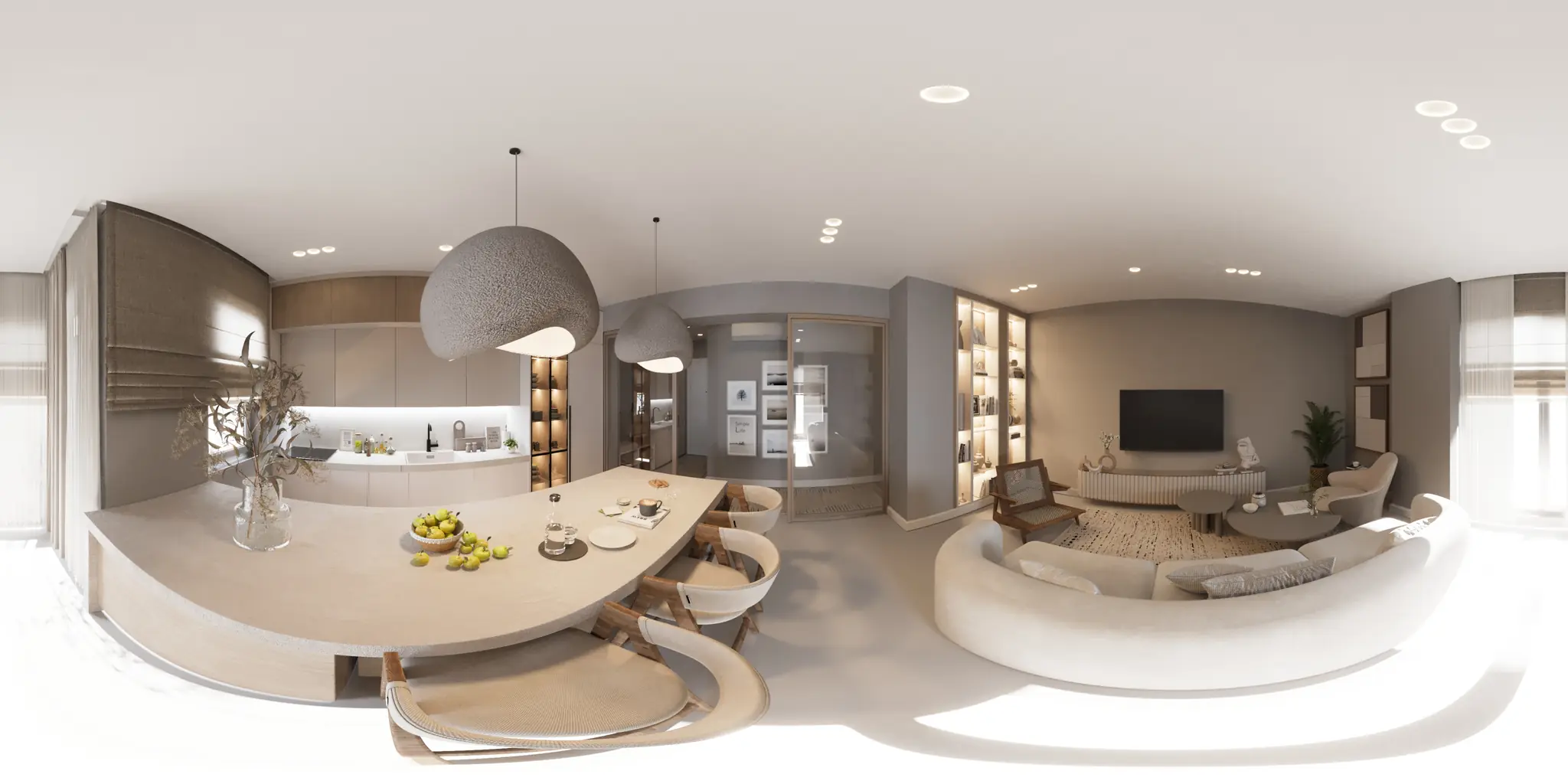
One 360 photo per room. 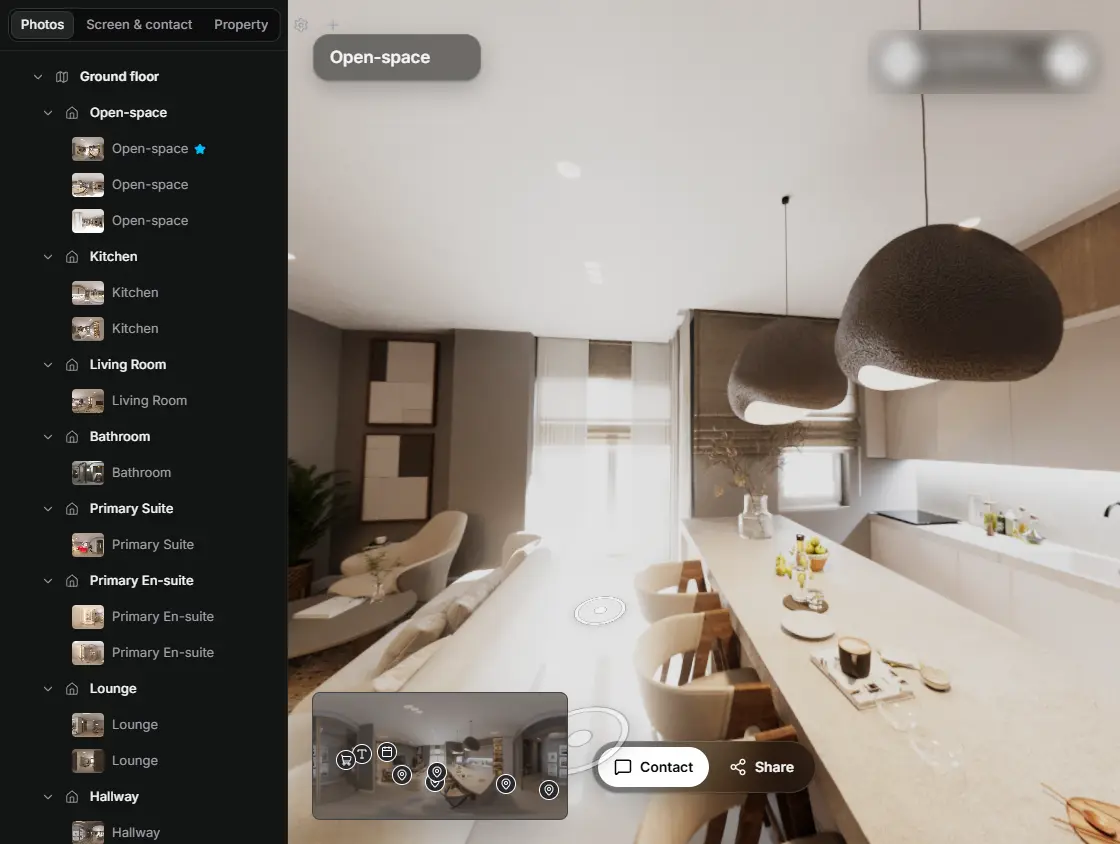
In the editor, drag a room onto its doorway and the two rooms are linked. 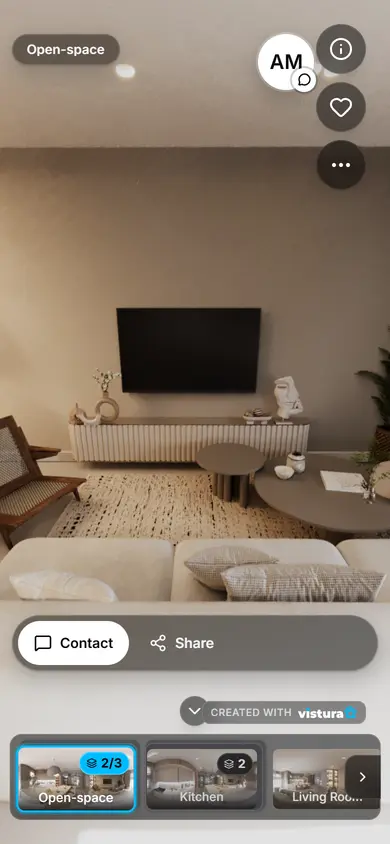
Buyers open the link on any phone, walk from room to room and can send you a question from inside the tour.
Free plan: 3 tours online at a time, with Vistura branding. Pro: unlimited tours online, with your own logo and colours.
What does the 360 photo checker test?
| Check | Passes when | If not |
|---|---|---|
| Shape | The photo is exactly twice as wide as tall (2:1), the shape of a full 360 photo | Export the 360 photo (equirectangular) again from the camera's app; six cube faces can be joined into a 360 photo |
| Resolution | It is at least 3,840 × 1,920, so a 90° view is about as wide as a phone screen | Export at the camera's full resolution |
| 360 metadata | The JPEG carries GPano XMP that marks it as equirectangular | Add the 360 metadata without re-encoding |
| Horizon | The room's vertical lines lean less than 1° | Straighten the photo |
| Seam | The left and right edges meet without a step | Look at it in the 360 viewer and stitch it again in the camera's app |
| File size | The file is 10 MB or less, quick to open on a phone | Compress it and keep it 360 |
How do I test a 360 image?
- Open the 360 photo: drop it on the tool or choose it. On a phone, choose it from your photos or files.
- Read the checklist: a green tick passed, an amber sign is worth a look, a red cross needs a fix.
- Follow the link in a failed check. The free tool that fixes it opens with your photo already loaded.
- Check the fixed photo here again before you post it or put it in a tour.
How does the checker work?
Shape and metadata come from the file's header, without decoding the image: its width and height, and the XMP block where 360 cameras write the GPano tags (ProjectionType equirectangular, UsePanoramaViewer and the panorama's size). Facebook and Google Maps read these tags to know a photo is a sphere.
For the horizon, the tool looks at eight views around the room and finds its vertical lines: door frames, wall corners, the sides of furniture. In a level photo they all point straight up; the angle they share is the tilt. A photo of an open landscape has too few of them, and the tool says so instead of guessing.
For the seam, it compares the first and the last column of pixels, which sit side by side in a 360 viewer. In a well stitched photo they differ no more than any two neighbouring columns; a step in brightness or a shift of a few pixels shows as a line behind the camera.
Resolution and file size are plain arithmetic: a tour shows about a quarter of the photo across the screen, so a 90° view is a quarter of the width; and a file of 10 MB takes about 8 seconds on a 10 Mbit/s mobile connection.
How do I avoid these problems next time?
- Export the 360 photo, not a view: in the camera's app choose the 360 or equirectangular export, at full resolution. A screenshot or a reframed clip is not a 360 photo.
- Level the camera: a tripod with a bubble level, or the camera's own horizon levelling switched on, keeps the walls straight.
- Keep the metadata: some editors and messaging apps save a new file without it. Edit in an app that keeps XMP, and send the file as a document rather than as a photo.
- Stitch in the camera's own app: it knows the lenses. Keep people and moving things away from the sides of the camera, where the two lens images meet.
- Mind the size: 6K to 8K wide is plenty for a tour; compress very large files before you upload them.
Questions
Is my photo uploaded?
No. The photo is opened and checked in this page, on your device. Nothing goes to Vistura or anywhere else, and nothing is kept after you close the page; it is uploaded only if you choose “Start a tour with this photo”.
Is it free?
Yes: free, with no account and no limit on how many photos you check.
Does the checker change my photo?
No. It only reads the photo. Each problem links to the free tool that fixes it, and that tool writes a new file you download.
Why does Facebook show my 360 photo flat?
Usually because the 360 metadata (GPano XMP) is missing or wrong, or the photo is not exactly 2:1. The checker shows both; add the metadata here without touching the pixels.
What resolution does a 360 photo need?
At least 3,840 × 1,920, which is also Google Maps' minimum for a Photo Sphere: a 90° view is then about as wide as a phone screen. From 7,680 × 3,840 it stays sharp on a computer screen too.
What is the seam of a 360 photo?
The line where the left and right edges of the photo meet, usually behind the camera. In a well stitched photo you cannot see it; a step in brightness or a shift shows as a vertical line in the viewer.
What if the horizon cannot be measured?
The tool needs a few clear vertical lines, such as door frames or wall corners, and a photo that leans less than about 10°. Outdoors or in a bare space it may not find enough lines: look round the photo in the 360 viewer and judge by eye. If it leans a lot, straighten it.
Does it work on a phone?
Yes, in a recent Chrome, Safari, Firefox or Edge. Large photos are checked on a reduced copy, so they open quickly.
Which 360 cameras does it work with?
Any camera or app that exports a 360 photo in the 2:1 equirectangular shape: Insta360, Ricoh Theta, Kandao, Trisio, phone apps such as Vistura Capture, and stitching software.
Your next listing, as a tour
One 360 photo per room, linked together, shared in one link.
Free plan: 3 tours online at a time, with Vistura branding. Pro: unlimited tours online, with your own logo and colours.