Free virtual tour software for real estate, compared
Free virtual tour software for agents, checked on 4 November 2026: what Panoee, Kuula, Matterport and Vistura give free, and where each one stops.
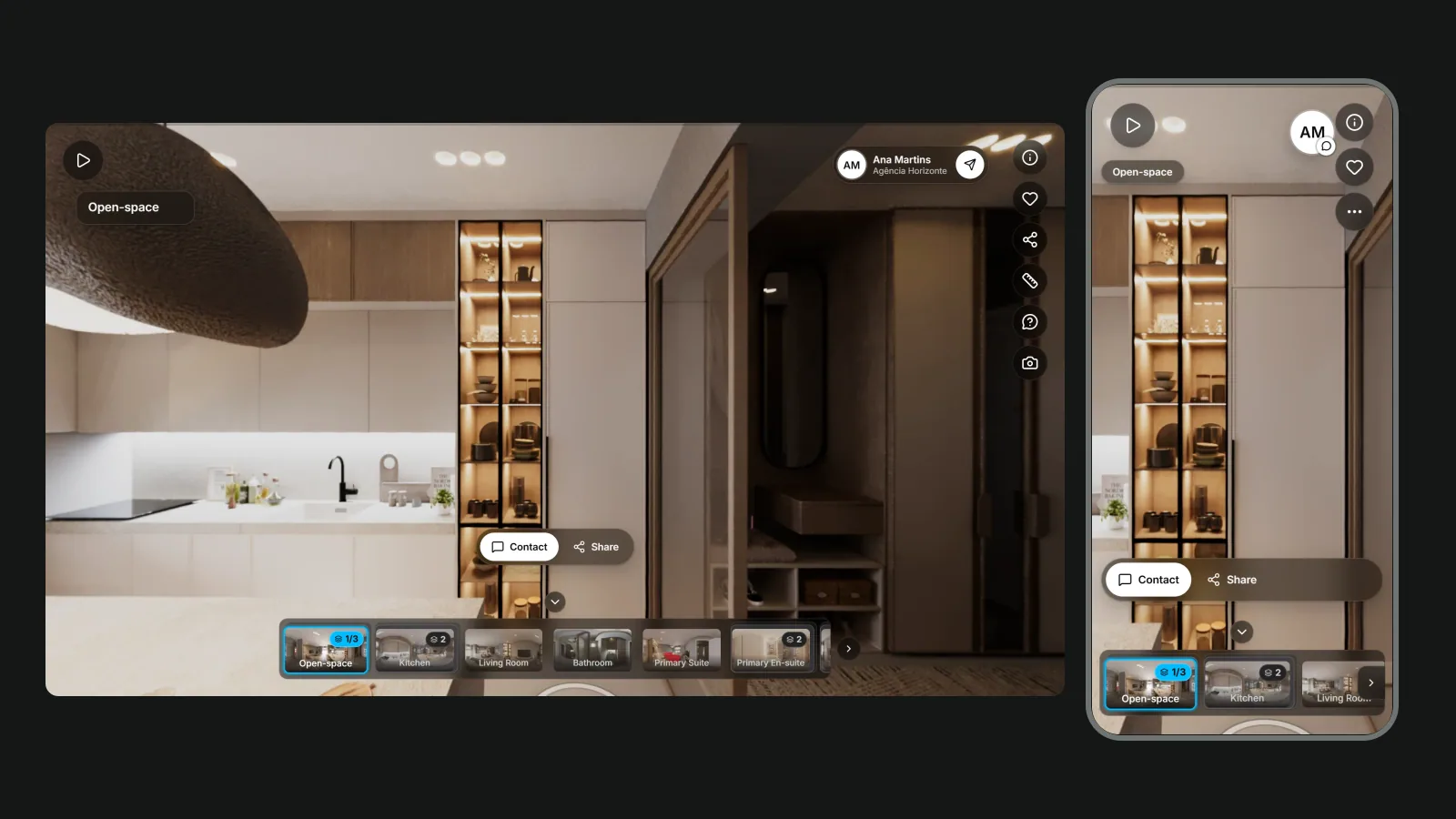
The free virtual tour software worth an agent's time is the kind a buyer can actually walk through: rooms linked, your contact one tap away, and the link still working next month. On that test, Panoee Free keeps unlimited tours online within 3 GB, Kuula Free hides its hotspots from visitors, Matterport Free gives you one live space scanned with a phone, and Vistura Free keeps 3 tours online at a time with every enquiry in full. Every row below was checked on the vendor's own page on 4 November 2026, unless a different date is given.
Free plan, free trial or free app: sort them first
Search for a free virtual tour creator and you get four different things on the same page. They are not comparable, so sort them before you compare anything.
- A free plan with no time limit. You can keep using it for as long as you like, within its limits: Panoee, Kuula, Momento360, Matterport and Vistura.
- A free trial or a refund. You pay, or you test for a few days. CloudPano is "free to try" and refunds within 14 days; its Pro Plus plan costs $49 a month, or $33 a month billed yearly. TeliportMe offers a free trial, with plans from about $25 a month on its pricing page (the page shows two different prices, so check before you sign up).
- A free app tied to one portal. Zillow 3D Home is free and posts the tour to your listing on Zillow, Trulia and Redfin. It is for US listings only.
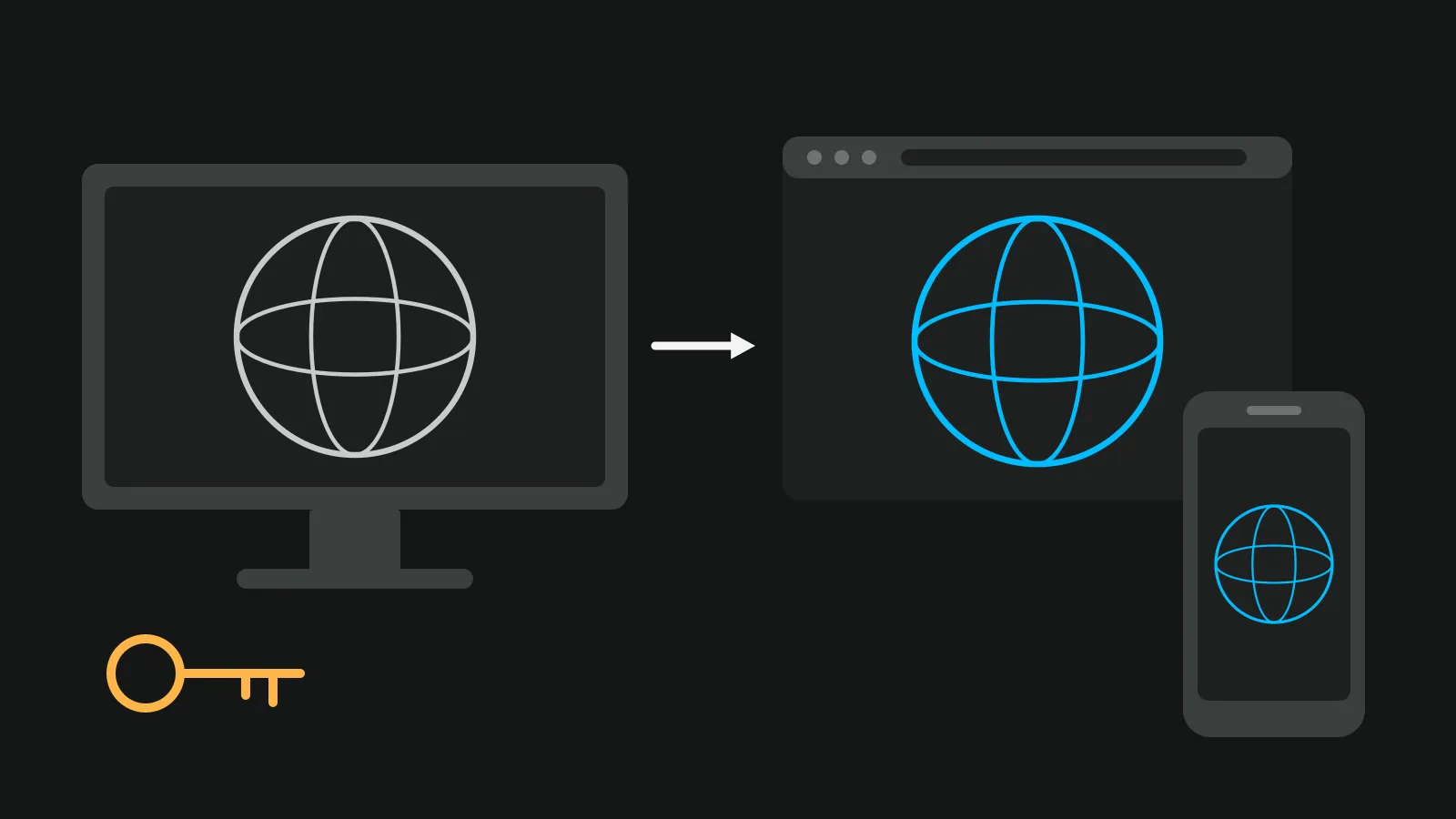
- Free code you host yourself. Marzipano builds a tour and exports it as a small web app. You need your own web hosting to put it online.
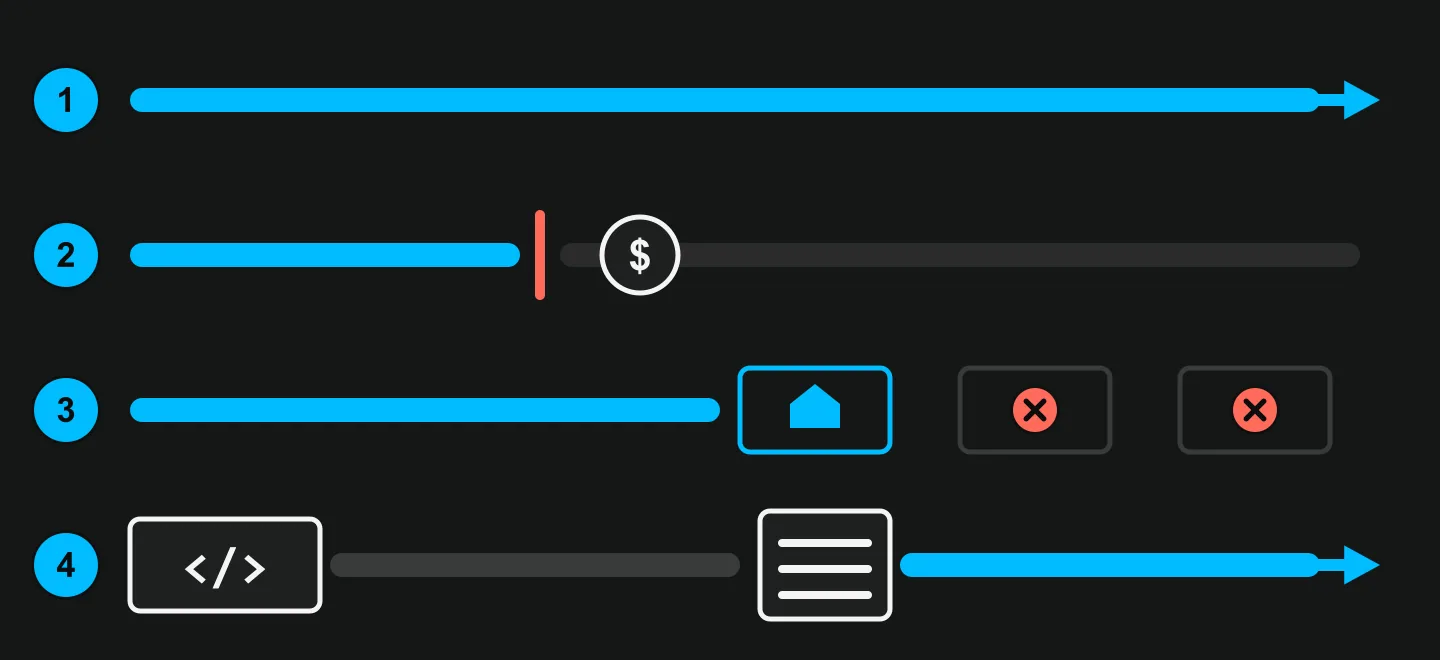
Only the first group lets you put a listing online today and keep it there without paying. The rest of this article compares that group, with a short word on the others.
Free virtual tour software compared
The table shows what each free plan gives you on the listing itself: how many tours stay online, what a buyer sees, and whether that buyer can reach you from inside the tour.
| Tool | Tours online on free | What the buyer sees | Enquiries from the tour | Capture | First paid plan |
|---|---|---|---|---|---|
| Panoee | Unlimited projects, 3 GB of storage | 7 hotspot types, tour on a Panoee sub-domain | Buttons for email, phone, WhatsApp or a link | 360 photos you upload | Pro, $22 a month |
| Kuula | Up to 300 posts, 100 uploads a month | No hotspots for visitors; Kuula logo | Contact card is Pro and Business | 360 photos you upload | Pro, $24 a month or $20 billed yearly |
| Momento360 | 100 active shares and embeds, 750 MB, 20 collections | Momento360 watermark, 4K display | No enquiry tool on its plans page | 360 photos you upload | Personal Plus, $9 a month or $7.50 billed yearly |
| Matterport | 1 active space, 2 users | Only phone scans can be shared publicly | Business Card with your contact, no form described | Matterport's phone app | Professional 10, $108 a month |
| Vistura | 3 tours online at a time (sold, offline and private ones do not count) | Linked rooms, "Created with Vistura" badge | Agent card, WhatsApp and form, every lead in full | Any 360 camera, or your phone with Vistura Capture | Pro, $24 a month or $19 billed yearly (founder price until 31 December 2026) |
Prices are in US dollars, read on each vendor's own page on 4 November 2026. Matterport's pages were read on 26 October 2026 and the Kuula Pro and contact card pages on 31 October 2026, because they could not be loaded on the 4th. Momento360's help page says its prices are current as of 7 November 2025.
The catch in each free plan
Every free virtual tour software plan stops somewhere. Here is where, tool by tool, so you know before a buyer finds out for you.
Panoee
Panoee has the most generous count: its pricing page says you can "create unlimited tours and keep them online as long as you like". The limit is storage. Free gives you 3 GB, and how many tours fit depends on the size of your photos, so test it with your own. Extra storage costs $0.15 per GB a month.
Panoee says free tours carry "no forced watermarks on your panoramic images". Your own logo and a custom domain come with the paid plans. If you ever move, Panoee sells an export of a whole project for $19, paid once.
Kuula
Kuula Basic is free and holds up to 300 posts across your tours. The catch is in its own help page on the free plan: "hotspots will not be visible to anyone except yourself". A buyer moves between rooms with the thumbnail bar at the bottom instead of walking through doors, which works for a flat with three rooms and gets confusing in a house with twelve.
The same page says "all the links and embeds are branded with the Kuula logo", that you upload up to 25 images at a time and 100 a month, that there is no audio, and that a tour is either public or private. The contact card that lets a buyer reach you is on Pro and Business.
Momento360
Momento360 is built for sharing single 360 photos and collections of them, and it does that well. According to its plans page, Free gives you 750 MB, 100 active shares and embeds, 20 collections and 2 plan drawings, with a "Momento360 watermark on shares and embeds" and a 4K maximum display. There is no enquiry tool on that page, so the buyer reaches you through whatever page you embed it in.
Matterport Free
The Free plan gives you 1 active space and 2 users. According to Matterport's price list, only spaces scanned with a phone can be shared publicly, and a paid account cannot go back to Free. For the full picture, see our Matterport alternatives compared.
Zillow 3D Home (US only)
The Zillow 3D Home app is free. It makes a tour from panoramas you take with your phone, adds a floor plan if you use a supported Insta360 or Ricoh Theta camera, and posts the tour to your listing on Zillow, Trulia and Redfin. It needs iOS 26 or later. It helps US agents who list on Zillow and nobody else.
Marzipano
Marzipano is free, open source code (Apache 2.0) and "not an official Google product". Its Marzipano Tool builds a tour and exports a web app that "can be deployed to any web hosting platform", so you need a host and some patience with files. Its GitHub repository was archived on 20 April 2026 and is now read-only: the code still works, but it gets no fixes.
Which free plan fits how you list
The best free virtual tour software for real estate depends on one number and one test. Do these four checks before you upload anything.
- Count your listings. Take the homes you list in your busiest month and add the sold ones you want to keep online. If that is 3 or fewer, every free plan here holds you except Matterport's, which keeps one active space. If it is 10, you need either an unlimited free plan or a paid one.
- Open one tour on your phone as a buyer. Can you move from room to room without hunting for a button? Can you reach the agent in one tap? This is where Kuula Free's hidden hotspots show up.
- Check where the tour goes. Some portals only show tours from providers they work with; others take a link. Our guide on how to make a 360 virtual tour covers where to put it. A link you send on WhatsApp, a QR code on your sign and your own website work with any tool.
- Check what happens at the limit. On Matterport Free, new uploads stay "in a pending state until the plan is upgraded or capacity is freed up". On Panoee, you buy storage. Know this before your busiest month, not during it.
If you still need a camera, see what a 360 camera and a tour cost, or take a 360 photo with your phone first.
Vistura: free to try, Pro when you list every month
Vistura is a 360 tour app built around what happens after the tour goes live: a buyer asks a question, you reply, you book the viewing.
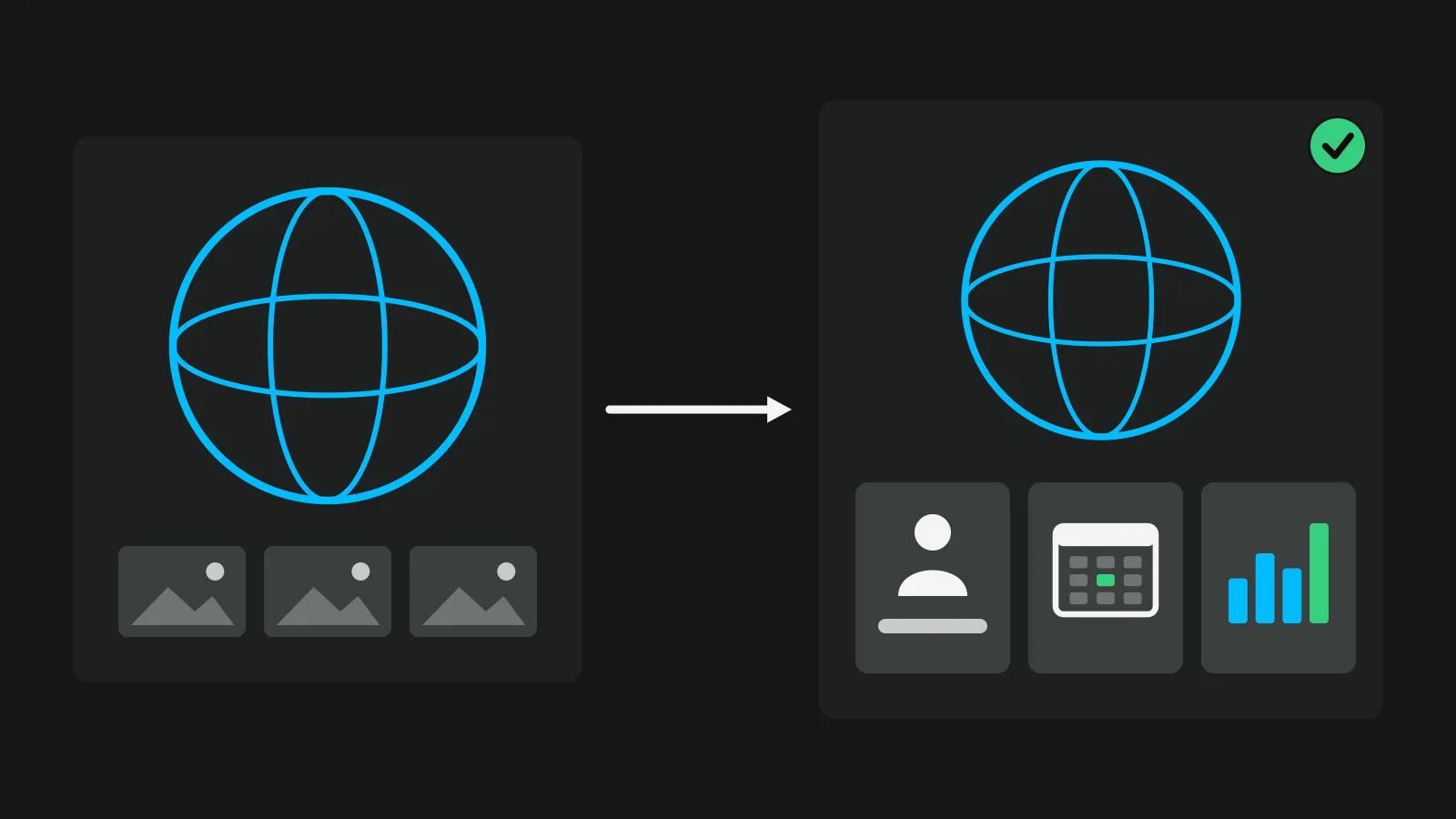
Free, to put a real listing online today. No card and no time limit. You keep 3 tours online at a time, and sold, offline and private tours do not count. On every plan, buyers reach you through the agent card, WhatsApp and a form, and every lead arrives in full, with visits and leads for each listing. You share by link, QR code, WhatsApp, embed or your public profile.
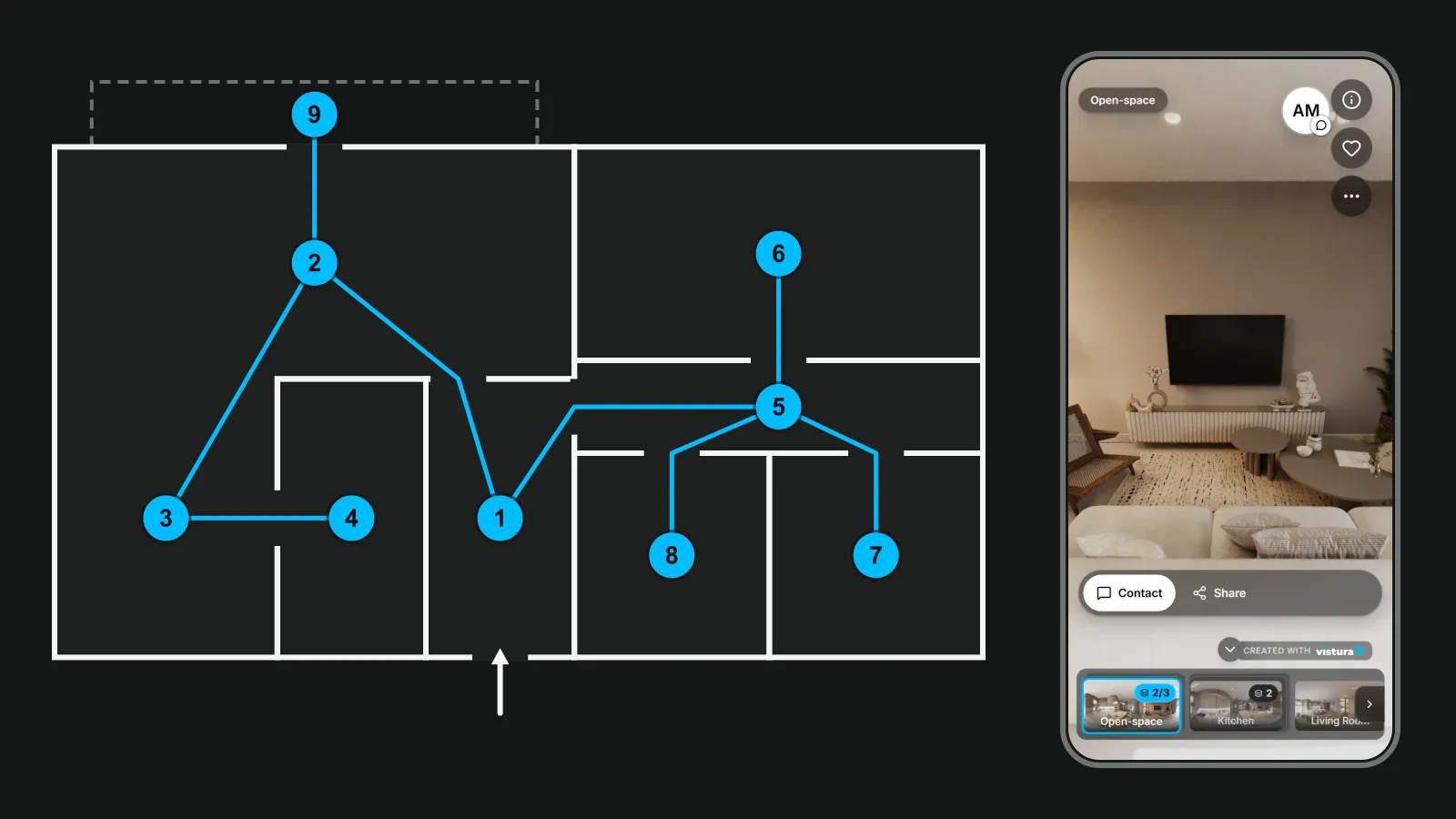
No camera needed to start. Vistura Capture runs in your phone's browser, guides you round the room and joins the photos into a 360 in under a minute. Nothing to install. Any 360 camera works too. Already have tours in another tool? Drop its exported .zip (Marzipano, krpano or Panoee), or a .zip of its photos, and the links and notes come along.
When you list more than 3 homes. The 3 tours with the most visits in the last 30 days stay online, and you can choose the 3 yourself. People who open the others see your contact and can leave an enquiry, so no buyer hits a dead link.
Pro, for agents who list every month:
- Unlimited tours online.
- Your logo and colours, no Vistura badge.
- Viewings booked into your calendar.
- The owner report: the seller follows their tour and its numbers.
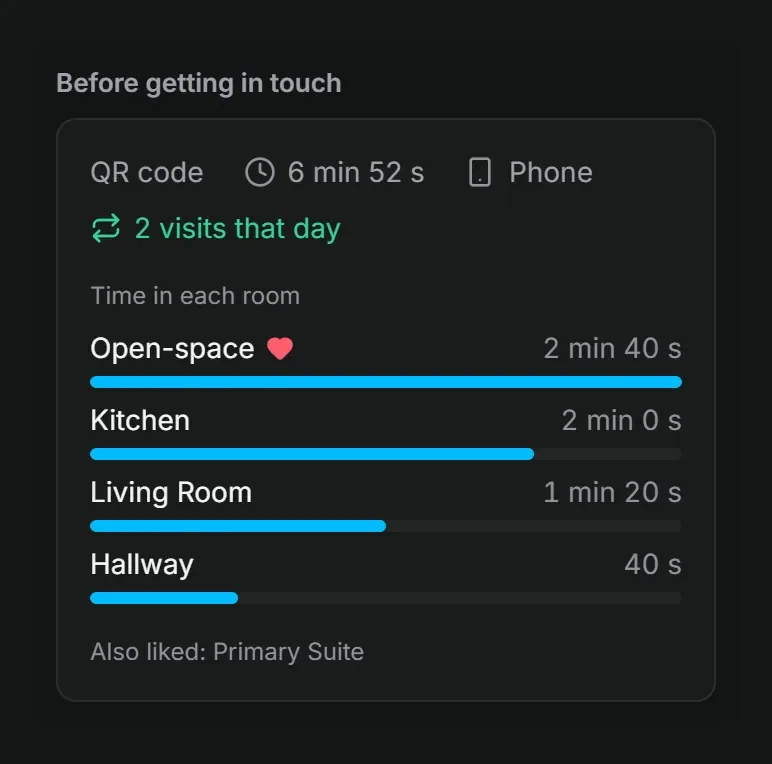
- "Before you call": what each lead looked at.
- Floor plans, video, narration and a guided tour.
- Advanced statistics, with the history from day one.
Pro costs $24 a month, or $19 billed yearly, at the founder price for subscriptions started by 31 December 2026 and kept while they stay active (list price $29 and $24). Business, for agencies, includes 3 people and your own domain (tours.youragency.com) for $49 a month, or $39 billed yearly, at the founder price. The details are on Vistura's plans.
How to choose
Do not pick from a table alone. This week, put the same real listing into two of these tools. Open both links on your phone as if you were a buyer on the sofa at night, then send them to a colleague and ask them to enquire.
Keep the one where the buyer moves through the home without thinking and reaches you fastest. That is the tool that earns its place on your listing, free or not.
Frequently asked questions
Is there completely free virtual tour software?
Yes. Panoee Free, Kuula Basic, Momento360 Free, Matterport Free and Vistura Free cost nothing and have no time limit, and each one stops somewhere: storage on Panoee, hidden hotspots on Kuula, one active space on Matterport, 3 tours online at a time on Vistura. Free code such as Marzipano costs nothing too, but you host the tour on your own web space.
Can I make a virtual tour for free without a 360 camera?
Yes. Matterport Free captures with its phone app, Zillow 3D Home makes a tour from phone panoramas for US listings on Zillow, and Vistura Capture guides you round each room in your phone's browser and joins the photos into a 360, with nothing to install.
Do free virtual tours have a watermark?
Most do. Kuula brands free links and embeds with its logo, Momento360 puts its watermark on free shares and embeds, and Vistura Free tours show "Created with Vistura". Panoee says it adds no forced watermark to your panoramas; putting your own logo on the tour is a paid feature.
What happens to my tours if I stop paying?
It depends on the tool. On Matterport, a cancelled account's spaces go offline. Kuula keeps your data for a later renewal. On Vistura, the 3 tours with the most visits stay online, you can choose which 3, and people who open the others see your contact and can leave an enquiry.