3DVista Alternatives for Real Estate: Cost, Hosting, Leads
3DVista alternatives for agents and 360 photographers: what Virtual Tour Pro costs each year with hosting and upgrades, next to Vistura, Pano2VR and krpano.
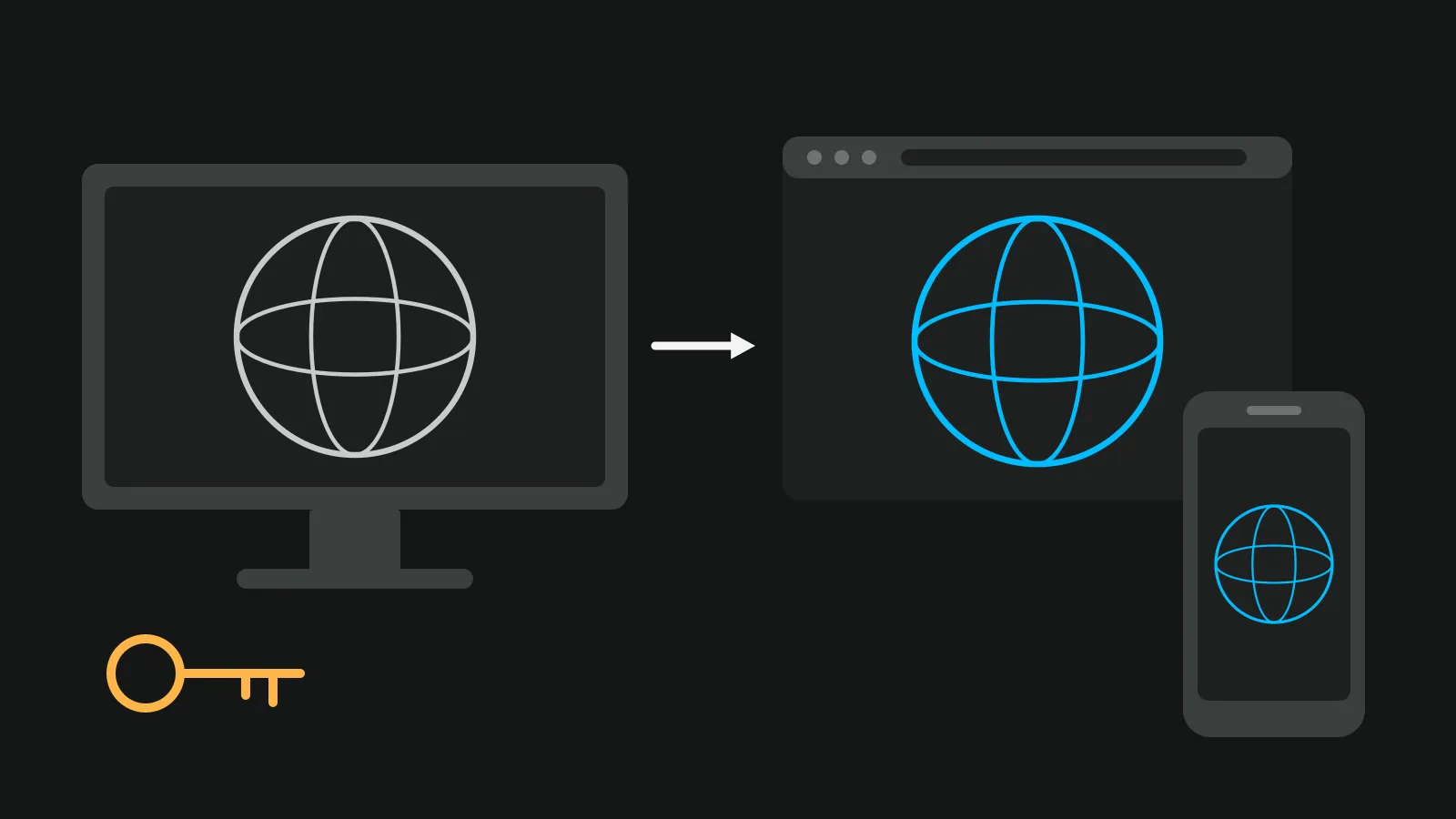
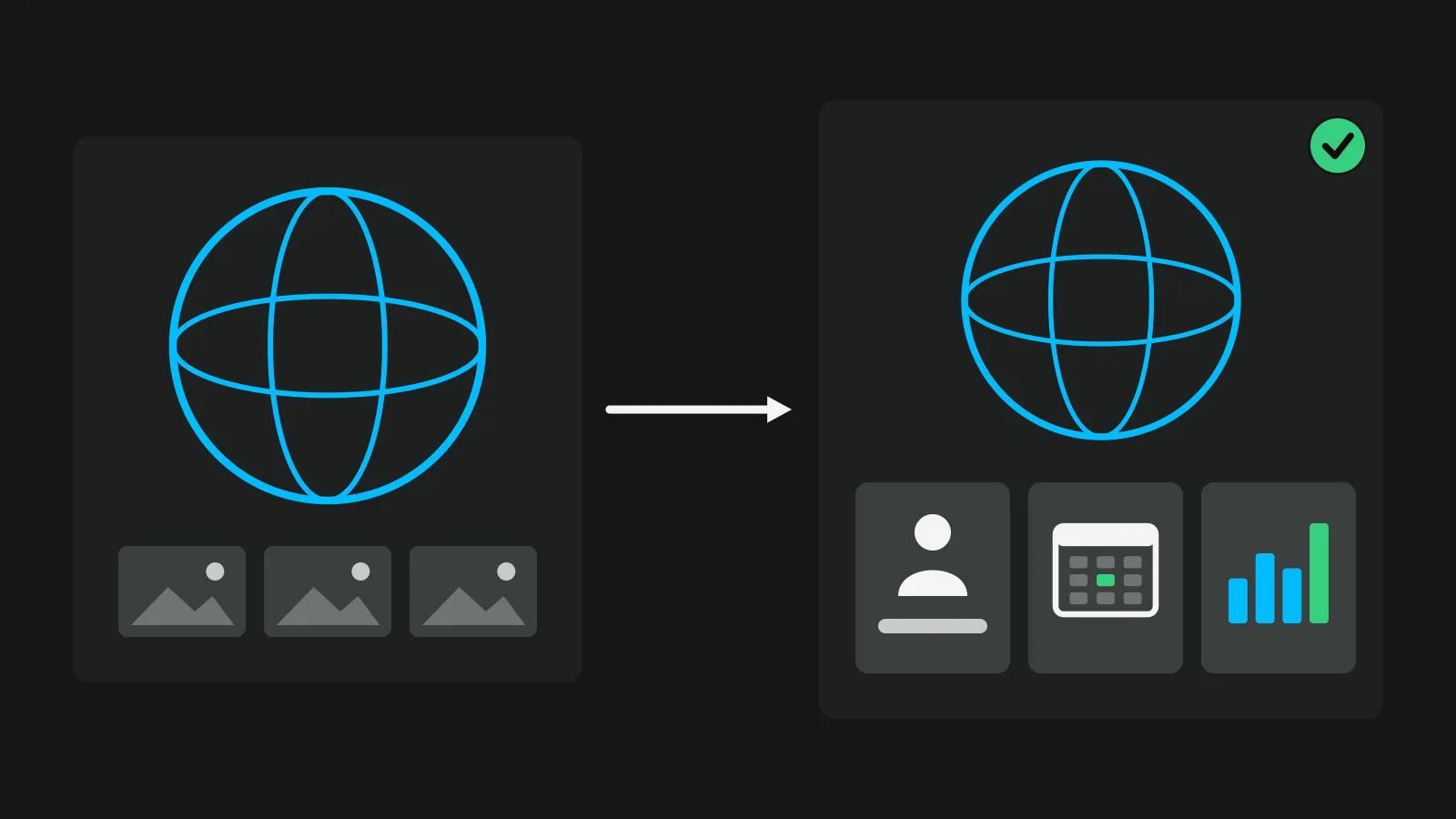
3DVista Virtual Tour Pro is desktop software for Windows and Mac, sold for one payment of 499 € ($499); 3DVista Hosting and upgrades after the first year are sold apart. Of the 3DVista alternatives for real estate, Vistura is the one built for listings: a web app with hosting included, where every enquiry lands in one inbox and, on Pro, buyers book a viewing from the tour. Pano2VR keeps the desktop workflow, krpano suits people who write code, and Panoee, CloudPano and Kuula host tours in the browser.
We make Vistura; every other price here comes from that company's own page, linked. Prices from each company's page on 8 November 2026 (krpano on 4 November, CloudPano on 31 October), before tax; 3DVista's store does not say whether VAT is included. Check the linked page before you buy.
3DVista and Vistura, cost by cost
3DVista sells a licence and lets you choose the hosting. Vistura is a subscription with the hosting in it. Here is what each part costs and what you get back from a listing.
| 3DVista Virtual Tour Pro | Vistura | |
|---|---|---|
| To start | A trial download for Windows and Mac | 14 days of Pro in the browser, no card; then Free, with 3 tours online at a time |
| Software | 499 € ($499) once, with one year of upgrades | Nothing to install. Pro $24 a month or $19 billed yearly; Business $49 or $39 (founder price until 31 December) |
| Hosting | Your own server, or 3DVista Hosting from 99 € a year | Included on every plan |
| Upgrades after year one | 149 € a year, optional | Part of the subscription |
| Your brand | Branded Viewer, 250 €, for the right-click menu | Pro: your logo and colours, no Vistura badge |
| Enquiries | Forms through marketplace add-ons sold by other sellers | Every lead in full in your inbox and by email, on every plan |
| Statistics | Advanced Analytics with 3DVista Hosting | Visits and leads for each listing on every plan; on Pro, the source of every visit and the rooms that hold attention |
3DVista pricing: what it costs each year
"One payment" is true for the licence. Hosting and new features are yearly choices. This is the 3DVista pricing on its own pages:
| Item | Price as listed | What it is |
|---|---|---|
| Virtual Tour Pro licence | 499 € ($499), one payment | The software, yours for life, with one year of upgrades |
| Upgrades after year one | "A year worth of upgrades for 149€" | Optional. Skipped years can be caught up later. Updates "that improve performance and convenience" stay free |
| 3DVista Hosting | From 99 € a year | Starter plan: 1 GB storage, 3 GB bandwidth a day. The hosting page lists Video Tour at 46 € a month paid yearly, with 10 GB |
| Your own server | Your host's price | Instead of 3DVista Hosting |
| Branded Viewer | 250 € | Replaces the right-click 3DVista reference with your brand name and URL |
| TURN service | From 9 € a month | Only if a network blocks the direct connection of Live Guided Tours |
The licence includes a free first period of 3DVista Hosting. A business directory may show a lower starting price than these; check the vendor's store, not a directory.
A three-year example
Assumptions: the smallest hosting plan for three years, upgrades kept every year, the free hosting period not deducted.
- Licence: 499 €
- Three years of Starter hosting: 297 €
- Two years of upgrades (year one is included): 298 €
- Total: 1,094 €, VAT not stated by the store
Without upgrades, the same three years cost 796 €. Add the Branded Viewer if you want your own name in the right-click menu.
What 3DVista does well
3DVista has made tour software since 1999, and Virtual Tour Pro covers a lot: a VR mode, Live Guided Tours, quiz cards and SCORM for e-learning, an offline player, and floor plans with hotspots. In 3DVista's words: "You can always upload your tours to your own or external servers." That set suits studios that build tours for museums, training and tourism.
Where agents outgrow 3DVista
For a listing, the tour is the start. The jobs that follow are the ones that sell the home: an enquiry that arrives in full, a viewing booked without phone tag, which portal or QR code brought each visit, and a report for the seller. This is what 3DVista's own pages say about them.
- Statistics need its hosting. Its Advanced Analytics (visits, time, hotspots, heatmaps and visitor origin) "comes with the (optional) 3DVista Hosting", according to a 2021 post.
- Forms are add-ons. They are sold on the 3DVista Marketplace by other sellers. One of them, Form Creator PRO, says "Form submission is facilitated via WhatsApp, SMS, or email", so the answer travels through the visitor's own app, not into an inbox of leads.
- Yearly costs add up. Hosting and upgrades are paid each year, as the table above shows.
3DVista gives you the tools to build these jobs. A listing tool has them built in.
Vistura: the 3DVista alternative built for listings
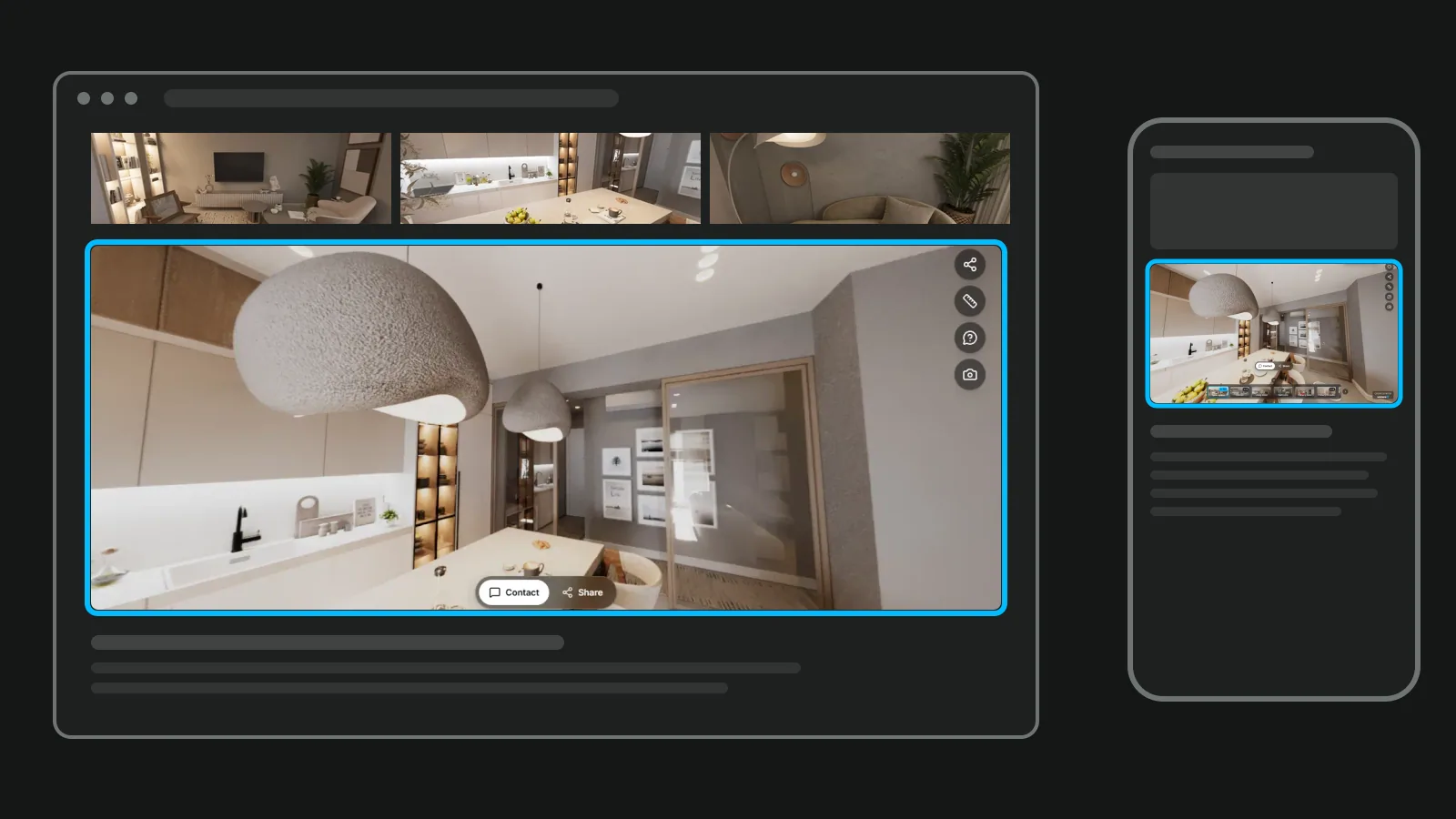
Vistura runs in the browser, with nothing to install and hosting included. Each tour has a link, a QR code, an embed code for your website and a place on your public profile, and the viewer speaks the visitor's language (English, Portuguese, Spanish, German, French, Italian and Dutch).
Capture and clean
Any 360 camera works. If you don't have one yet, start with your phone: Vistura Capture guides you through 24 to 35 shots per room and stitches them into a 360. Straighten a tilted photo in the editor, automatically or by hand. On Free the tripod is covered with the Vistura disc; on Pro Vistura erases it using the floor around it, or covers it with a colour or your logo.
Built for selling
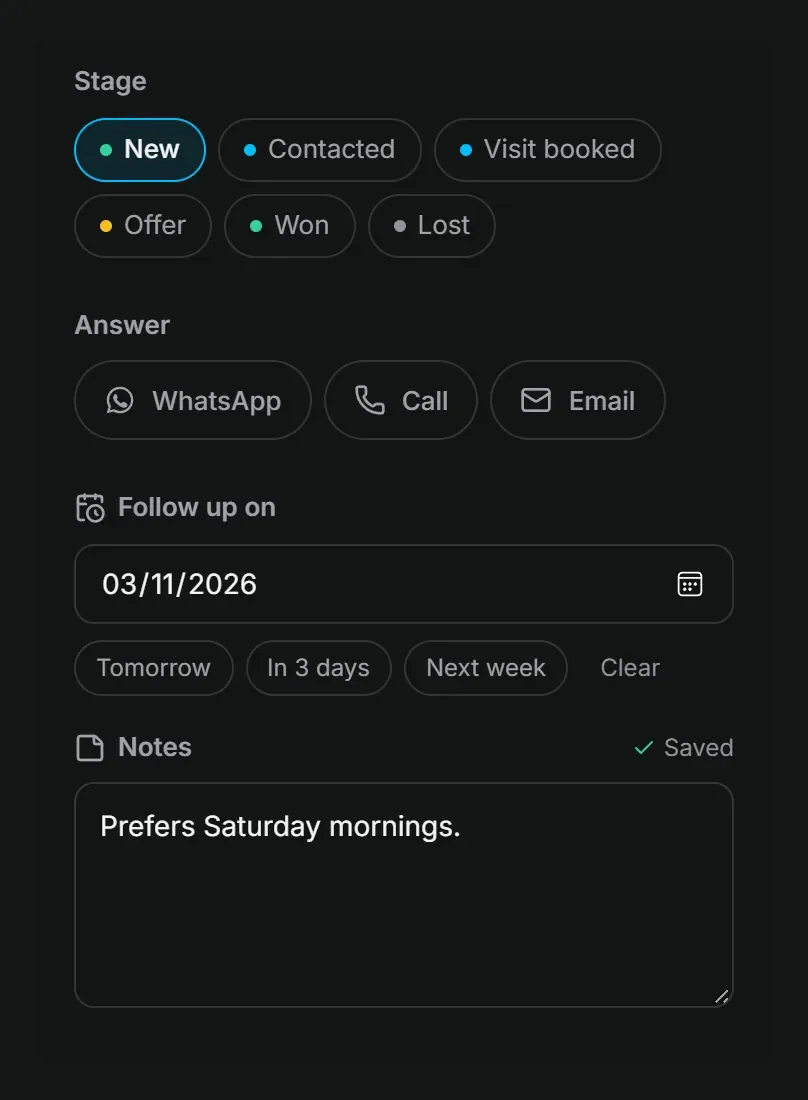
- Leads inbox on every plan: every enquiry arrives in full, and you reply by WhatsApp, phone or email.
- Stages, notes and follow-up dates for each lead (Pro).
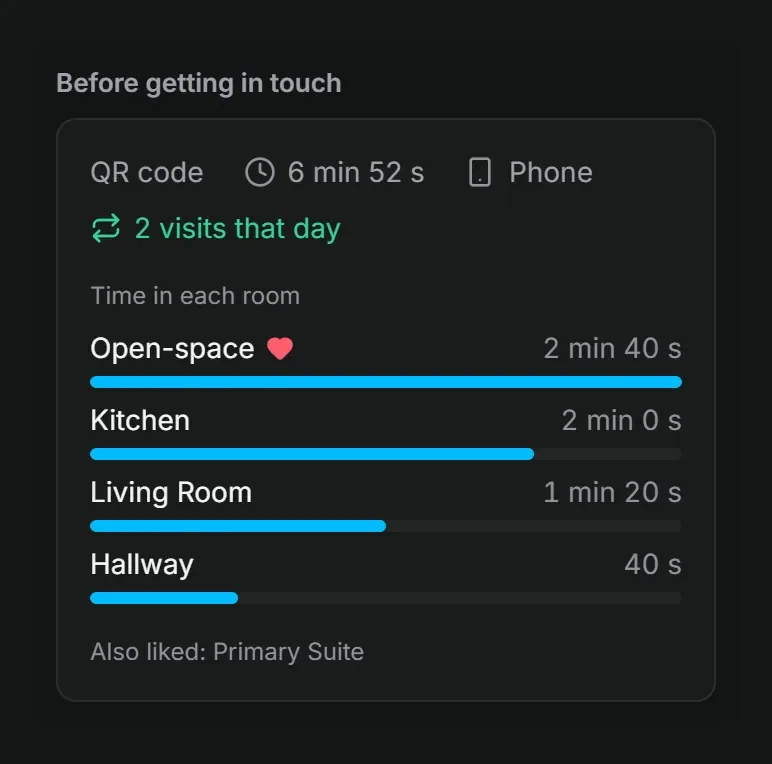
- "Before getting in touch", the panel on each lead, shows the rooms the lead saw, for how long, and where they came from (Pro).
- Viewing booking (Pro): buyers pick a free time from the tour and get a confirmation.
- Statistics: visits and leads for each listing on every plan; on Pro, the source of every visit (portal, WhatsApp, QR, social) and the rooms that hold attention, with the history saved from day one.
- Owner report: the visits and contact requests on every plan, by email or as a PDF, with your note; on Pro it adds where the visits came from, what people looked at most and your logo.
- Narration and the guided tour (Pro): record a few sentences per room, or let the tour show the home by itself.
- Mark as sold, and the link sends visitors to your other properties.
For 360 photographers
- Invite editors, such as a colleague or a second photographer (Pro).
- Hand a finished tour over to the agent's account, on every plan: once the agent accepts, the tour, its link, leads and statistics move across. The link stays the same, so the QR code and the messages already sent keep working.
- Your logo and colours, no Vistura badge (Pro).
- The agency's own domain, such as tours.youragency.com (Business).
What it costs
Every new account starts with 14 days of Pro, with no card, and nothing is charged when they end. Then the account is on Free: 3 tours online at a time (sold, offline and private ones do not count), with no time limit, under the Vistura brand.
Pro is $29 a month, or $24 billed yearly, for unlimited tours online under your brand. Business is $59 a month, or $49 billed yearly, with 3 people included and $15 a month for each extra person ($12 billed yearly). Subscriptions started by 31 December 2026 get the founder price, kept for as long as the subscription stays active: Pro at $24 a month or $19 billed yearly, Business at $49 or $39. The details are on Vistura's plans.
3DVista vs Pano2VR, and krpano
If you want to keep the desktop workflow, these two are the usual next stop. Both change the editor, not the jobs after the tour.
Pano2VR
Garden Gnome's desktop app has a visual editor and exports tours for the web. It is sold as a subscription with Garden Gnome's cloud hosting, and as a one-time licence; check the current prices on Garden Gnome's site. Like 3DVista, the files and the hosting are yours to manage.
krpano
krpano is code first. The licence costs 179 € plus VAT, and removing its branding costs 299 € more. The krpano alternatives guide has the full comparison.
Other web apps
Hosted apps remove the software and the server. You upload 360 photos in the browser, share a link, and the vendor keeps the tour online.
- Panoee has a free plan and Pro at $22 a month. Exporting a project costs $19.
- CloudPano lists Pro Plus at $33 a month billed yearly.
- Kuula lists Pro at $24 a month, or $20 billed yearly.
For a closer look at hosted tools, read the Matterport alternatives guide.
All the alternatives side by side
The last column matters if you already have tours made in 3DVista.
| Tool | What it is | Who hosts the tour | Price (as listed) | Built for listings (leads, booking, stats per listing) | Moving a 3DVista tour |
|---|---|---|---|---|---|
| 3DVista Virtual Tour Pro | Desktop app for Windows and Mac | You, or 3DVista Hosting from 99 € a year | 499 € ($499) once, one year of upgrades, then 149 € a year, optional | Analytics with its hosting; forms through marketplace add-ons | It is 3DVista |
| Vistura | Web app for listings | Vistura, hosting included | 14 days of Pro, no card; then Free with 3 tours online at a time. Pro $24 a month or $19 billed yearly (founder price until 31 December) | Leads inbox on every plan; viewing booking, "Before getting in touch" and statistics by source on Pro | Drop the original 360 photos |
| Pano2VR | Desktop app by Garden Gnome | You, or Garden Gnome's cloud | Subscription or one-time licence: check on Garden Gnome's site | You build them | Bring the original 360 photos |
| krpano | Viewer and tools, driven by code | You, on your own server | 179 € licence, 299 € more without krpano branding, plus VAT | You build them | Bring the original 360 photos |
| Hosted web apps (Panoee, CloudPano, Kuula) | Apps in the browser | The vendor | Panoee Pro $22 a month; CloudPano Pro Plus $33 a month billed yearly; Kuula Pro $24 a month or $20 billed yearly | Contact buttons or forms (see the Matterport alternatives guide) | Bring the original 360 photos |
How to move a 3DVista tour
Bring the 360 photos the tour was made from. Vistura builds the new tour from them, and the move takes these steps:
- Collect the original 360 photos: the equirectangular JPEGs from your camera or from 3DVista Stitcher.
- Number the files in walking order, such as "01 entrance" and "02 living room". Each photo becomes a room named after its file, in that order.
- Zip them and drop the .zip on the photo list of a new Vistura tour.
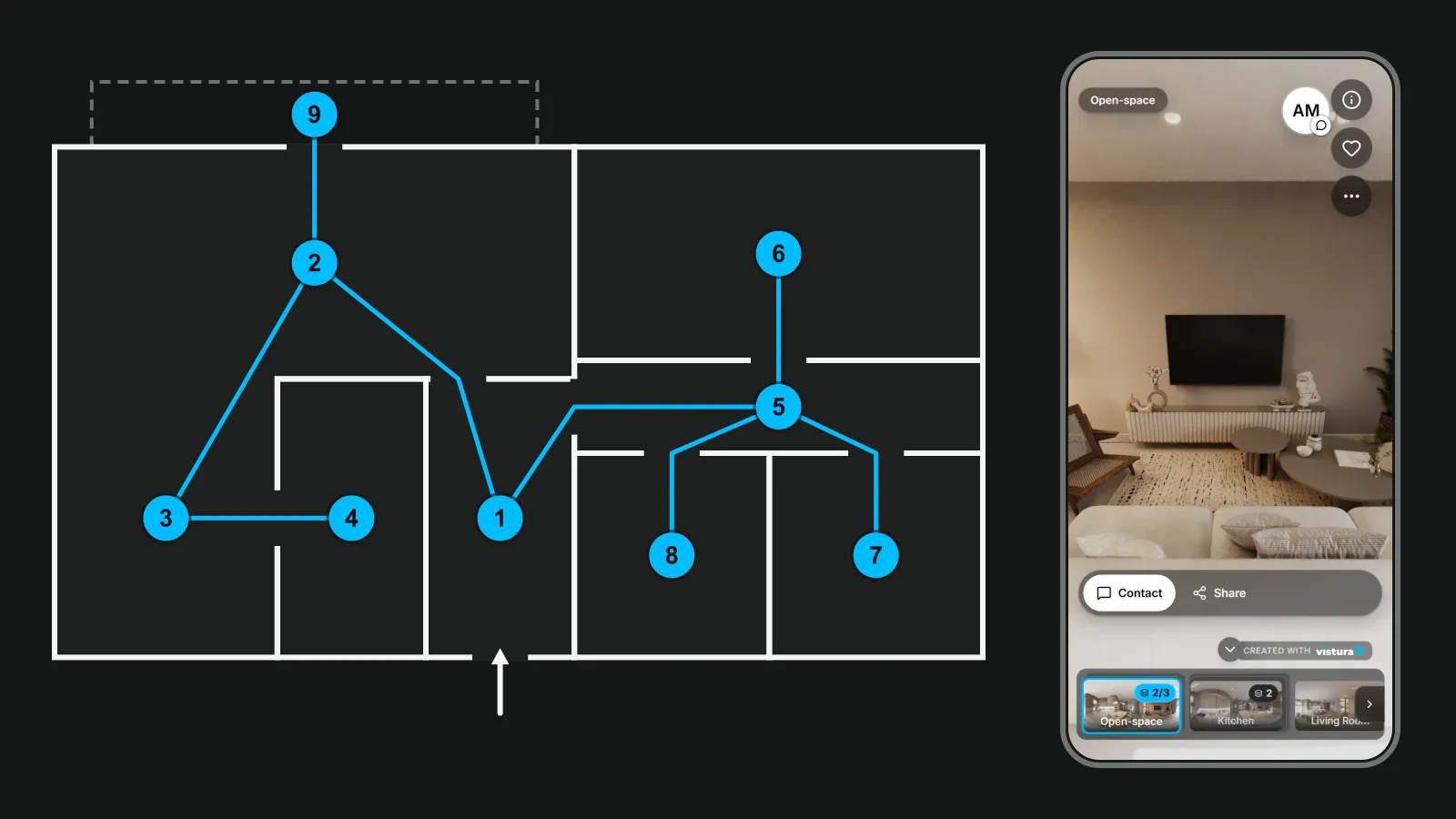
- Join the rooms. Drop a photo on the view to link it, or add a link from the photo's settings.
- Add the rest: the floor plan and narration (Pro), the agent card and the contact form.
If all you have is six face images per room, join them into one 360 photo first with the free cubemap to 360 photo tool. As the tool puts it: "From 3DVista or the HTML5 player of Pano2VR: drop the original 360 photos, or six face images saved from the program." Nothing is uploaded and no sign-up is needed.
Tours made with krpano, Marzipano or Panoee come into Vistura from their export with their links and notes; the krpano guide shows how.
How to choose: three questions
- Is the tour there to sell a listing, or do you deliver tours to agents? Vistura Pro, or Business for an agency team.
- Do you build tours for e-learning, museums or tourism rather than for listings? 3DVista.
- Do you want desktop software and files you host yourself, with a different editor? Pano2VR, or krpano if you write code.
To weigh the cost of making the tour itself, see how much a virtual tour costs. For the basics of tours for listings, start with the real estate virtual tour guide.
Before you pay for another year of hosting or upgrades, rebuild one listing in Vistura from its original photos. Every new account starts with 14 days of Pro, no card, so you can test the leads inbox, viewing booking and the statistics on a real listing: see Vistura's plans.
Frequently asked questions
Is 3DVista a one-time payment?
Yes for the licence. Virtual Tour Pro costs 499 euros ($499) once, and the licence is yours for life. The first year of upgrades with new features is included; after that a year of upgrades costs 149 euros, and it is optional. If you use 3DVista Hosting, that is paid every year.
Do I need 3DVista Hosting?
No. 3DVista says you can always upload your tours to your own or external servers. Its Advanced Analytics, with visits, heatmaps and visitor origin, comes with 3DVista Hosting.
Does 3DVista work on a Mac?
Yes. 3DVista offers the Virtual Tour Pro trial as a download for Windows and for Mac.
Can I move my 3DVista tours to a web app?
Yes, from the photos. Bring the original 360 photos the tour was made from and upload them to a new Vistura tour. If you only have the six face images of each room, join them into one 360 photo first with Vistura's free cubemap tool, then upload that.