Apartment Virtual Tour: How to Make One That Leases Units
How to make an apartment virtual tour for rentals: units and amenities, model vs actual unit, rent in the tour, after it's let, and what renters check.
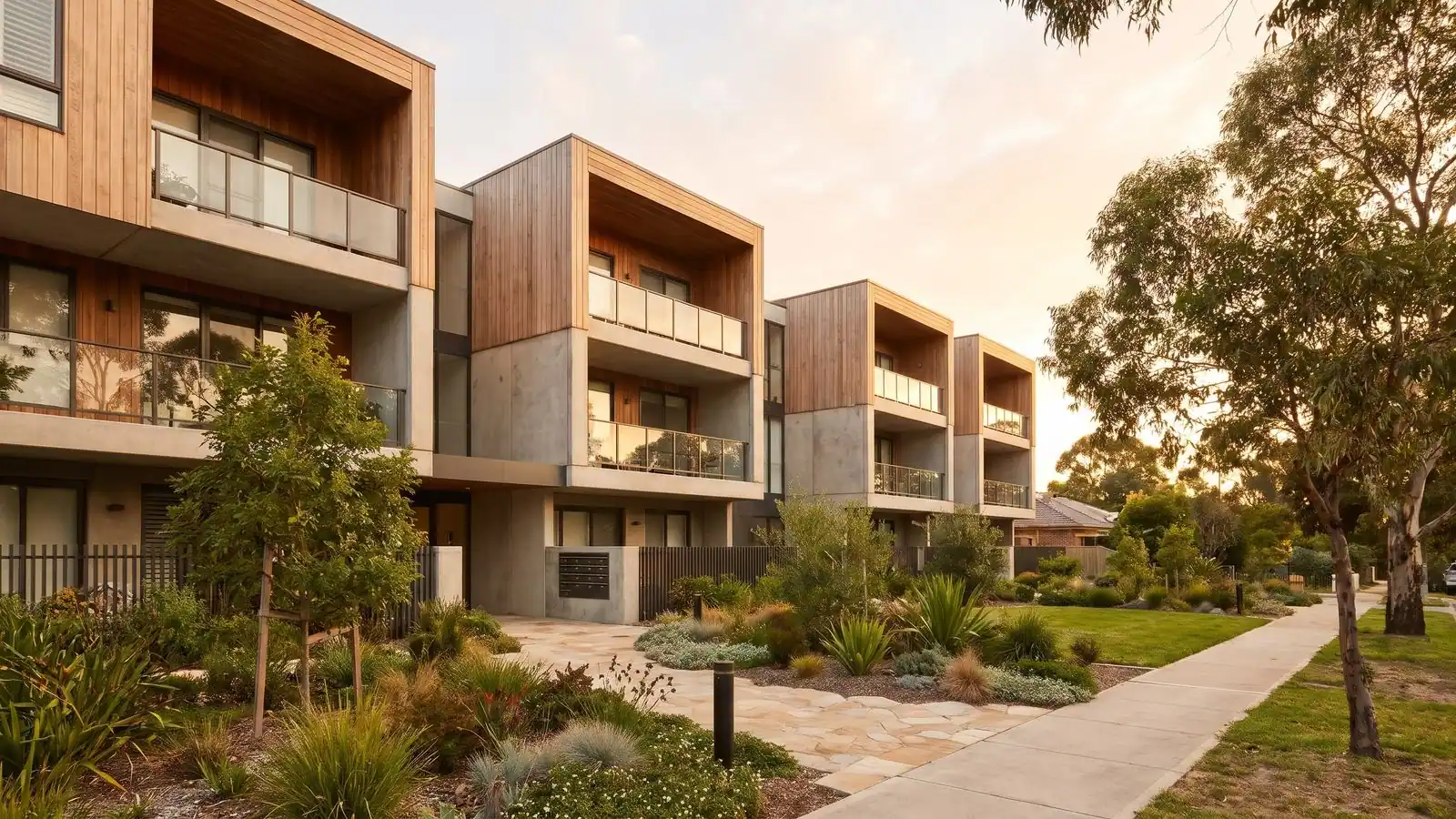
An apartment virtual tour lets a renter walk through a unit and its building from a phone before booking a viewing, and for a landlord or leasing agent it filters out the viewings that would never have turned into a lease. This guide is for the person letting the units: what to shoot in a flat and in the building, how to handle identical units and model units honestly, where the rent and the next step go, the wording rules, and what to do with the tour once the unit is let. Renters have their own section further down, on how to judge a flat from its tour.
For the wider picture of tours in property, start with the real estate virtual tour guide.
What renters want to see in an apartment virtual tour
Renters open a tour with a short list in their head. Give them every item on it.
- The unit, room by room: kitchen, bathrooms, bedrooms, living area, storage, and the view from the main window.
- The building: the entrance, the lift or stairs, laundry, parking, the mailroom, and any gym, roof terrace or courtyard.
- The facts next to the photos: rent per month, bedrooms, size, what the rent includes, furnished or not, pets, and the move-in date.
A tour answers the questions people would otherwise ask by phone. So the calls that do come are from people who have already seen the layout, the light and the building, and still like the place. That is the whole point for a busy leasing office: fewer viewings, and better ones.
Plan the tour for a rental, not a sale
A sale tour shows one home to one buyer. A rental tour often shows one of several similar units, in a building the renter will share, sometimes while someone else still lives there. Plan for that before you shoot.
One unit or a whole building
A single flat gets one tour. A building with several vacancies is different: shoot the shared spaces once (entrance, lift, laundry, gym, parking, courtyard) and reuse those photos in each unit's tour. Every renter then sees the amenities, and you do not shoot the lobby five times.
Identical units and model units
Shoot one unit per floor plan. Then copy that tour for each identical unit and replace only what differs: the floor, the view, the finish, the orientation.
If the photos come from a model unit or a similar unit, say so in the tour's title and in the first photo's name, for example "Model unit, same layout as 4B". Offer a viewing of the actual unit too. Renter guides such as Zumper's tell people to confirm that a tour shows "the exact unit you're applying for", and to treat a clear statement that it is the actual unit as a good sign. An unlabelled model starts the relationship with a surprise.
Furnished or empty
Empty rooms look smaller and colder in 360. If the flat is let furnished, shoot it furnished. If it is let empty, you can add a staged or virtually furnished image as a clearly labelled comparison, never as the unit's real state. The virtual staging guide covers how to do it and how to label it.
Occupied until move-out
Ask the tenant first, and give the notice your lease and your state or local law require before you enter. Keep personal items, family photos and documents out of the shot. If something stays in frame, blur it before you publish with the free 360 photo blur tool.
Shoot it: phone or 360 camera
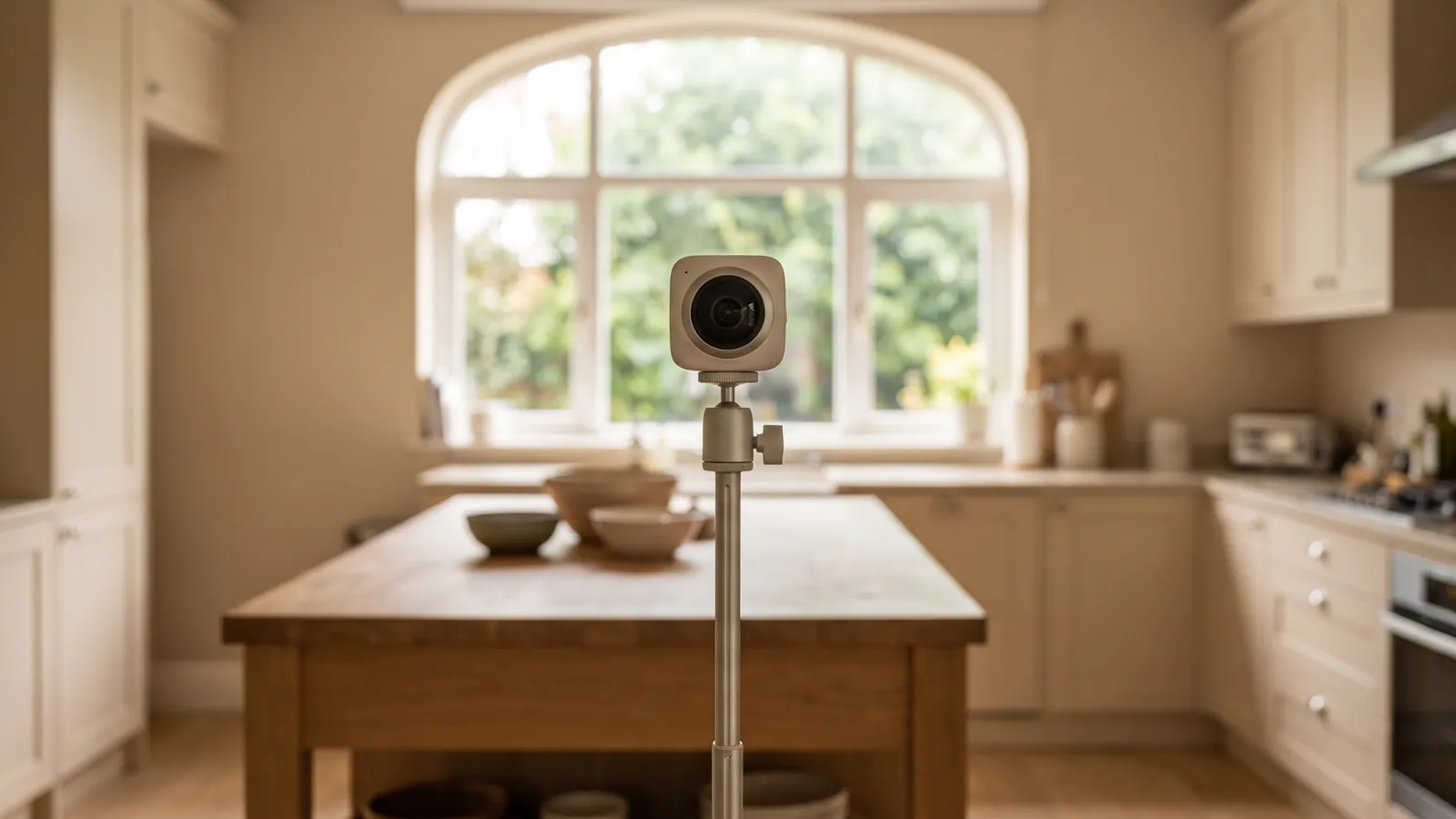
A 360 camera gives renters the walk-through: they turn around in each room and step to the next. Regular phone photos work for a quick listing when the unit is let fast and you need something online today.
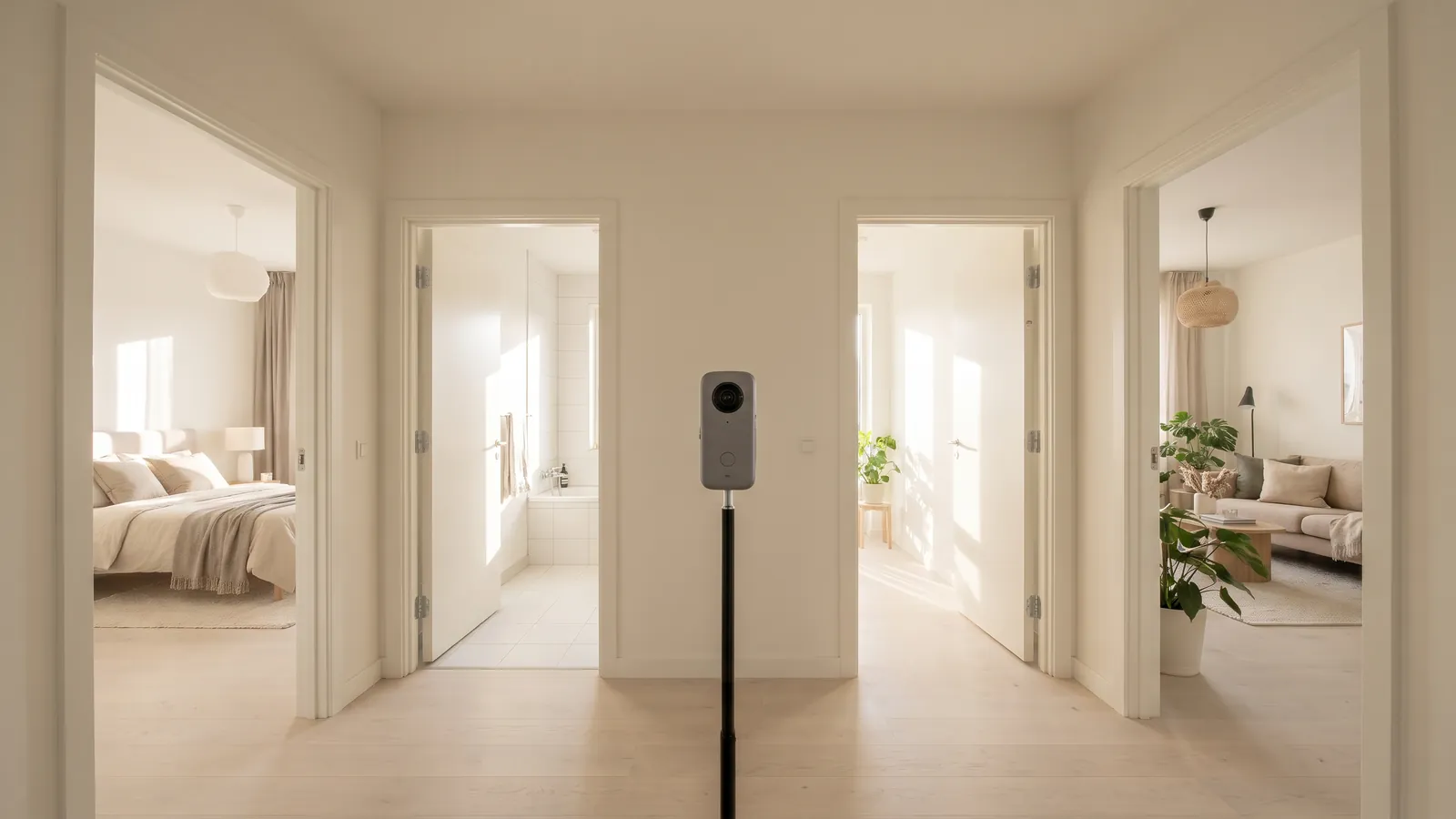
Either way, the basics are the same. One spot per room, near the middle. The camera at chest height. Every light on, blinds open, doors to the next room open so renters can see where they lead.
The step-by-step is in how to make a virtual tour of a house, and it works the same for a flat. If you are choosing a camera, read the 360 camera for real estate guide, and if budget comes first, the round-up of free virtual tour software.
Put the rental facts and the next step inside the tour
Renters filter by a handful of facts. Write them next to the photos, not only on the listing site, because the tour link travels on its own in messages and emails:
- rent per month, and the deposit and fees only as the lease states them;
- bedrooms and bathrooms;
- size;
- pets, parking and laundry;
- furnished or not;
- available from.
Then give a clear next step on every screen: call or message, an enquiry form, or a booked viewing. A renter who has just decided they like the kitchen should not have to go back to the listing site to find your number.
In Vistura you set the property's "Deal" to "For rent", and the tour shows the price with "/month" in the property details and on the property card. The details also hold the bedrooms and features renters look for, such as "Furnished", "Laundry", "Lift", "Parking" and "Gym". The agent card offers WhatsApp, phone, email or a form on every plan. On Pro, "Book a visit" lets the renter pick a free time from your "Days and hours", and the booking lands in your leads in the "Visit booked" stage. Every account starts with 14 days of Pro, no card needed.
Fair housing: describe the unit, not the renter
In the US, federal rules make it unlawful to publish any notice, statement or advertisement for the rental of a dwelling that indicates a preference, limitation or discrimination because of characteristics such as race, color or religion (24 CFR 100.75). The rule covers written statements and images. A tour's title, room names, captions and description are advertising.
So describe the flat: "two-bedroom, step-free entrance, laundry in unit". Never describe the person you picture living there, such as "ideal for a young professional" or "perfect for a Christian family". State and local laws can add more protected characteristics, so check the ones where your units are.
Share it where renters look
Put the tour wherever renters already search or ask:
- the listing portals you use;
- your own website and the building's page (see how to embed a virtual tour on your website);
- your replies to enquiries on WhatsApp or by email;
- a QR code on the "For rent" sign or the lobby notice (see QR codes on property signs).
With Vistura, sharing comes built in. The tour's QR code, embed code and WhatsApp message are on every plan, and "Link for portals" gives you a separate link for each place you name, for example "Zillow" or "Building lobby". On Pro, Statistics shows the visits and contacts each link brought, so you know which listing site earns its fee.
When the unit is let, and the next vacancy
Take the tour down the day the lease is signed, so nobody books a viewing of a flat that is already let. But keep it. The next vacancy in the same unit starts from that tour: reshoot only what changed, such as new paint or a replaced kitchen, and update the rent and the move-in date.
In Vistura, "Take offline" pulls the tour, and anyone opening the old link sees your contact instead, so a late enquiry still reaches you. "Put back online" brings it back for the next vacancy. For the identical unit next door, "Duplicate" makes a private copy with the same photos and links, ready for you to swap the view and the unit number. On Free, 3 tours are online at a time and offline ones do not count; with Pro every unit in the building can stay online at once. See the plans.
For renters: how to judge an apartment from its virtual tour
If you are the one looking for a flat, a tour saves you trips, but only if you look at the right things.
What to check:
- the layout against the floor plan, if there is one;
- the views from the windows and the light in each room;
- the state of the kitchen and bathrooms;
- storage: wardrobes, cupboards, a storage room;
- the building's shared spaces;
- whether the tour says it shows the actual unit.
What a tour cannot show: noise, smells, the neighbours, the street at night, water pressure, phone signal and the true size of a room, since wide lenses stretch rooms. RentCafe's renter guide warns about most of these too, from noise and smells to wide-angle lenses that make small rooms look bigger.
Ask: "Is this the exact unit I would lease?" If it is not, ask for a live video call from that unit.
Before you pay anything, read the FTC's page on rental listing scams. It warns that scammers take over real rental listings and change the contact details, and that some list places that are not for rent at all. Watch for:
- rent a lot cheaper than most rents in the area;
- pressure to decide quickly (the FTC's advice is to walk away);
- an owner who cannot or will not show you the property;
- payment only by wire transfer, gift card or cryptocurrency.
The FTC also suggests searching the address with the owner's or company's name, checking the property on the rental company's own website, looking at the property before you sign or pay if you can, and getting a copy of the contract before you send any deposit. You can report a scam at ReportFraud.ftc.gov.
Do not sign or pay for a flat you have only seen in a tour. Visit it, or send someone you trust, first.
Mistakes that cost leases
- A model unit with no label.
- A tour still online after the unit is let.
- Rent missing or out of date.
- No next step inside the tour.
- The current tenant's belongings in shot.
- A room name or caption that describes the ideal renter instead of the flat.
The short version
If you let units, shoot the building once, label any model unit, put the rent and a next step inside the tour, and take it offline the day the lease is signed. If you are renting, use the tour to rule flats out, then see the one you want before you pay. More on tours in the real estate virtual tour guide.
Frequently asked questions
Can I use one virtual tour for several identical apartments?
Use one tour per floor plan as the starting point, then copy it for each unit. Replace the photos that change first, in this order, the view from the main window, the floor or landing, and any finish that differs, such as flooring or kitchen fronts. Rename the tour after the unit so renters know which one they are looking at.
Is it OK to show a model unit in an apartment virtual tour?
Yes, as long as you say so where renters cannot miss it, in the tour's title and the name of the first photo. Add which units share the layout and offer a viewing of the actual unit before anyone applies. The surprise, not the model, is what costs you the lease.
Should I take the tour down once the apartment is rented?
Yes, take it offline once the lease is signed, and keep it rather than deleting it. Write the shoot date in your notes, and before the next vacancy walk the unit with the tour open. Any room that no longer matches its photos is the one to reshoot.
Can I rent an apartment after seeing only the virtual tour?
It is safer not to. A tour shows the layout and the finishes, but not who really controls the flat. Ask for a viewing or a live video call from inside the unit, confirm that the person you deal with is the owner or the managing company, and send someone you trust if you cannot go yourself.