Real estate photography packages: tiers, add-ons, forms
How to build real estate photography packages: three tiers, add-ons, a 360 tour the agent keeps, the order form fields and a one-page business plan.
Real estate photography packages sell best as three tiers that each add one thing an agent can see: the photos, then a 360 tour, then a floor plan, with drone, video and twilight sold as add-ons. Name each tier after the listing it fits, and put a delivery time and a hosting term on each. Then take every order through a form that asks what changes the shoot.
This guide gives you the ladder, the add-ons, the names, the order form field by field and a one-page plan you fill in with your own numbers. For prices, see real estate photography pricing; for the shoot itself, the real estate photography tips.
What goes in a real estate photography package
A package is a fixed set of deliverables, a delivery time, a licence and a price. The agent should be able to read it in ten seconds and know what arrives, when, and what they may do with it.
Three tiers is the common shape on the pages we read. Imagen's packages guide (17 Aug 2026) builds a good, better, best ladder. HomeJab's price page (updated 18 Nov 2026) sells two packages by photo count, plus separate services. Lighthouse Visuals in Greenville, NC, runs a longer ladder from photos to a luxury package.
The rule that makes a ladder work: each tier adds one thing the agent can see on the listing. Not "more editing", not "priority support", but a tour, a plan, a video.
The package ladder
| Tier (example name) | For which listing | What is in it | Delivery | Hosting term of the tour |
|---|---|---|---|---|
| Condo and small home | Flats, small homes, rentals | Edited photos, count by size band | A time you always meet | No tour |
| Family home | Most homes for sale | The photos + a 360 tour of every main room, with the photos inside the tour | Same as tier 1, tour included | Written on the package |
| Listing complete | Homes where the layout sells | Tier 2 + a floor plan | Same, or one day more for the plan | Written on the package |
| Signature (optional) | Large or luxury homes | Tier 3 + video and drone | Agreed per shoot | Written on the package |
Tier 1, photos. Set the photo count by home size and print it. As one vendor's example, Virtuance's guide (modified 8 May 2025) suggests 10 images up to 2,000 sq ft or one bedroom and one bathroom, 25 images up to 3,000 sq ft or three of each, and 35 or more from 5,000 sq ft. On delivery, HomeJab publishes "next-day delivery", and Virtuance says "Most products are delivered by 5:00 PM the very next day after your shoot takes place." Promise only a time you can meet every week, including the busy ones.
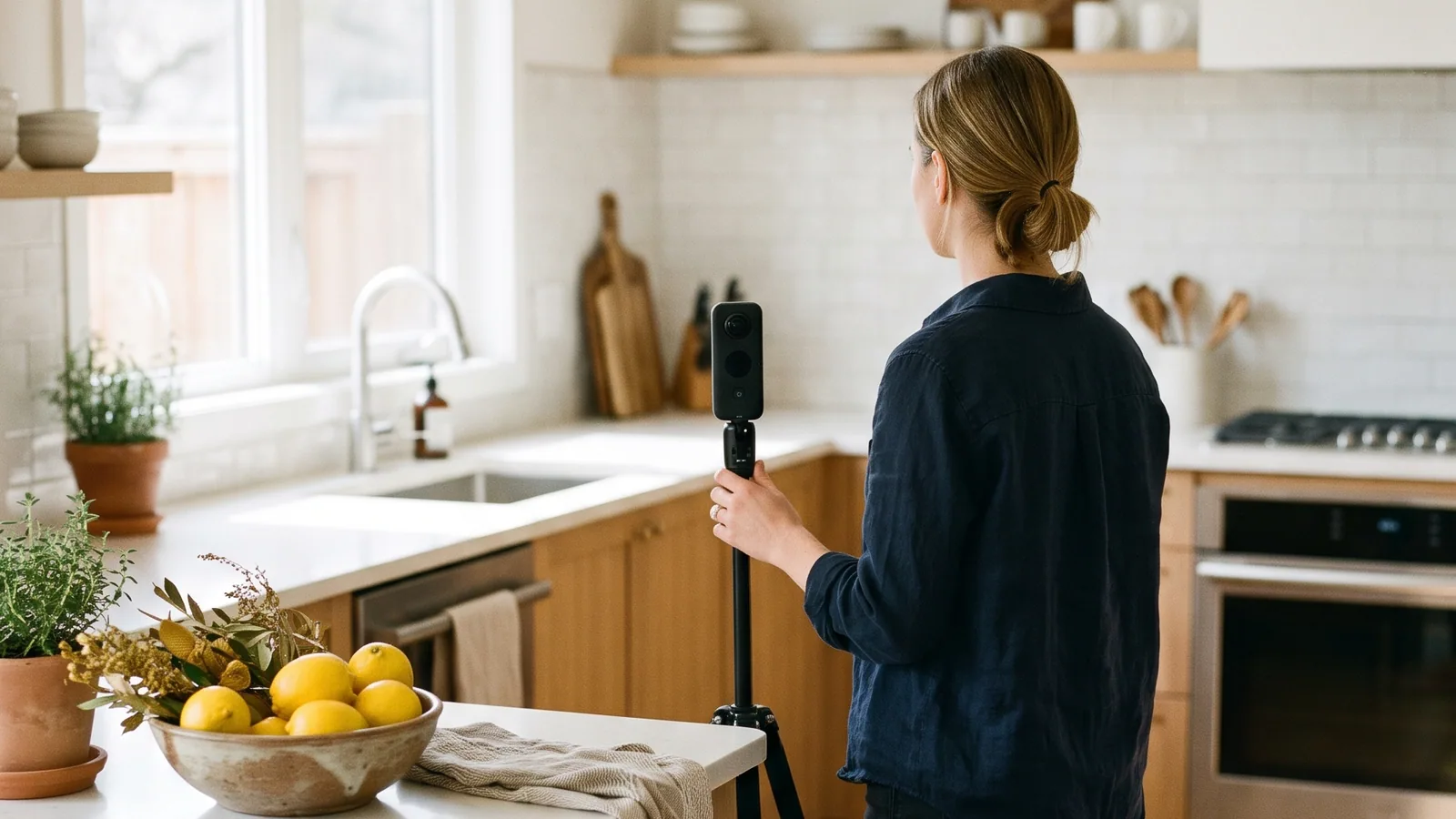
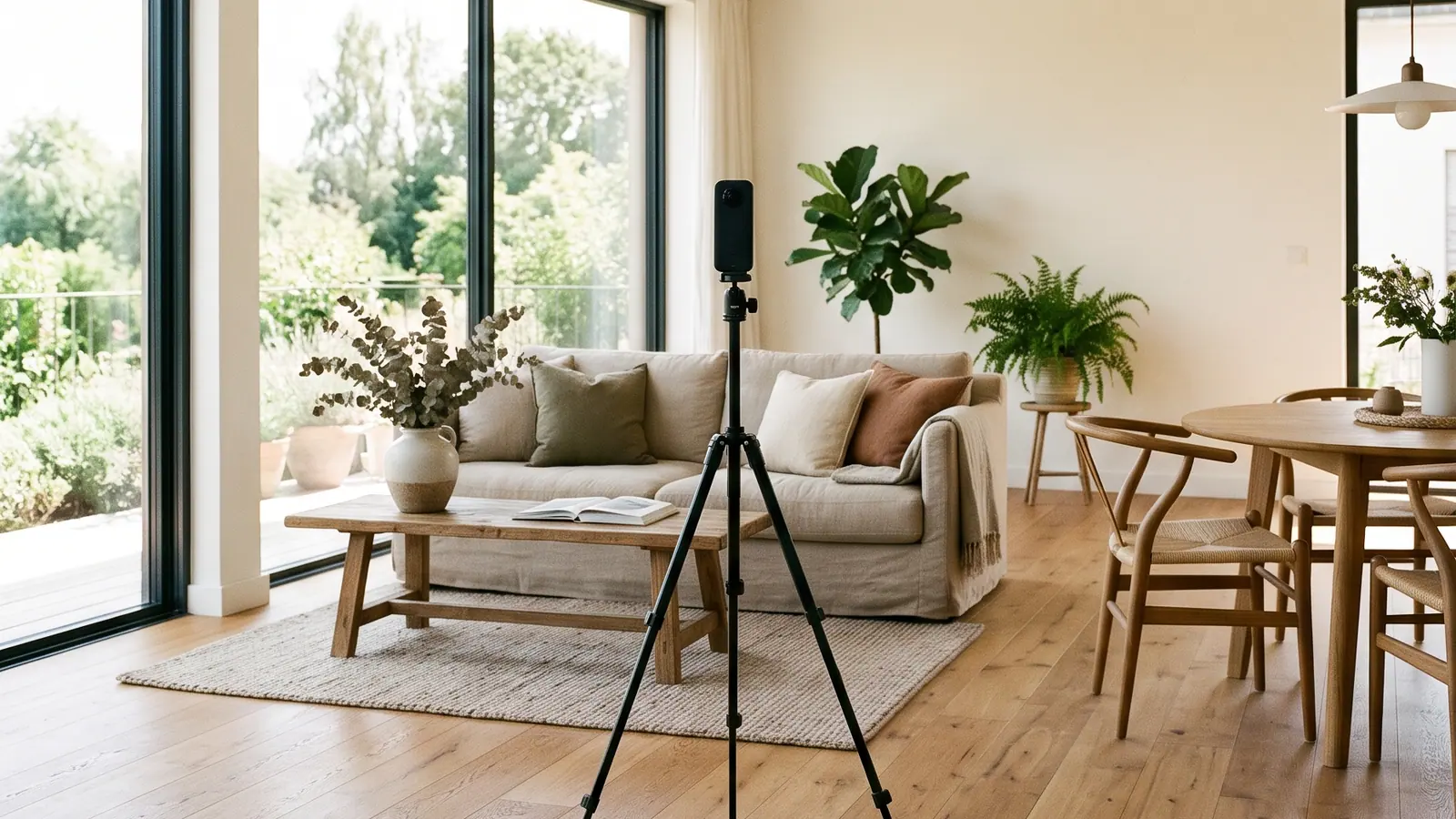
Tier 2, photos and a 360 tour. You shoot the 360 photos on the same visit, so the agent gets a tour without a second appointment. More on this tier below.
Tier 3, listing complete. Add a floor plan. What a plan should show is in real estate floor plans.
Tier 4, optional. Everything, with video and drone, for the homes that justify a longer day.
For a real structure to compare with: Lighthouse Visuals lists HDR photos, then photos with a floor plan, then a virtual tour with photos, then a listing video with photos, then tour and floor plan, and a luxury package, each one "For Homes Up To 3,500sqft". Read it as one business's shape, not as a rate card.
Add-ons: what to sell separately
An add-on is something that needs little extra time on site, or that only some listings need. Keep the list short and price each line per item or per photo, as HomeJab does with "$25 per photo" for virtual dusk and for virtual staging.
- Drone. Rules, permits and shots are in real estate drone photography. A rule worth writing on your own form: sell the aerial add-on only with a full shoot on site, so you never drive out for four photos.
- Twilight and virtual twilight. One is a second visit at dusk, the other an edit. See twilight real estate photography for both, and for how to label the edit.
- Video or a short reel. Priced per clip, with the length on the line.
- Virtual staging. Priced per photo.
- Rush delivery. A shorter delivery time for a fee, only if you can keep it.
- Extra hosting months. For tours you host, the price of keeping one online past the term in the package.
If an add-on ends up on most orders, move it into a tier.
Name and present the packages
Name each tier after the listing, not after a metal
"Condo and small home", "Family home" and "Listing complete" beat Bronze, Silver and Gold, because the agent picks by the home in front of them. Pick one name per tier and use it everywhere: on the website, the order form, the invoice and the delivery email. Even Imagen's guide uses two sets of names for the same tiers, which is exactly the confusion to avoid.
One page, three columns
Each column shows, in this order: the size band it covers, what is in it, the delivery time, the hosting term of the tour and one licence line. The add-ons go underneath. Mark the tier most listings need, so an agent who is in a hurry has an easy answer. Link the page from your portfolio; see real estate photography portfolio for how to set that page out.
Price the package from your own numbers
The free real estate photography pricing calculator builds Basic, Standard and Premium tiers from your own time and costs, counts tour hosting for the months you include, and gives you a price sheet as a PNG or PDF with your name. The method behind it, and the licence questions, are in real estate photography pricing.
Sell the 360 tour in the middle tier
The middle tier holds the tour because it is the step up most agents can say yes to. Photos alone are what every photographer sells. Photos with a 360 virtual tour let buyers walk the home before they book a viewing, and you shoot it on the same appointment: a 360 photo of each main room, plus the stills you already deliver.
In Vistura you build the tour from your camera's panoramas ("Upload 360° photos": "From a 360° camera, or 360° photos you already have"), or from a phone with Vistura Capture, which runs in the browser with nothing to install. Your regular photos sit in the same tour as a "Regular photo (not 360°)" stop, so the agent shares one link for everything. For tier 3, the free floor plan maker draws rooms with sizes, doors and windows; on Pro the app has it built in, since "Draw the plan" in the tour's editor puts the plan with its measurements inside the same tour.
What to promise about the tour's link
Write the hosting term on the package. Two examples read on 21 Nov 2026: f8 Real Estate includes one year of hosting on its Matterport 3D tours, then charges a $25 renewal; Stepinside Media includes the first 6 months, then $25 a year per tour.
The agent's real question is what happens after that to the link on the portal, the flyer and the QR code. Answer it on the package, before they ask.
Hand the tour over so the agent keeps it
A tour that lives in the agent's own account answers the hosting question for good. The full comparison of the ways to deliver is in how to become a real estate photographer; here is what it lets your package promise: "the tour is yours, on the same link, and on Pro it carries your brand".
In Vistura, on Pro, you save each agency's brand once under "Client brands": logo, colours and the agent's details. Then "Apply a saved client brand" in the tour's settings sets the logo and colours and fills the contact card in one step. Then "Hand over to another account" by email, on every plan. When the agent accepts, "The tour, its link, leads and statistics go to that account", and visitors notice nothing because the link stays the same. On Pro the agent keeps the agency's logo and colours on the tour and unlimited tours online, so every listing you shoot for them stays live in their brand.
Leave "Keep editing access" ticked to replace photos later; the new owner can remove it. Keep "Credit me on the tour" ticked for a small "360 by" line with your name, linked to the website in your profile; it is the agent's tour, so they can switch it off. Agents already on Pro can instead invite you with "Share for editing", and you need no paid plan. More on the page for 360 photographers.
The order form: what to ask before the shoot
Most of the fields below come from live booking pages read on 21 Nov 2026, Peak Real Estate Photography and Stepinside Media; the two dates, the advice on what to count and the two lines for the tour are our own.
| Field | Why it matters |
|---|---|
| Address, with a map to confirm | You arrive at the right door, and you can plan the light |
| Square feet, bedrooms, bathrooms, lot size | They pick the tier and the photo count. Ask the agent to count every finished space, basement and outbuildings included |
| MLS number | Files and invoice match the listing |
| Is the home vacant? | An occupied home needs time to tidy and clear |
| Lockbox code and location, gate code | You get in without a phone call |
| Date the home is ready, date the files are needed | You see at once if the delivery time works |
| Preferred time, three choices | Fewer emails to fix the slot |
| Package and add-ons | The order is clear before you leave home |
| Office or admin email to copy on delivery | The person who uploads the files gets them too |
| Agent's account email for the tour hand-over | The tour goes to the right account |
| Agency logo file | The tour carries the agency's brand |
| Notes | Pets, rooms to skip, a feature to show |
Put your cancellation terms on the form too. Lighthouse Visuals, for example, publishes a $99 fee for cancelling or rescheduling within 24 hours. For what you promise after the shoot, use the delivery sheet in how to become a real estate photographer.
Raise the order value without pushing
Offer one upgrade, tied to the home in front of you, at two moments.
At booking: "This home has a garden and a top floor. The 360 tour lets buyers walk both before they book a viewing, and it is in the Family home package."
At delivery: "Your tour is in your account now, on the same link as the flyer. Want the floor plan inside it for the next listing?"
Two rules. Never stack offers in one message. Never claim a tour sells the home faster; say what it does, which is let buyers look round on their own before a viewing.
A one-page business plan for your packages
A real estate photography business plan for your packages fits on one page. The SBA describes the lean format as "typically only one page", built from nine blocks. Here they are for a photography business; fill in the right column with your own facts.
| Block | For your packages | Yours |
|---|---|---|
| Customer segments | Which agents and which areas | |
| Value proposition | The ladder above | |
| Channels | Portfolio, brokerage offices, referrals | |
| Customer relationships | Rebooking, the tour in the agent's account | |
| Revenue streams | Tiers, add-ons, hosting months | |
| Key activities | Shooting, editing, building tours, delivery | |
| Key resources | Camera, 360 camera, drone, car | |
| Key partnerships | Editors, a drone pilot | |
| Cost structure | From the pricing calculator |
Add three numbers under it: the shoots a month you need to cover your costs (the calculator gives this), the share of orders that include the tour, and your average order value. Check the last two each month. Your real estate photography business grows when they rise.
Checklist: launch your packages this week
- Three tiers named after listings, not metals.
- A delivery time on every tier that you always meet.
- A hosting term written on every tour, or a hand-over to the agent's account.
- A short add-on list with a price per item or per photo.
- The order form live, with the tour hand-over email and the logo file.
- A price sheet from the calculator, linked from your portfolio.
- The one-page plan, with your three numbers.
- Your first tour sent to an agent, with "Keep editing access" ticked.
Sell a 360 tour with every shoot
The goal is a bigger order on every shoot, and agents who book you again because the tour sits in their own account, with their leads and, on Pro, their brand.
You can check each piece in the product. On Pro, "Client brands" keeps every agency's logo, colours and details, applied to a tour in one step. "Hand over to another account" sends the tour by email, with the link unchanged and leads and statistics going to the agent. Your "360 by" credit links to your website, and "Keep editing access" lets you change photos later. See it on the page for 360 photographers.
It takes little: a tour from your phone with Vistura Capture, nothing to install, or from your 360 camera's photos. Once a client's brand is saved, their email fills in when you hand the tour over.
Compare the plans. Every new account gets 14 days of Pro with no card. Start free now.
Frequently asked questions
What should be included in a real estate photography package?
A set number of edited photos for the size of the home, a delivery time, a licence line and a price. The middle and top tiers add one visible thing each, such as a 360 tour and then a floor plan. Drone, video and twilight work best as add-ons, because only some listings need them.
How many photos are in a real estate photography package?
It depends on the home. Virtuance's own guide, for example, suggests 10 images for a home up to 2,000 sq ft or up to one bedroom and one bathroom, and 35 or more from 5,000 sq ft. Set your own counts by size band and print them on each tier.
Should a 360 virtual tour be part of the package or an add-on?
Put it in the middle tier. It is the step up most agents can say yes to, and it turns a photo order into a bigger one without a second visit, because you shoot the 360 photos on the same appointment.
How long should a virtual tour stay online after the shoot?
As long as the listing needs it, and your package should say so in writing. Some photographers include a fixed hosting term and charge to renew. The alternative is to hand the tour to the agent's own account, where the link stays the same for as long as the agent keeps it online.