Room measurement app: how to measure a room with your phone
Which room measurement app to use on iPhone and Android, LiDAR or camera only, floor plan apps and laser meters: how close each gets and how to check it.
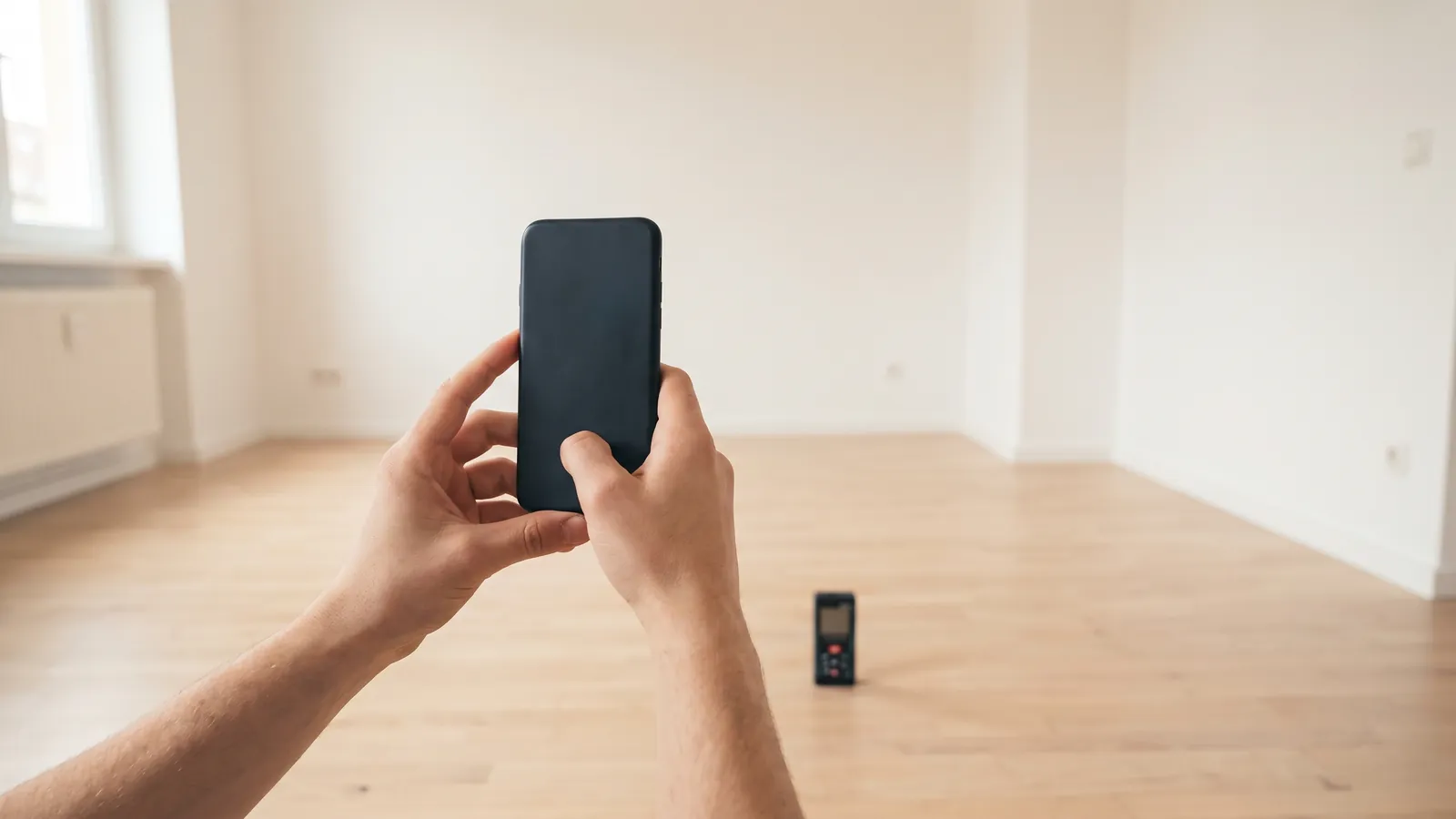
A room measurement app turns your phone into a quick tape measure: on an iPhone the built-in Measure app does it, and on Android you use your phone maker's app or one from the Play Store. The result is an estimate. Apple's own words are "Measurements are approximate", so any figure you publish should be checked with a tape or a laser meter. Below: which app for which job, how close each one gets, and a five-minute way to check yours.
Which tool for which job
Each tool below is rated with the maker's own accuracy figure where one exists, or with a published test. Where neither exists, the table says so.
| Tool | What it gives you | How close | Use it for |
|---|---|---|---|
| iPhone Measure app | Lengths, heights, rectangles | No figure. Apple: "approximate", best at 0.5 to 3 m | Furniture, a quick room check |
| iPhone Pro with LiDAR and a scanning or floor plan app | A plan or a 3D model | No maker figure. A 2021 test: about ±1 cm on small objects (sides over 10 cm), about ±10 cm on a 130 m cliff model | A sketch plan of the home |
| Android AR app | Lengths | No maker figure found | Quick checks |
| Laser meter | Wall to wall distance | Bosch GLM 50-27 C: ±1.5 mm typical, ±3.0 mm in strong light | Every length you will publish |
| Tape measure | The reference | What you check everything else against | Short lengths, checks |
For the wider kit an agent carries, see the real estate agent tools guide.
How to measure a room with an iPhone
Measure is built into the iPhone, in the Utilities folder. Apple's Measure guide gives the steps:
- Open Measure and move the iPhone slowly so it can scan the room.
- Line up the dot on the screen with the start point and tap the plus button.
- Pan slowly to the end point and tap the plus button again.
- Take another measurement, or tap Clear to start over.
For a box shape, such as a door, a window or a table top, Measure can detect it for you: "a white box frames the object", and a tap gives its sides.
Apple's advice for good results is specific: "use Measure on well-defined objects located 0.5 to 3 meters (2 to 10 feet) from iPhone". In a room that means:
- stand back from the wall far enough to see both ends, but no more than about 3 m;
- measure at floor level, where the line between wall and floor gives the phone a clear edge;
- avoid measuring a long wall in two parts: two estimates add two errors, so a long room is a job for a laser meter.
What iPhone Pro models add
On models with a LiDAR Scanner, Measure adds edge guides and a Ruler view: "move iPhone closer to the measurement line until it transforms into a ruler". Apple's list of models with a LiDAR Scanner runs from iPhone 12 Pro and 12 Pro Max to iPhone 18 Pro and 18 Pro Max: the Pro and Pro Max of each generation.
How to measure a room with an Android phone
Android has no single built-in answer, so start with what your phone maker offers.
Google. Google's own Measure app is retired. Its last changelog, quoted by 9to5Google in June 2021, says "This app is no longer supported and will not be updated". The measuring apps on the Play Store build on Google's ARCore, so first check your phone appears on Google's list of ARCore certified devices, which means it "has passed our certification process".
Samsung. Quick Measure comes from the Galaxy Store. Samsung's Quick Measure page (updated 20 August 2026) says "Galaxy phones with a DepthVision Camera" can capture "Distance, Area, 3D Measurements, Length and Human Height". Samsung has since posted a shutdown notice on the Galaxy Store: Android Authority reported it on 7 September 2026, and reports quoting the notice give 31 December 2026 as the end date. Phones that already have the app will likely keep it, without updates. Check the Galaxy Store for the current status.
Other makers. Look in your phone's own tools first. If you pick a Play Store app instead, choose one with a recent update and test it with the method below before you rely on it.
LiDAR or camera only: what changes
A camera-only AR app works out depth from the phone's movement and the picture. A LiDAR scanner measures depth directly. Apple ties edge guides and Ruler view to its LiDAR models, and floor plan apps built on Apple's RoomPlan use the scanner.
How close does LiDAR get? A 2021 test of the iPhone 12 Pro's LiDAR in Scientific Reports found an absolute accuracy of about ±1 cm on small objects with a side longer than 10 cm, and about ±10 cm on a coastal cliff model up to 130 m long. The error grows with the size of what you scan, which matters for a whole home.
Both kinds of app work better in the conditions the makers name: Apple asks for well-defined objects at 0.5 to 3 m, and Samsung says Quick Measure works best in well-lit areas with little clutter. So turn the lights on, clear the line where wall meets floor, and aim at corners with clear contrast.
Floor plan apps: measure and draw in one walk
Floor plan apps draw the plan while you walk through the home. Two examples, as their makers describe them:
- magicplan. Its pricing page (read 12 November 2026) lists "LiDAR scan available for iOS Pro devices", "Manual and laser-assisted measurements" and "2 free projects to start", on iOS and Android. It states no accuracy figure.
- Apps built on Apple's RoomPlan. Apple's RoomPlan page says it "utilizes the camera and LiDAR Scanner on iPhone and iPad to create a 3D floor plan of a room, including key characteristics such as dimensions". Apple states no accuracy figure either.
With no figure from the makers, check two walls of every scanned plan with a tape before you publish it. For what the finished plan should show, see the real estate floor plan guide.
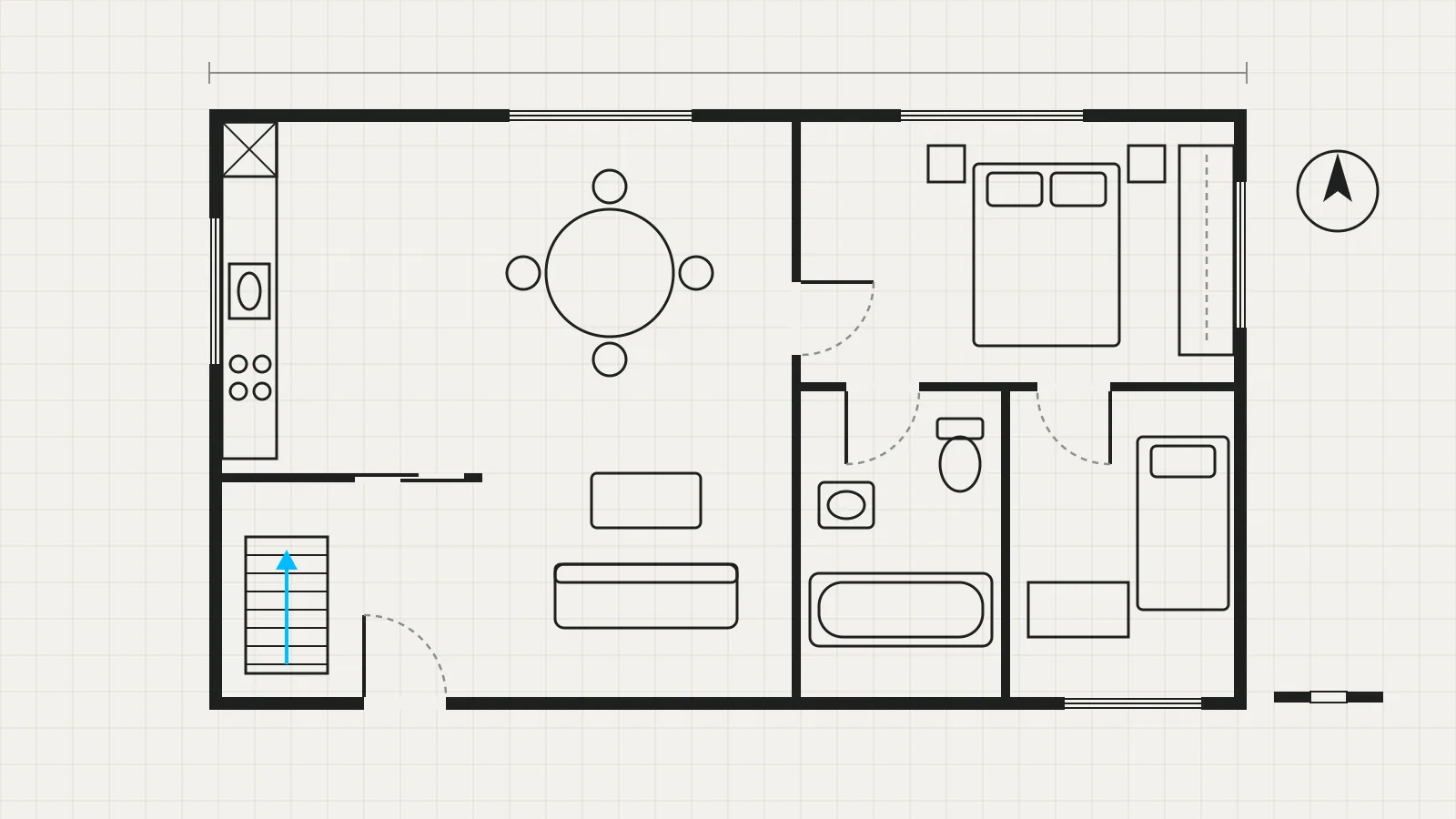
If you have no plan at all, Vistura's floor plan builder on Pro draws one inside the tour: "One measurement is enough to draw it to scale", so you type one wall's real length from your laser meter, and the plan becomes the tour's map. Every new account starts with 14 days of Pro, with no card. See the plans.
A laser meter: when to use one
A laser meter is the tool for numbers you publish. Bosch's manual for the GLM 50-27 C gives an accuracy of ±1.5 mm, plus ±0.05 mm per metre, "for high reflectivity of the target (e.g. a wall painted white), weak background lighting and a 20 °C operating temperature". In strong background light it gives ±3.0 mm, plus ±0.15 mm per metre, and the range drops from 50 m to 20 m.
The limits are practical: it needs a clear line from wall to wall, and it draws nothing. Use the laser for every length you will publish, and the phone for the quick look.
How to check your phone before you trust it
Five minutes with a tape tells you more than any app review.
- Pick a known length: a door opening or a wall you measured with a tape. Write down the tape figure.
- Measure it three times with the app, from where you would stand in a real room (on an iPhone, within 0.5 to 3 m).
- Write down the three readings. The gap between the highest and the lowest tells you how steady the app is.
- Compare the average with the tape: app minus tape, divided by tape, as a percentage. As arithmetic, not a test result: if the tape says 3.00 m and the app says 3.06 m, the app reads 2% long.
- Repeat once in poor light or on a plain wall, the hardest case in a real home.
- Set your rule: the app for quick looks, the laser for what you publish.
A simple sheet keeps the results:
| Length | Tape | Reading 1 | Reading 2 | Reading 3 | Difference |
|---|---|---|---|---|---|
| Door opening | |||||
| Bedroom wall | |||||
| Same wall, low light |
From the measurement to the listing
Phone measurements are estimates, and the area you publish follows your country's rules, which differ between the US, the UK, Spain, Portugal and elsewhere. The square footage guide explains which area counts and how to measure it.
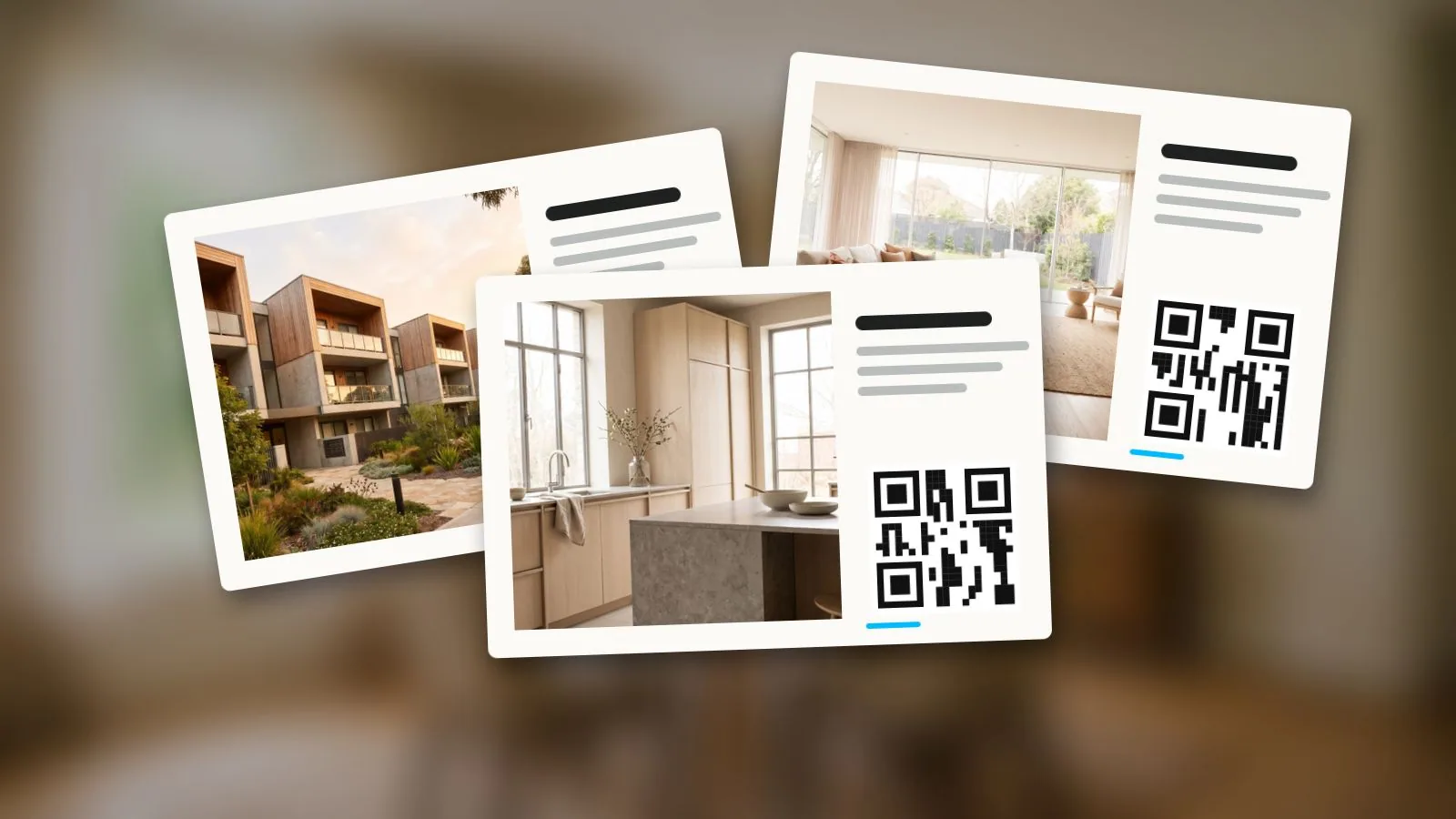
Once you have the room sizes, add them up in the free home square footage calculator: room by room, L shapes included, living area apart from other areas, and the room list as text for the listing description. In a Vistura tour, each room also has "Width", "Length" and "Area" fields ("Use width × length"), so buyers read each room's size in the room details of the tour itself, on every plan.
Measuring from a 360 photo
Every Vistura tour has a "Measuring tool": visitors "tap two points to estimate a distance or a height" in a 360 photo. It works from the camera height you set ("From the floor to the lens when the photos were taken"), and Vistura's own note says "1 cm off changes results by about 0.6%", so measure the tripod. Each result reads "Estimate from the photo ... Confirm on site." It is on for new tours on every plan, and you can switch it off in the tour's settings. It helps a buyer see whether a sofa fits; it is not a figure for the listing. The virtual tour guide shows what else a tour does for a listing.
Use the phone for the quick look, the laser meter for the number, and your country's rules for the area you publish.
Frequently asked questions
Is the iPhone Measure app accurate enough for a listing?
Not on its own. Apple says its measurements are approximate and gives no accuracy figure, so use it for a quick look and check every length you publish with a tape or a laser meter.
Which iPhones have a LiDAR scanner?
According to Apple's iOS 27 guide, the Pro and Pro Max models from iPhone 12 Pro to iPhone 18 Pro Max. Other iPhone models are not on the list.
Is there a free measuring app on Android?
Google retired its own Measure app in 2021, so it depends on your phone. Samsung offers Quick Measure on some Galaxy phones, and the Play Store has AR apps that rely on Google's ARCore. Check your phone is on Google's ARCore list, then test the app against a tape.
Can buyers measure a room in a virtual tour?
In a Vistura tour, yes: visitors tap two points in a 360 photo to estimate a distance or a height. The result is an estimate based on the camera height, useful to see whether a sofa fits, not a figure for the listing.