Just Sold Post: 10 Captions, Formats and the Rules First
How to write a just sold post that brings the next seller: what to show, 10 captions to adapt, the best formats, who may say "sold" and what needs consent.
A just sold post is the one post that speaks straight to the next seller: it shows a home like theirs, in their area, that you sold. Done well, it brings valuation requests, not just likes from other agents. Below: what to show, 10 captions to adapt, the formats that work, the rules on who may say "sold" and what needs your client's yes, and how to turn the post into your next listing.
Why just sold posts work
The audience is homeowners nearby. They see a house on their street or in their area go from sign to sold, and they see your name on it.
That is the proof sellers look for. According to NAR's 2025 Profile of Home Buyers and Sellers, sellers want an agent who can help them market their home and price it competitively. A sold home next door shows both. The same report says sellers owned their home for a median of 11 years before selling, so in any street only a few owners are thinking about it now. The post is for them.
A just sold post is one of many real estate social media post ideas; this guide is the deep version of that one idea.
Before you post: who may say "sold", and what needs a yes
Who may claim the sale
NAR's 2026 Code of Ethics and Standards of Practice, effective January 1, 2026, sets three rules that touch a just sold post:
- Standard of Practice 12-7: "Only REALTORS® who participated in the transaction as the listing broker or cooperating broker" may claim to have sold the property. Before closing, a cooperating broker needs the listing broker's consent to post a "sold" sign.
- Standard of Practice 12-5: your firm's name must appear "in a reasonable and readily apparent manner".
- Article 12: you "shall present a true picture" in your advertising.
These bind NAR members. Your state and your MLS add their own rules on advertising sold listings, so check yours.
Ask the seller and the buyers
Before closing day, ask in writing what you may share:
- the photo, and whether it can show the front of the home;
- the street, or only the area;
- the price;
- days on market or number of offers;
- their names or faces;
- a quote from them.
This is good practice, not a law everywhere, and it costs you one message. Check your photographer's licence and your MLS rules too, and make sure they cover using the photos after the sale.
Fair housing in the caption
Describe the home and the sale, never who should live there. Federal law, 42 U.S.C. 3604(c), makes it unlawful "To make, print, or publish, or cause to be made, printed, or published any notice, statement, or advertisement" for the sale of a dwelling that indicates a preference based on race, color, religion, sex, handicap, familial status or national origin. NAR's Standard of Practice 10-3 says the same for members. "Perfect for a young couple" is the kind of line to drop.
Wait until it has closed
Under contract or pending is not sold. A post after the closing date is safe; one before it can turn into a correction.
What to show in a just sold post
- The best photo: the front of the home, or the room that sold it.
- The area or street, with the seller's consent.
- One true number, if the client agreed: days on market, number of viewings or number of offers. Leave it out if it is not flattering or not true.
- The story in one line: what the seller wanted, what got in the way, what you did.
- A thank-you to the buyers or sellers, by name only with their yes.
- One call to action for owners nearby: "Thinking about your own home in [area]? Ask me what it would sell for today."
- Your firm's name, clearly.
The price goes in only with the seller's yes.
10 just sold captions to adapt
Fill in the brackets. Use a caption only when what it says is true.
- Same street. "Sold on [street]. [Number] other buyers wanted it too. If you live nearby and have thought about selling, let's talk." Use when: you had more interested buyers than one.
- Expired to sold. "This one sat on the market for months with another agent. New photos, a new price plan, and it sold in [number] weeks." Use when: the home came to you after an expired listing, and the seller agreed to the story.
- First-time buyers. "Congratulations to [names] on their first home in [area]. Thank you for trusting me with the search." Use when: the buyers said yes to their names.
- Fast sale. "Listed on [day], under contract by [day], closed today in [area]." Use when: the dates are real and in your MLS.
- Multiple offers. "[Number] offers in the first week for this [type] in [area]. Here is what made the difference: [one line]." Use when: you can show the offers if asked.
- The story in three lines. "The goal: sell before the school year. The problem: a dated kitchen. What we did: staged it, shot a 360 tour, and sold it in [number] days." Use when: each line is true.
- Thank-you. "Thank you, [seller names], for letting me sell the home you lived in for [number] years. The keys are with the new owners." Use when: the sellers agreed and want it shared.
- Quiet sale. "Just sold: a 3-bedroom in [area]. If you are curious what yours would fetch, I will give you a straight answer." Use when: the seller wants no street and no price.
- Downsizer. "Sold, and [names] are moving to something smaller in [area]. Selling and buying at the same time is a puzzle; this one fit." Use when: you handled both sides of the move and the clients agreed.
- What we changed. "Same home, new presentation: [staging / new photos / a 360 tour]. It sold in [number] days in [area]." Use when: you changed something and the result followed.
Formats: single image, carousel, story, reel and postcard
| Format | What goes on it | Size | Where it links |
|---|---|---|---|
| Single image | Best photo, "Sold", the area | 4:5 | Your page of sold homes |
| Carousel | Cover, the challenge, what you did, the result, a call to action | 4:5 or square | Your page of sold homes |
| Story | The photo and a link sticker | 9:16 | Your page of sold homes |
| Reel | A short walk through the home, then "Sold" | 9:16 | Your profile link |
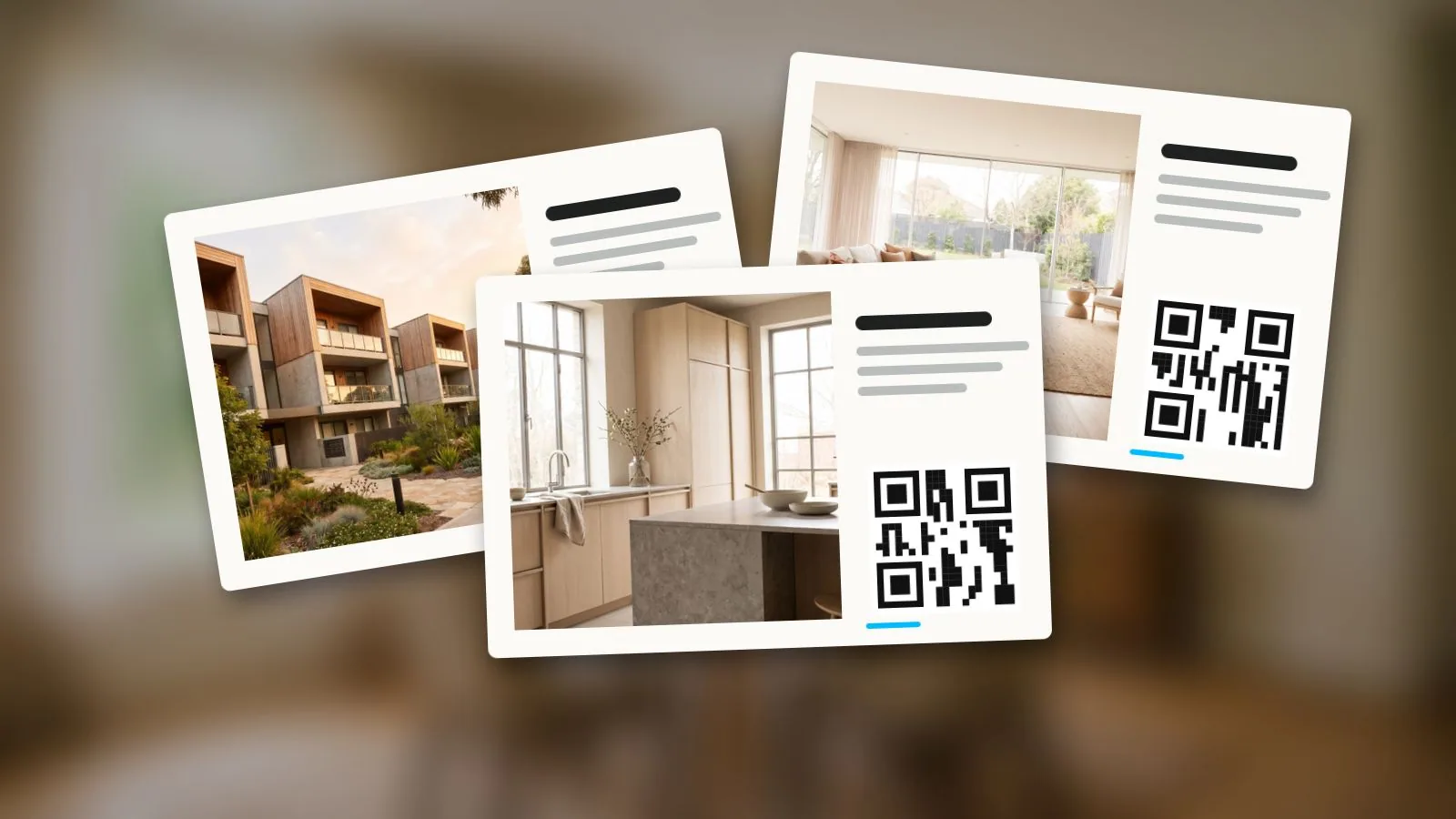
| Just sold postcard | Photo, "Sold", the story in one line, a QR code | Your printer's size | Your page of sold homes |
| Google Business Profile post | Photo, a short caption | As your profile asks | Your website or page of sold homes |
The carousel works best as a small case study: one slide for the goal, one for the problem, one for what you did, one for the result and one asking owners nearby to get in touch. A panorama of the living room can open it: the free Instagram carousel splitter cuts a panorama or 360 photo into 2 to 10 slides that swipe as one picture, in your browser, without uploading the photo.
For reels, the specs and where to put the link are in the guide to real estate reels. For the postcard's print size and the mailbox rule, see the real estate flyer guide. For the post on Google, see Google Business Profile for real estate agents.
The just listed post, its counterpart
A just listed post has the same structure with a different goal: buyers and a viewing. What changes is the content: the price and the facts, the link to the tour, and the open house date. For the step before it, see coming soon real estate.
Vistura makes the image for your just listed post from the tour itself. "Images for social media" gives you four sizes ("Post 4:5", "Story", "Square" and "Link post"), with a QR code and a short link that open the tour, a title and details you edit, and a caption to copy. The "Vertical reel" pans through each room in the tour's order and ends on a QR code to the tour, at 1080 x 1920. Both are made on every plan; on Pro you choose the design ("Classic", "Full photo" or "Frame") and your logo replaces the Vistura mark, and the reel takes your logo, colours, rooms, order and pace.
After the post: turn one sale into the next listing
The post is the start. Within days of closing:
- Mail the street and the blocks around it a just sold postcard.
- Knock on the nearest doors with the same card in your hand.
- Add the home to your page of sold homes.
A just sold card is one of the 12 touches in a real estate farming plan, and the pillar guide on how to get real estate listings makes the same point: every sale should lead to the next listing.
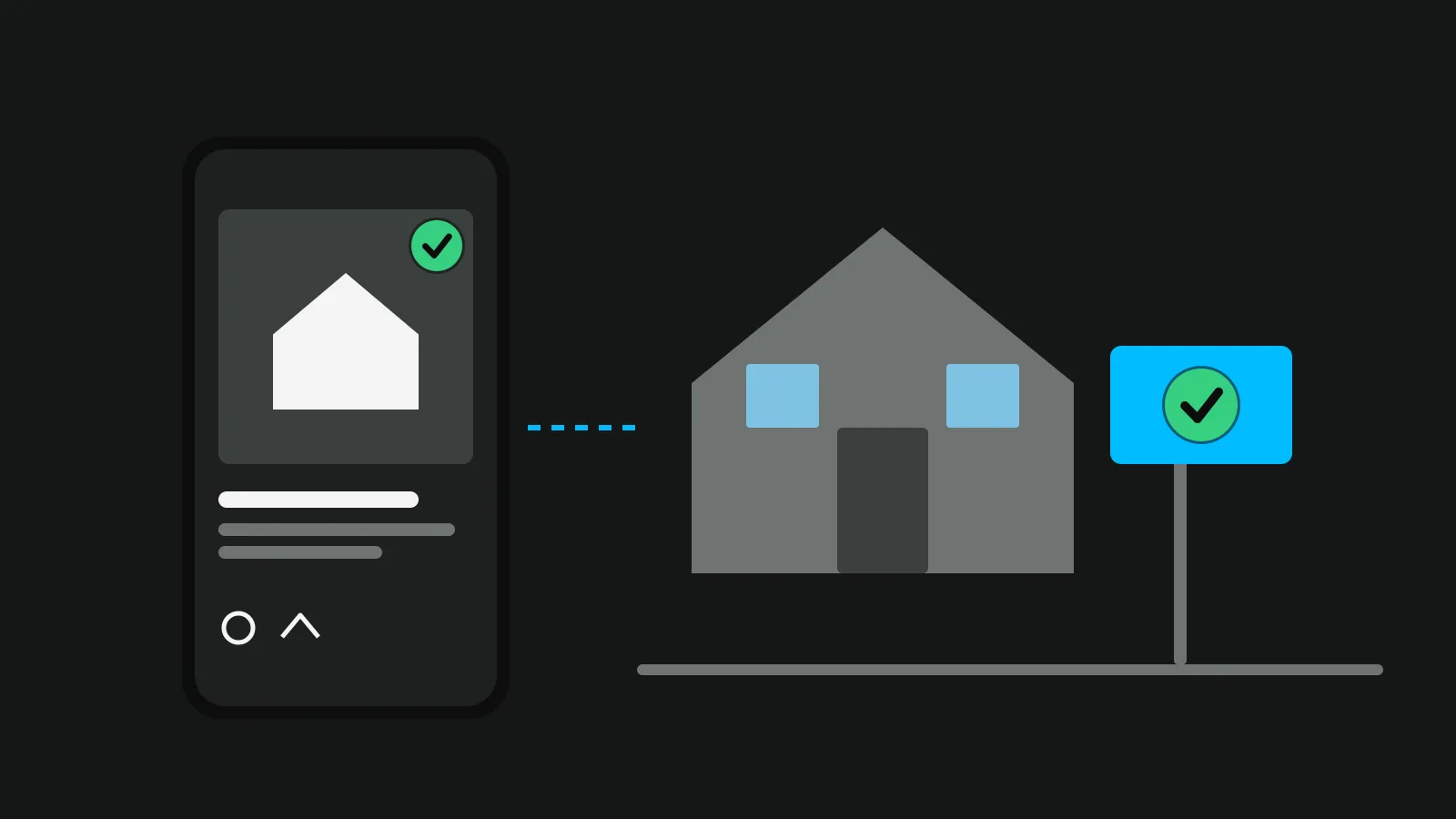
In Vistura, "Mark as sold" in the tour's menu does this for every old link. The QR code on the sign, the flyer and the portal now opens a page that says "This home has been sold", with a "Sold" stamp, up to six of your homes still for sale (when your profile is public) and a "Looking for something similar?" form that reaches your Leads. Your public profile at vistura.app/@yourname lists the home under "Recently sold", sold listings stay there with no limit, and a sold tour does not take one of Free's 3 places.
How to tell if just sold posts bring sellers
Likes are not the measure. Count what brings listings: messages from owners, valuation requests, listing appointments.
Tag each place separately: the post, the story, the postcard. Then you know which one the owner saw.
Vistura's "Link for portals" gives each place its own tagged link to the tour, and Statistics sort visits by source, including "QR code", "Social networks" and "A sold home's page", which counts the visits your sold homes send on to your other homes. Visits are counted on every plan, and the breakdown by source is shown on Pro. Every new account gets 14 days of Pro with no card; see the plans.
Checklist before you post
- You were the listing or cooperating broker
- The sale has closed
- Seller and buyers said yes to the photo, street, price and names
- One true number, or none
- Your firm's name is shown
- The caption describes the home, not the people
- The link or QR code is tagged for this place
- The just sold postcard to the street is booked
Frequently asked questions
When should I post a just sold post?
After the sale has closed, while the neighbours are still talking about the moving van. A home under contract or pending has not sold yet, so wait for the closing date. Within the first days is a good habit; the exact timing matters less than doing it every time.
Can I post a just sold if I was the buyer's agent?
Under NAR's Code of Ethics, yes: the listing broker and the cooperating broker may both claim to have sold the property. Before closing, a cooperating broker needs the listing broker's consent to post a "sold" sign. Your MLS and your broker may add their own rules, so check them.
Should I include the sale price?
Only if the seller agreed to it. Many sellers prefer the area, the home's type and one true number, such as days on market, without the price. Check your MLS rules on sold data too, as they differ from place to place.
Do I need the seller's permission to post a just sold?
Ask, in writing, before closing day: photo, street, price, names, faces and any quote. It is good practice everywhere and often your MLS's or broker's rule as well. A post the seller did not expect can cost you the referral it was meant to bring.
What is the difference between a just sold and a just listed post?
A just listed post speaks to buyers and asks for a viewing: price, facts, the tour and the open house date. A just sold post speaks to owners nearby and shows them proof: a home like theirs, in their area, sold by you.