Facebook ads for real estate: listings, leads and rules
Facebook ads for real estate, step by step: the right objective, Meta's housing ad rules, creative for listings, lead forms or a tour, and budget maths.
Facebook ads for real estate work when each ad has one job: show a listing to people who could buy it, or ask local owners for a valuation. You pick the matching objective in Meta Ads Manager, declare the Housing special ad category where Meta requires it, send the click somewhere a buyer can look round and write to you, and judge the ad by viewings, not likes. This guide walks through each step, with Meta's own rules as read on 22 November 2026.
For unpaid posts, see real estate social media post ideas. This article is about paid ads on Facebook and Instagram, which Meta runs from one place.
Choose the job first: listing ads and seller ads
Most agents run two kinds of ads. They need different objectives, different creative and different measures of success.
| Listing ad | Seller ad | |
|---|---|---|
| Goal | Buyers look round a home and book a viewing | Owners ask for a valuation |
| Who sees it | People in the area the home suits, within Meta's housing limits | Owners near where you sell |
| Creative | Vertical video, carousel of rooms, a 360 tour link | Your recent sales, your area, your face |
| Where the click goes | The listing page or the 360 tour | A lead form or a valuation page |
| Success | Viewings booked | Valuation appointments |
A third kind, ads about you and your brand, belongs after these two work. Every ad in this article assumes one listing or one offer per ad, so you can tell which one paid off.
Which objective to pick in Ads Manager
Meta's campaign objectives are now outcome-based. The Marketing API reference (read 22 November 2026) lists six: Awareness, Traffic, Engagement, Leads, App promotion and Sales. For an agent, three matter:
- Traffic sends people to a link: your listing page or the home's 360 tour. Use it for listing ads when you want buyers to look round before they write.
- Leads collects contact details. You can use an instant form inside Facebook and Instagram, or send people to a form on your own site. Use it for seller ads.
- Awareness is for brand reach. Use it once your listing and seller ads run well.
Engagement (likes, comments, video views) is not aimed at viewings. Sales and App promotion are built for shops and apps.
The Housing special ad category: what it limits
Ads that "offer housing, employment, or credit opportunities" run under a special ad category with fewer targeting options. Everything below comes from Meta's special ad categories documentation, read on 22 November 2026.
Where it applies
- Businesses in the US, or reaching people in the US, must declare it for housing ads (since 4 December 2019).
- Advertisers reaching Canada with housing ads must declare it (since 3 December 2020).
- Advertisers reaching Europe with housing ads must declare it (since 7 December 2021).
- Businesses outside the US that reach audiences outside the US, Canada and Europe can opt in or out.
Meta says "Ads may be rejected if an appropriate category is not chosen". A wrong category can get your ads rejected. Meta's page names one example only: catalog ads built from Home Listing Catalogs must follow the restrictions. If your ad promotes a home for sale or rent, declare Housing.
What you can and cannot target
| Setting | In a Housing ad |
|---|---|
| Age | Fixed at 18 to 65+ |
| Gender | Cannot be chosen |
| Zip codes or postcodes | Not supported, nor neighbourhoods or parts of a city |
| Location | A city, address or dropped pin, with a radius of at least 15 miles (25 km) in the US and Canada, 15 km in Europe |
| Excluding a location | Not supported |
| Interests | Only from a list Meta has approved; no excluding interests |
| Behaviours and demographics | Not permitted |
| Lookalike audiences | Not available |
| Custom audiences (for example people who visited your site) | Supported, if Meta finds the audience eligible |
In practice, the ad itself chooses who stops scrolling. A three-bedroom family home with a garden and the school run in the caption reaches families through its content, not through settings. Describe the home, never the buyer you want.
Meta said in June 2022 that it keeps all active housing, employment and credit ads in its Ad Library across the US, Canada and the EU, so anyone can see them. That is also the quickest way to study what other agents in your area run today.
Creative that works for listings
Three formats give people a reason to stop on a listing.
Vertical video
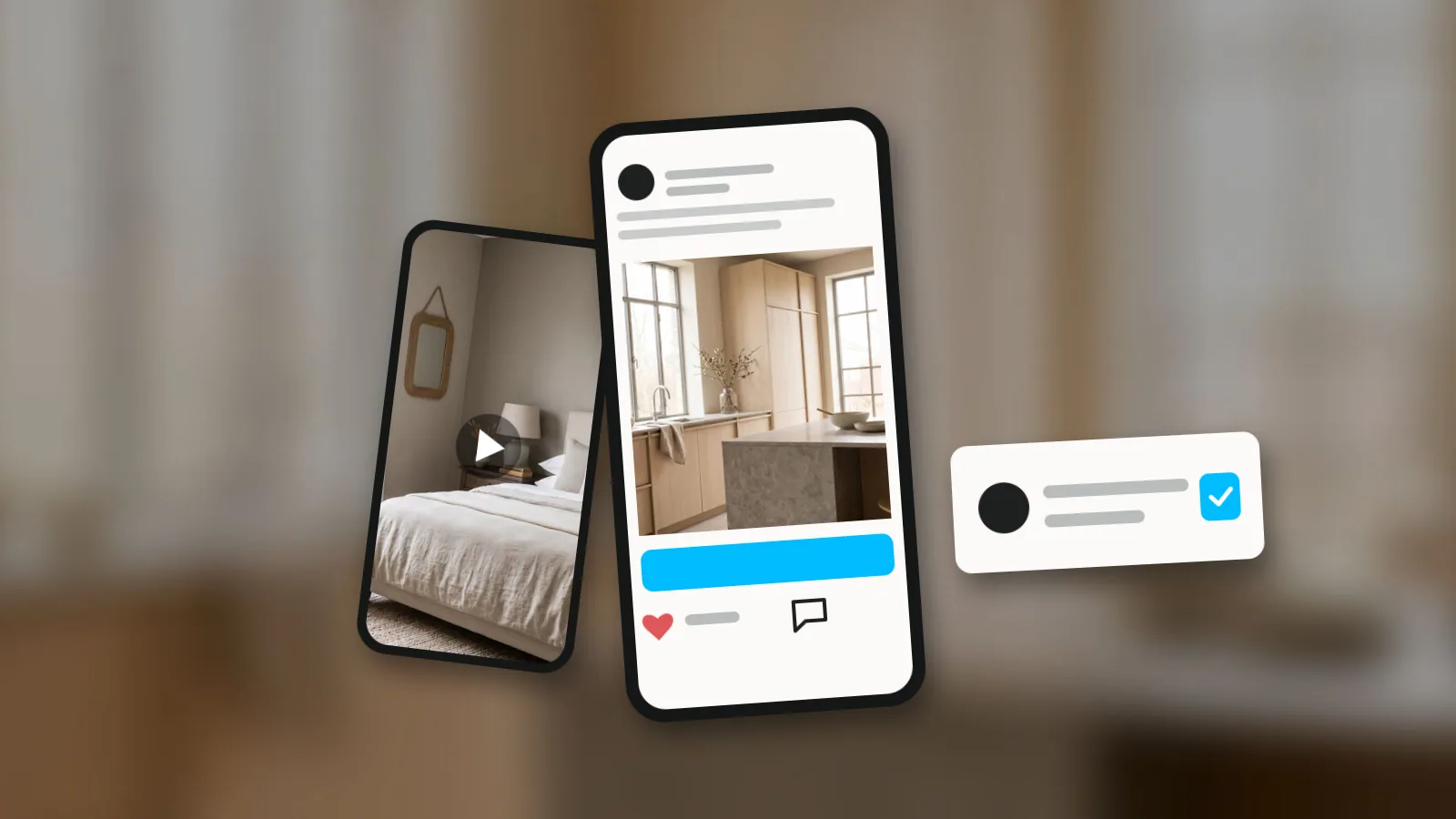
A 15 to 30 second walk through the best rooms, filmed upright, fills the screen in Reels and Stories. Put the best room first and the price, bedrooms and area on screen, because many people watch muted. Hooks, a shot list and safe zones are in real estate reels; the other video types an agent needs are in real estate video marketing.
Carousel of rooms
One card per room, in the order a buyer would walk through: outside, living room, kitchen, main bedroom, garden. The last card says what to do next, for example "Walk through every room in 360". The same structure works as an organic post, covered in the post ideas article above.
A 360 tour behind the ad
The click is where a listing ad earns its money. A 360 tour lets a buyer open every room, look at the view from the kitchen window and check the size of the second bedroom before they write. The people who then ask for a viewing already know the home.
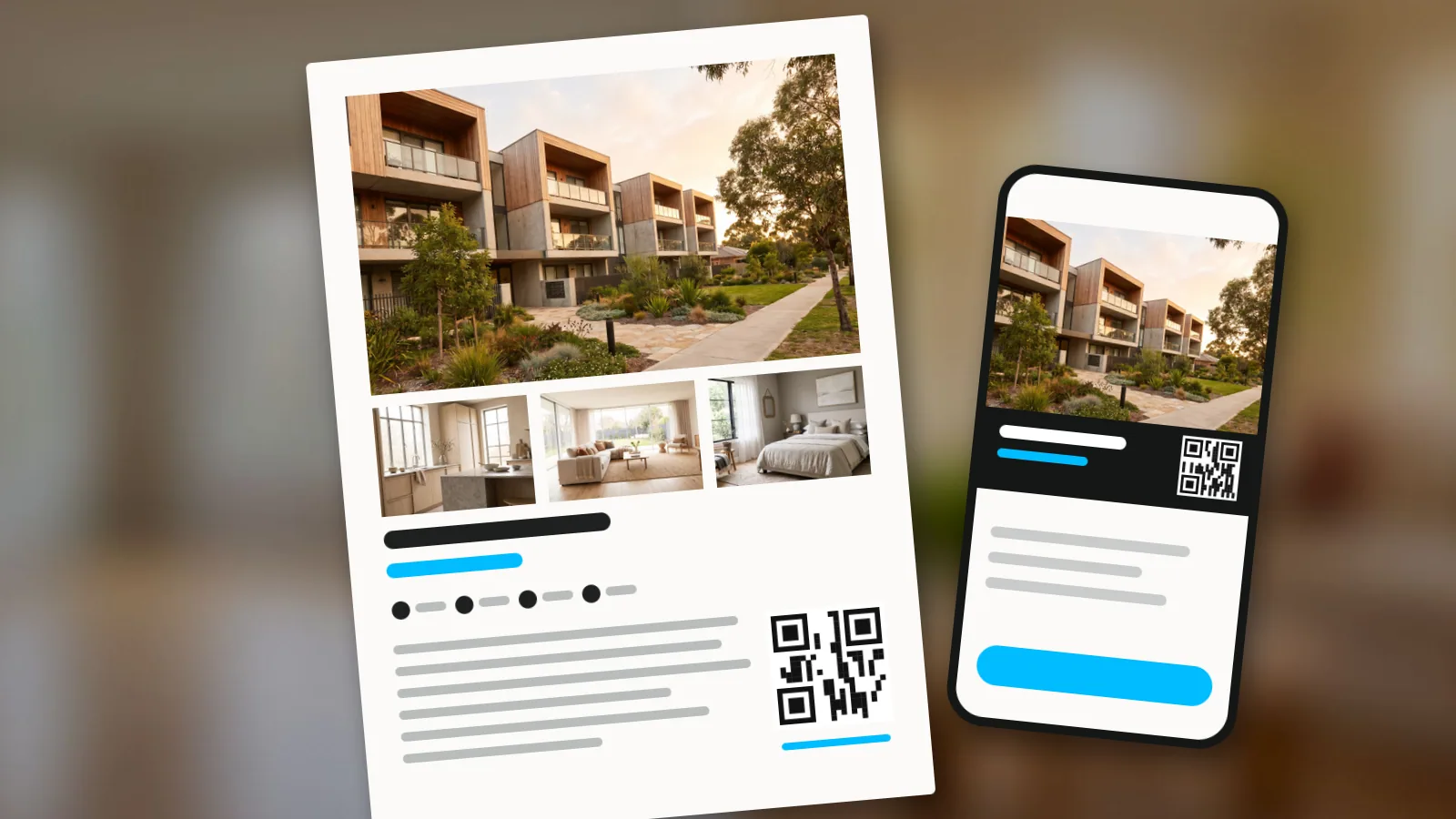
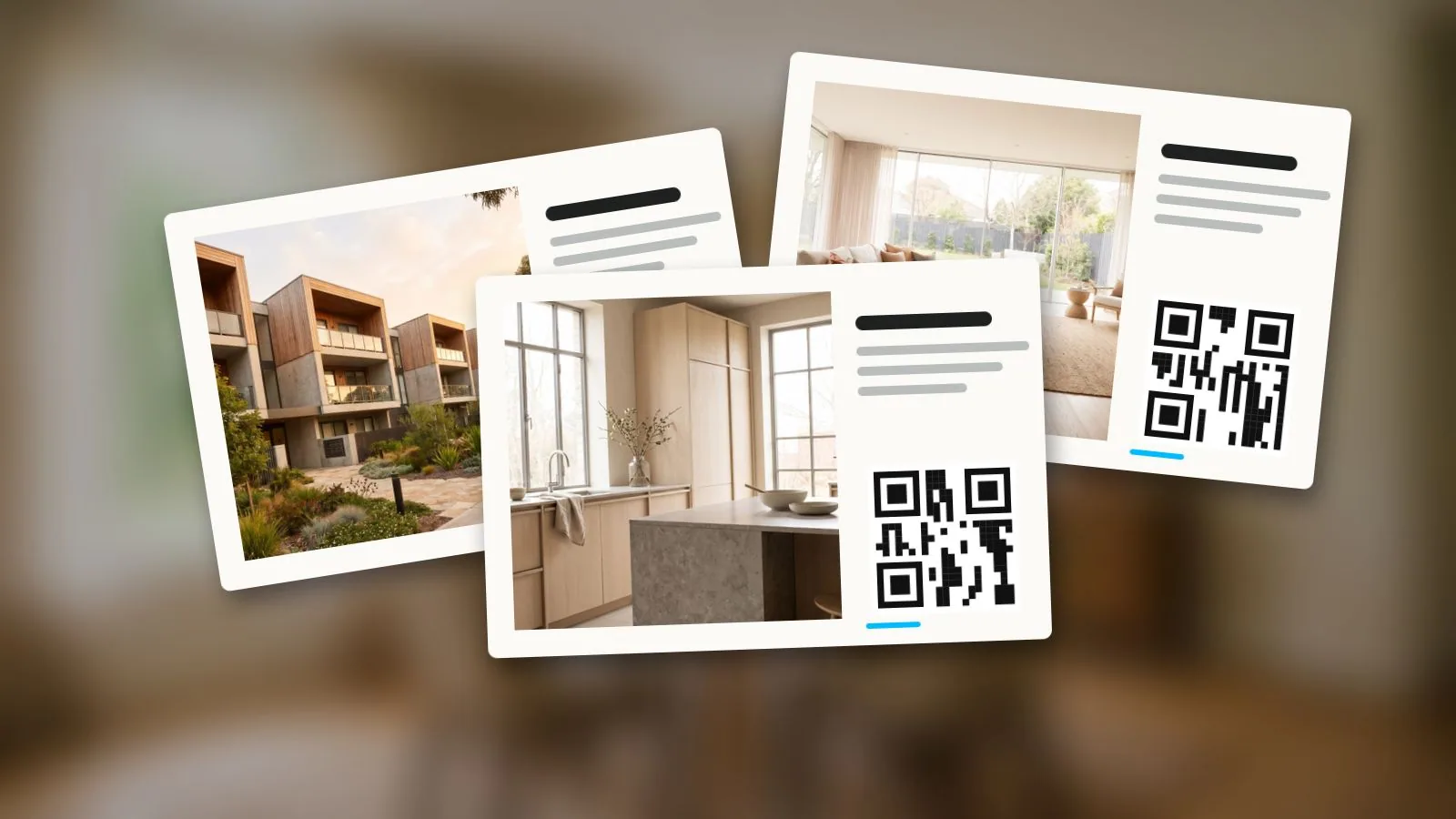
With Vistura, every tour comes with its own ad creative. "Images for social media" makes the photo in "Post 4:5" (1080 x 1350), "Story" (1080 x 1920), "Square" (1080 x 1080) and "Link post" (1200 x 630) on every plan, with the price and facts from the property details, and a QR code. The "Vertical reel" turns the tour into a 1080 x 1920 video, a pan through each room, made on your phone or computer. On Pro, both carry your logo and colours, you choose the design, and you pick the reel's rooms, order and pace.
Lead forms or a link: where the click goes
This is the biggest choice in a real estate ad, and both answers are right for different jobs.
Instant forms (Leads objective). The form opens inside Facebook or Instagram, mobile-friendly, and uses "information people already shared with Facebook", so filling it in takes seconds. You manage the leads in the Leads Center in Meta Business Suite or send them to your CRM (lead ads guide, read 22 November 2026). Use forms for seller ads: "What is your home worth? Get a free valuation from [your name], who sells homes in [your area]" only needs a name, an address and a phone number.
A link to the listing or tour (Traffic objective). One more step for the buyer, so fewer contacts, but each one has seen the home. Use a link for listing ads, where a viewing with the wrong buyer costs you an afternoon.
| Instant form | Link to listing or tour | |
|---|---|---|
| Effort for the person | Lowest: fields filled in | One more step |
| What they know when they write | The ad only | The whole home |
| Where the contact lands | Meta Business Suite or your CRM | Your website, portal or tour |
| Best for | Seller valuations | Listing enquiries and viewings |
Whichever you choose, answer fast. The first five minutes and a 14-day plan are in real estate lead follow up.
When the click goes to a Vistura tour, the enquiry reaches Leads with the person's contact details and by email, on every plan. On Pro, "Before getting in touch" shows where the person came from, how long they spent in each room and which rooms they liked. Also on Pro, buyers book a viewing from the tour in your Visit calendar: they pick a free time, get a confirmation by email with a calendar file, and the viewing arrives as a lead in the "Visit booked" stage. A buyer who clicked your ad at 11 pm books Saturday's viewing without waiting for your call.
One line on tracking: if you put Meta's pixel on your own website, ask whoever runs the site how it handles cookie consent where you work.
Budget: use your own numbers
Nobody can tell you what a viewing will cost in your area, and averages from other markets mislead more than they help. Work out three numbers before you spend:
- What you plan to spend. Daily budget x days the ad runs.
- What a viewing may cost you at most. Start from what one sale is worth to you and how many viewings a sale usually takes in your own records. Your maximum cost per viewing is a share of that, which you choose.
- What a viewing actually cost. Spend divided by viewings booked from the ad.
Fill in this table after each ad, from Ads Manager and your own diary:
| Ad | Spend | Clicks or forms | Enquiries | Viewings | Spend per viewing |
|---|---|---|---|---|---|
| Listing ad, home A | |||||
| Seller ad, valuation |
Run each ad long enough to reach a few viewings before you judge it. When the spend per viewing stays above your maximum, change one thing (the first frame, the caption, where the click goes) and run it again; if it still costs more, stop.
Measure where your buyers came from
Ads Manager tells you what happened inside Facebook and Instagram: reach, clicks, forms. What happens after the click is yours to measure. Give each ad its own link, so the visits it sends show apart from your organic posts, your portals and your sign's QR code. How to tag links, and the monthly review of every source, are in real estate lead generation.
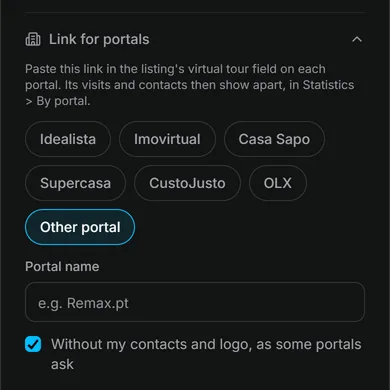
In Vistura, open the tour's Share window and "Link for portals". Under "Where will you put this link?", type the place, for example "Facebook ad, Elm Street", copy the tagged link and paste it into the ad. The "Without my contacts and logo" box starts ticked only for a known portal; for an ad link you decide, and leaving it unticked lets buyers from the ad write to you. On Pro, each place shows under the name you gave it in "By portal or place", with its visits and contacts; visits from Facebook and Instagram without a tagged link show under "Social networks", and a utm_campaign you add to the link shows by name under "Campaigns". The visits are recorded on every plan from the first day.
Then ask every caller "Where did you see this home?" and write down the answer. The two counts together tell you which ad booked the viewing.
A checklist before you launch
- One ad, one listing or one offer.
- Objective matches the job: Traffic for a listing, Leads for a valuation.
- Housing special ad category declared where Meta requires it.
- Location is a city or pin with Meta's minimum radius; no age, gender or zip code limits.
- Creative: vertical video or carousel, best room first, price and facts on screen.
- The click goes to a page where buyers can look round and write to you.
- The link is tagged with the ad's name.
- Your maximum spend per viewing written down.
- Replies to forms and messages within minutes.
Turn ad clicks into booked viewings
The best result of a listing ad is a diary with Saturday's viewings booked by buyers who have already walked every room, and a clear line from each ad to each viewing.
Vistura gives you every piece of that from one tour. "Images for social media" and the "Vertical reel" make the ad creative. "Link for portals" tags the link for each ad, Statistics shows on Pro the visits and contacts each one sends, and enquiries reach Leads with their details. On Pro, buyers book a viewing in your calendar from the tour, and "Before getting in touch" shows what each lead looked at first.
Start from your phone with Vistura Capture, nothing to install, then make the images and the reel from the tour menu.
See what each plan includes on pricing. Every new account gets 14 days of Pro with no card. Start free now.
Frequently asked questions
Can real estate agents target by zip code or age on Facebook?
Not in a housing ad. Meta's developer documentation says housing ads keep ages fixed at 18 to 65+, do not let you choose a gender, do not support zip codes or location exclusion, and need a radius of at least 15 miles (25 km) in the US and Canada or 15 km in Europe.
Do I have to use the Housing category outside the US?
Meta requires it from advertisers in the US or reaching the US, and from advertisers reaching Canada or Europe with housing ads. Advertisers outside the US who reach audiences outside the US, Canada and Europe can opt in or out.
How much should a real estate agent spend on Facebook ads?
Start from your own numbers, not someone else's average. Daily budget times days is what you will spend; spend divided by viewings is what a viewing costs you. Set the most you will pay for a viewing before you start, and stop or change the ad when it costs more.
Are Facebook lead ads better than sending people to a listing page?
They do different things. A lead form inside Facebook or Instagram is quick to fill in, so you get more contacts who know less about the home. A link to a listing or 360 tour asks one more step, so the people who write have already looked round.
Can I see other agents' housing ads on Facebook?
Yes. Meta said in June 2022 that it keeps all active housing, employment and credit ads in its Ad Library across the US, Canada and the EU, so anyone can see them, not only the audience they were aimed at.