Open House Feedback Form: 8 Questions That Help the Seller
An open house feedback form with 8 questions to copy, on paper or on the phone, and how to turn the answers into a report the seller acts on.
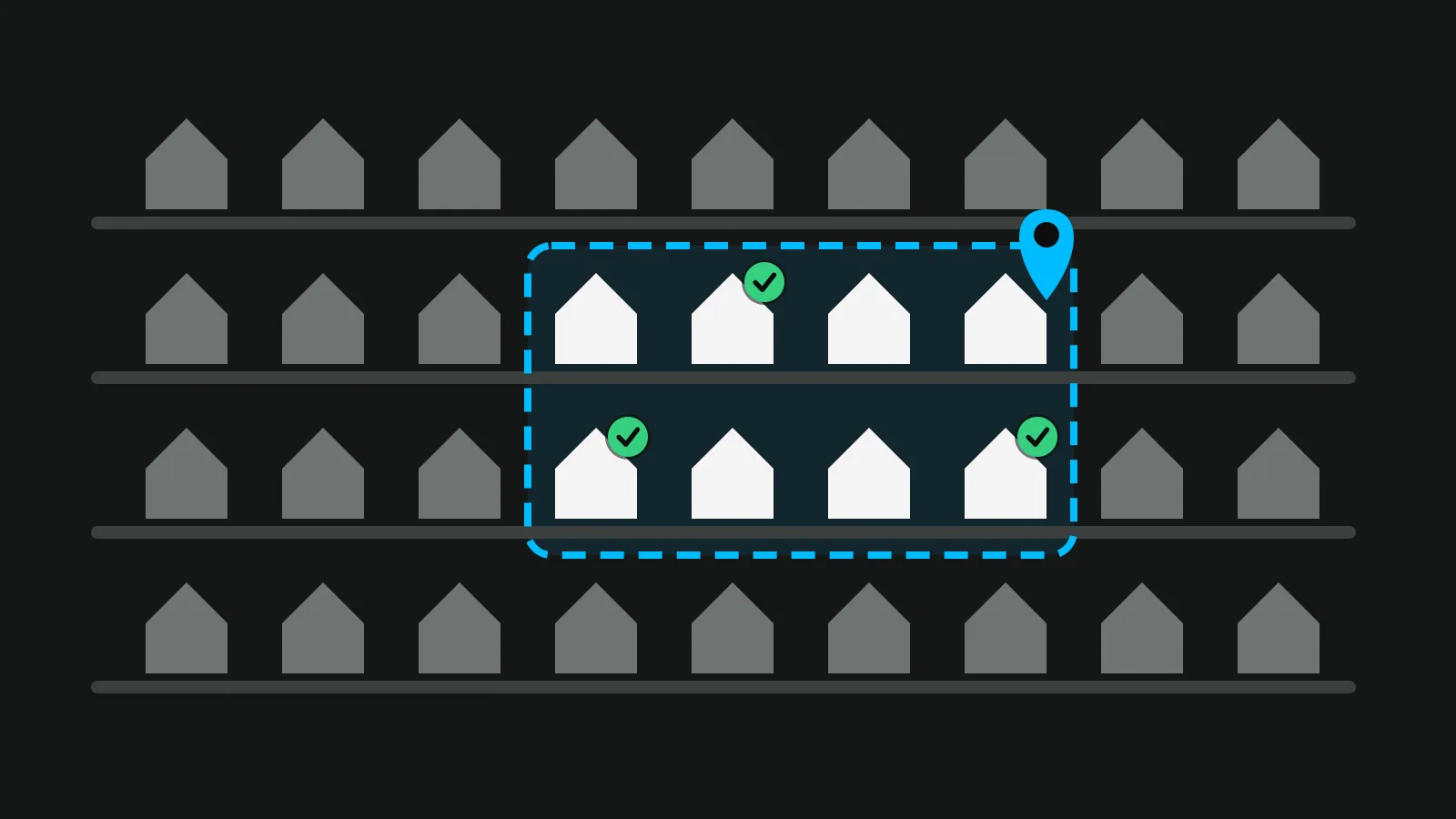
An open house feedback form is a short set of questions visitors answer before they leave, so you can tell the seller what buyers thought of the home and the price. Keep it to about eight questions that take one minute, on paper or on the phone. The sign-in sheet records who came; the feedback form records what they thought. You need both, and they work best as two separate things.
What an open house feedback form is for (and what it is not)
An open house feedback form does three jobs:
- Honest reactions to the home. What visitors liked, what put them off, which room they remember.
- A reading on the price. Not a valuation, but a count of how many people felt the asking price was high, fair or low.
- Knowing who wants more. Who asked for a second visit or the documents, so you call them first.
It is not the sign-in sheet, which records who came and how to reach them. It is not a contract, and it is not a sales pitch: every question should be easy to answer honestly, including with bad news.
At private showings booked by buyer's agents, the same questions go to the agent after the showing, not to the buyer at the door. There is a section on that below.
8 questions to copy
These open house feedback questions were written for this article. Copy them, change the wording to fit the home, and keep the answer types, because they are what make the answers easy to count.
- "How did the home feel when you walked in?" (scale of 1 to 5, or three faces on paper)
- "Which room did you like most?" (choice from a list of the rooms)
- "Was there anything that would put you off?" (short answer, optional)
- "For this home, the asking price feels: low / about right / high / not sure" (choice)
- "Compared with other homes you have seen at this price, this one is: better / similar / not as good / I have not seen others" (choice)
- "Where are you in your search? Just started / looking actively / ready to make an offer / I am a neighbour" (choice)
- "Would you like a second visit or the documents (floor plan, costs)?" (yes or no)
- Name, email and phone, all optional, with a separate unticked box: "You may contact me about this home." (contact fields and a tick box)
| Question | Answer type | What it tells you |
|---|---|---|
| 1. First impression | Scale | Presentation: light, smell, tidiness, the entrance |
| 2. Favourite room | Choice from a list | What to lead with in the photos and the listing |
| 3. Anything off-putting | Short answer | Repairs, staging, noise or smells to fix |
| 4. Asking price | Choice | The price conversation with the seller |
| 5. Against other homes | Choice | Where the home sits against the competition |
| 6. Stage of search | Choice | Who to call first |
| 7. Second visit or documents | Yes or no | Your follow-up list |
| 8. Contact and consent | Fields and a tick box | Permission you can show later |
Three rules make the answers worth reading. Word every question neutrally: "Don't you love the kitchen?" only collects polite yeses. Prefer choices to essays, because nobody writes a paragraph on the doorstep. And let the price question say "not sure", so people who have no idea do not pick a random answer.
Ask about the home, never about the person. Leave out questions on family, children, religion, nationality or disability. In the US, the Fair Housing Act prohibits discrimination in housing because of race, colour, national origin, religion, sex, familial status and disability, and a form that asks about those things is a risk you do not need.
Paper or phone: how to collect the answers
Paper. Put a clipboard by the exit with a pen on a string and a box to drop the sheets in. A sheet that goes into a box without a name gets franker answers on the price. The weak point comes later: someone has to type the answers up before you can count them.
Phone. Put a QR code at the exit that opens a short form. The answers arrive already typed, and a visitor who would rather not talk to you can still answer. Make the contact fields optional so people can answer anonymously.
Timing. Ask on the way out, while visitors remember the rooms. A form sent by email the same evening reaches people when they have moved on to the next home. HomeLight's questionnaire guide argues the other side: answers sent later, away from the agent, may be more honest. If you send a form later, keep it just as short.
A Vistura tour can carry this form. In the editor you build a form with several questions of your own, using answer types such as "Short answer", "Choice", "Choice from a list", "Tick box" and "Number"; the scale and the yes or no questions are each a "Choice" with the options you want. Place it as a button on screen, beside the tour or behind a hotspot, then download the tour's QR code ("For shop windows, flyers and for-sale boards") and print it for the exit. Visitors who scan get your questions and the whole home on their phone.
Under the form, a line tells them their details go to you, with a link to your privacy policy (add yours in the form's settings), and the box for news about other properties is separate and starts unticked. Every answer lands in Leads, where you can export it as CSV for Excel or Google Sheets, your own questions included. This works on every plan, and every account starts with 14 days of Pro with no card: see the plans.
Feedback after private showings
At a showing booked by a buyer's agent, the listing agent asks that agent for feedback, not the buyer, usually by message or email the same day. The buyer's agent knows what the buyer said in the car, which is often more useful than anything said in the home.
Showing services can send this request for you. For example, ShowingTime wrote in 2017 that all its products include a feedback module, and a 2023 help page for one MLS's ShowingTime service says the feedback request goes to the showing agent once the appointment time has passed, and that you can give the seller the report as a downloaded PDF. The exact settings depend on the service and your MLS, so check yours.
For showing feedback, use a shorter version of the eight questions: overall impression, the price, how the home compares with others the buyer has seen, and whether an offer is likely.
How to read the answers and talk to the seller
Tally, do not quote. After the weekend, count each choice per question. One visitor's "too dark" is an opinion. The same words on several forms are a job: lamps on, curtains open, a lighter rug.
Read the price next to the visits. The price answers mean little on their own. Put them beside the number of visitors and the second-visit requests:
- Many visits, many "high" answers and no second visits: a price conversation, with the counts in hand.
- Many visits, mixed price answers and several second visits: the price is working; keep going.
- Few visits: a reach problem first, before the price. Check where the listing is being seen, week by week, as in the real estate marketing plan.
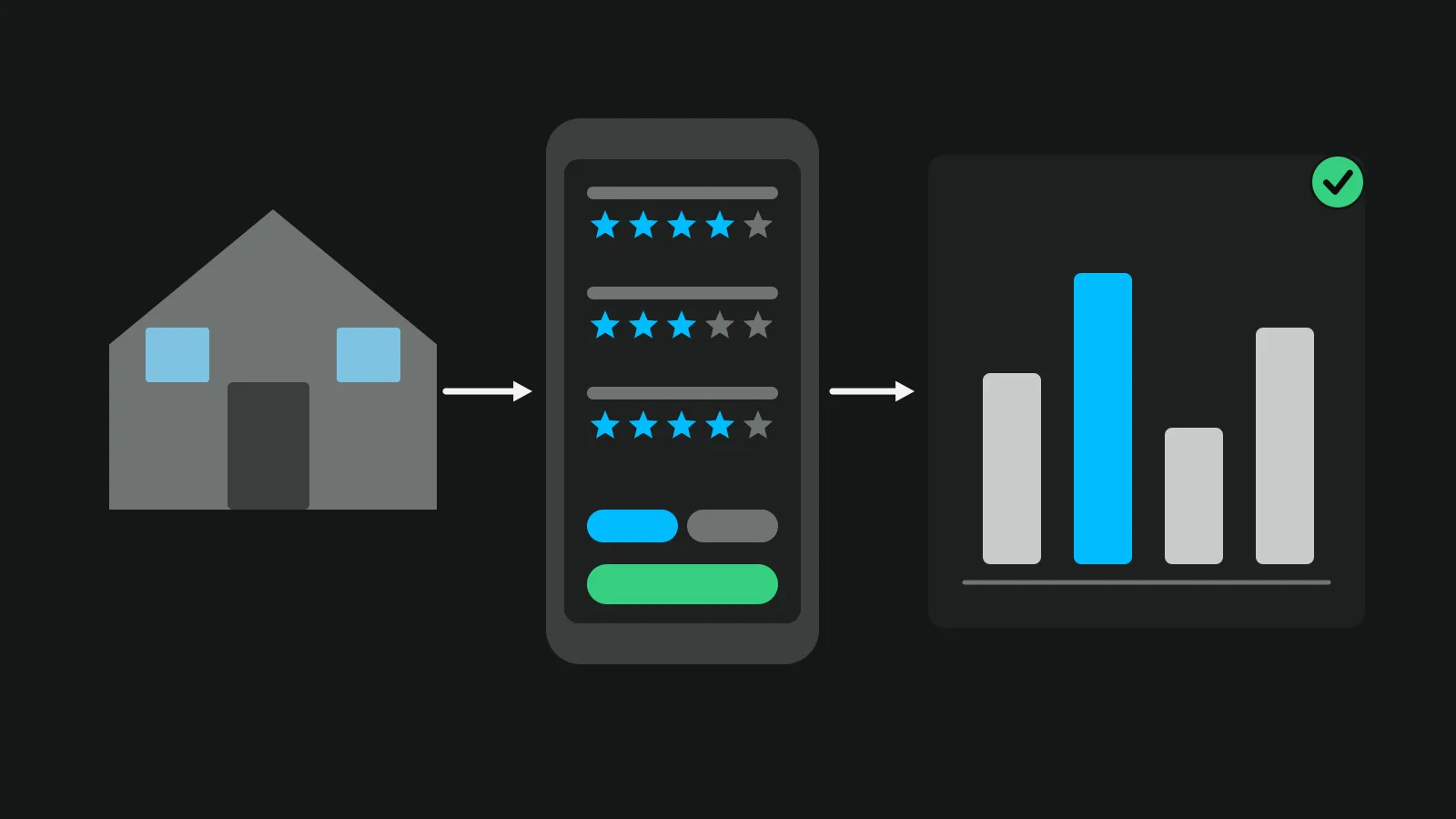
Give the seller one page the next morning. The number of visitors, how the price answers split, the three comments that came up most, how many asked for a second visit, and your recommendation. The report to the seller is one of the ideas that make an open house worth the seller's weekend, and clear, counted feedback is part of what wins your next listings, because sellers talk to each other.
Share counts and anonymous comments. Never pass names or contact details to the seller unless the visitor has agreed.
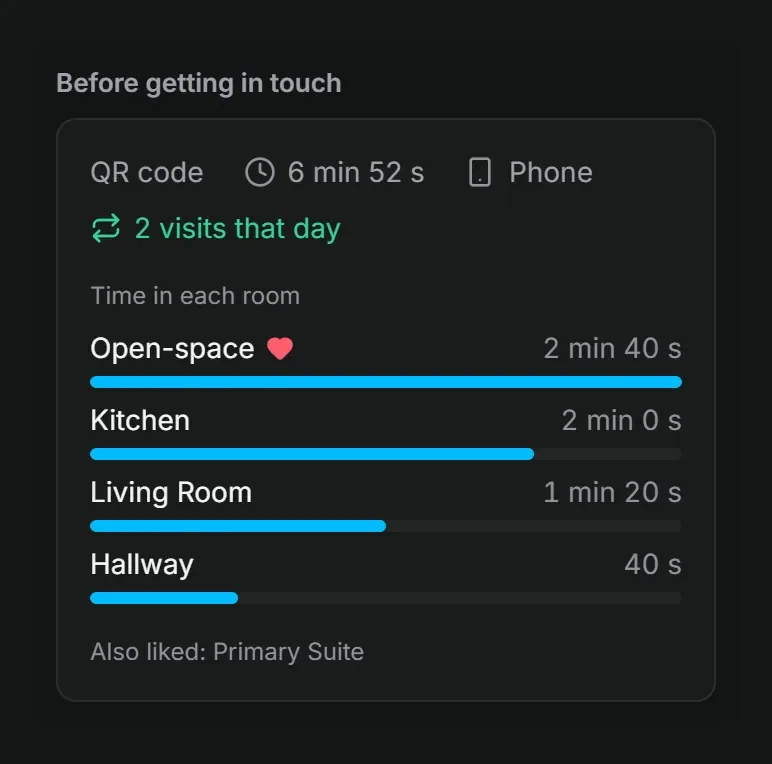
The tour keeps collecting after the open house. Visitors can tap "I like this room" or "Ask about this room", which opens your form with the room already named. On Pro, each lead shows "Before getting in touch": where the visit came from, how long they spent in each room and which rooms they liked. The owner report then goes to the seller by email or PDF with the tour's visits and contact requests; on Pro it adds where visitors came from, the rooms they looked at most, time in the tour and your logo.
What to tell visitors about their details
Tell people what happens to their details at the moment you collect them, not later. The UK's data protection regulator, the ICO, says you must give privacy information when you collect the data, including why you collect it, how long you keep it and who you share it with, in clear and plain language. One line on the form and a link to your privacy policy do it. GDPR has similar rules in the EU; check your national data protection authority's page.
Keep the feedback and the consent apart. Answering the questions never signs anyone up for anything, and the contact box starts unticked.
If you later email visitors about other homes, US rules apply to that email. The FTC's CAN-SPAM guide asks for an accurate subject line, a valid postal address, a clear way to opt out, and that you honour an opt-out within 10 business days. For marketing texts, check the rules where you work before you send the first one.
A one-minute feedback form, ready to use
- Eight questions, answered in about a minute.
- Choices and scales you can count, one optional comment box.
- Contact details optional, with their own unticked consent box.
- A QR code at the exit, or a clipboard and a box.
- Tally the answers on Monday, one page to the seller.
Then write to the people who asked for a second visit. The guide to lead follow-up has the messages to send, and when.
Frequently asked questions
Should visitors fill in the feedback form before or after the tour of the home?
After. Ask on the way out, while the rooms are fresh in their mind and they have seen the whole home. A form handed over at the door only gets first impressions of the hallway.
Can a seller see the feedback forms?
Yes, as a summary rather than the sheets themselves: the split of the price answers, the comments that came up more than once and the number of second-visit requests. A visitor's name, email or phone reaches the seller only if that visitor said yes to it.
How many questions should an open house feedback form have?
About eight, which takes a visitor around a minute. Most should be choices or a scale, so you can count them later, with one short optional box for comments and the contact details at the end, also optional.
Is it fine to ask visitors for their budget?
Only as an optional question with price ranges, never as a required field. Keep it about the home: asking whether the asking price feels low, about right or high tells you more for the seller and puts no one on the spot.